53
Appendix IIII: The Wi-Fi Operation Guide in Remote
Panel
1. Introduction
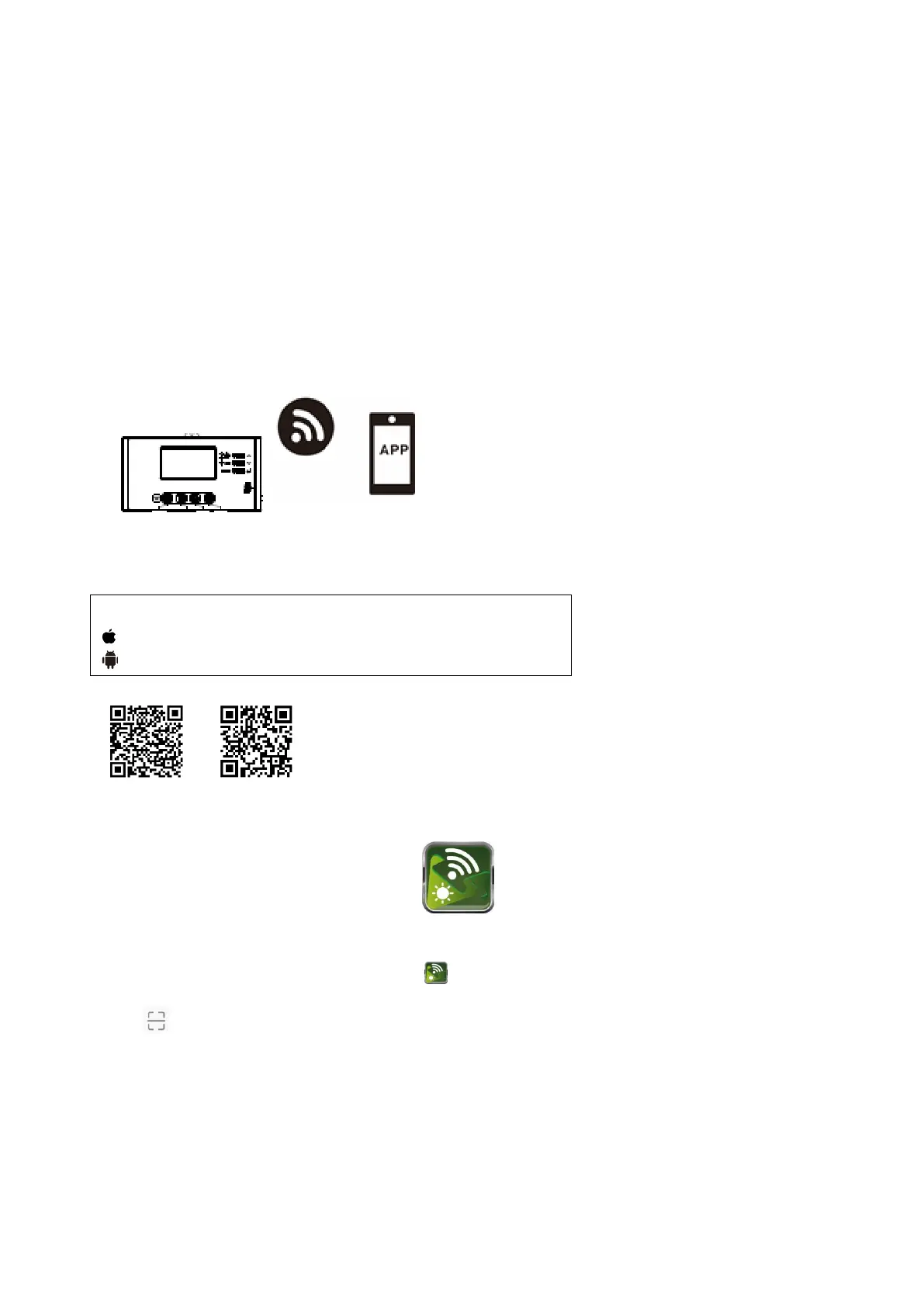
Wi-Fi module can enable wireless communication between off-grid inverters and monitoring platform. Users
have complete and remote monitoring and controlling experience for inverters when combining Wi-Fi module
with SolarPower APP, available for both iOS and Android based device. All data loggers and parameters are
saved in iCloud.
The major functions of this APP:
Delivers device status during normal operation.
Allows to configure device setting after installation.
Notifies users when a warning or alarm occurs.
Allows users to query inverter history data.
2. SolarPower App
甲、 Download and install APP
Please scan the following QR code with your smart phone and download SolarPower App.
Or you may find “SolarPower” app from the Apple® Store or “SolarPower Wi-Fi” in Google® Play Store.
Initial Setup
Step 1: Registration at first time
After the installation, please tap the shortcut icon to access this APP on your mobile screen. In the screen,
tap “Register” to access “User Registration” page. Fill in all required information and scan the remote box PN by
tapping icon. Or you can simply enter PN directly. Then, tap “Register” button.
Operating system requirement for your smart phone:
iOS system supports iOS 9.0 and above
Android system supports Android 5.0 and above



 To Next Page