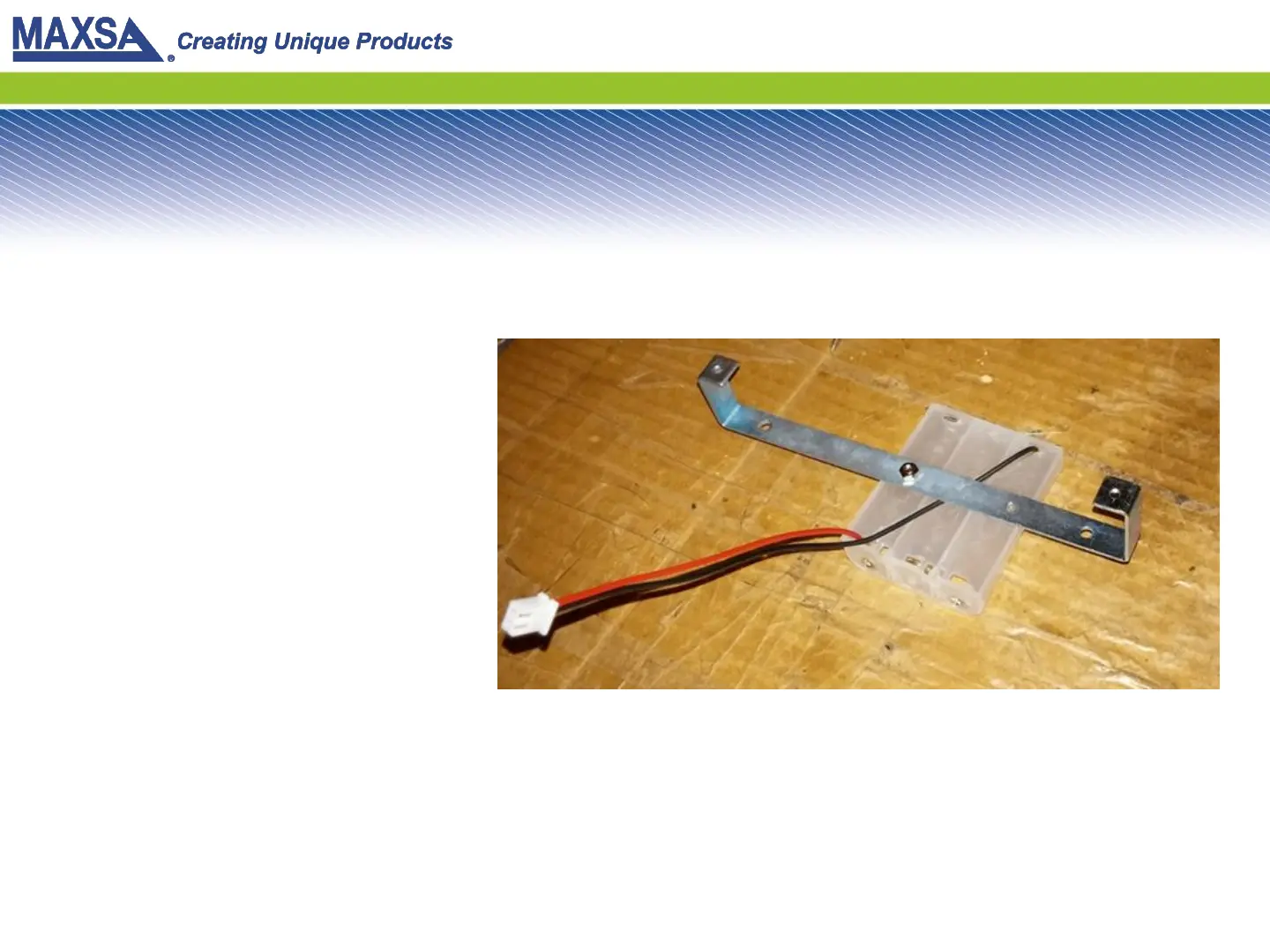
Step 8: Attach Battery Tray to Bracket
Use the bolt set aside from
Step 3. Place it through the
battery tray, then through the
bracket. Put a nut on the end
of it and tighten it.
Note the orientation of the
pieces, be sure yours matches.
The holes in the bracket do not
exactly match up to the holes
in the battery tray. You only
need to secure one hole, as
shown in the picture.


 To Next Page