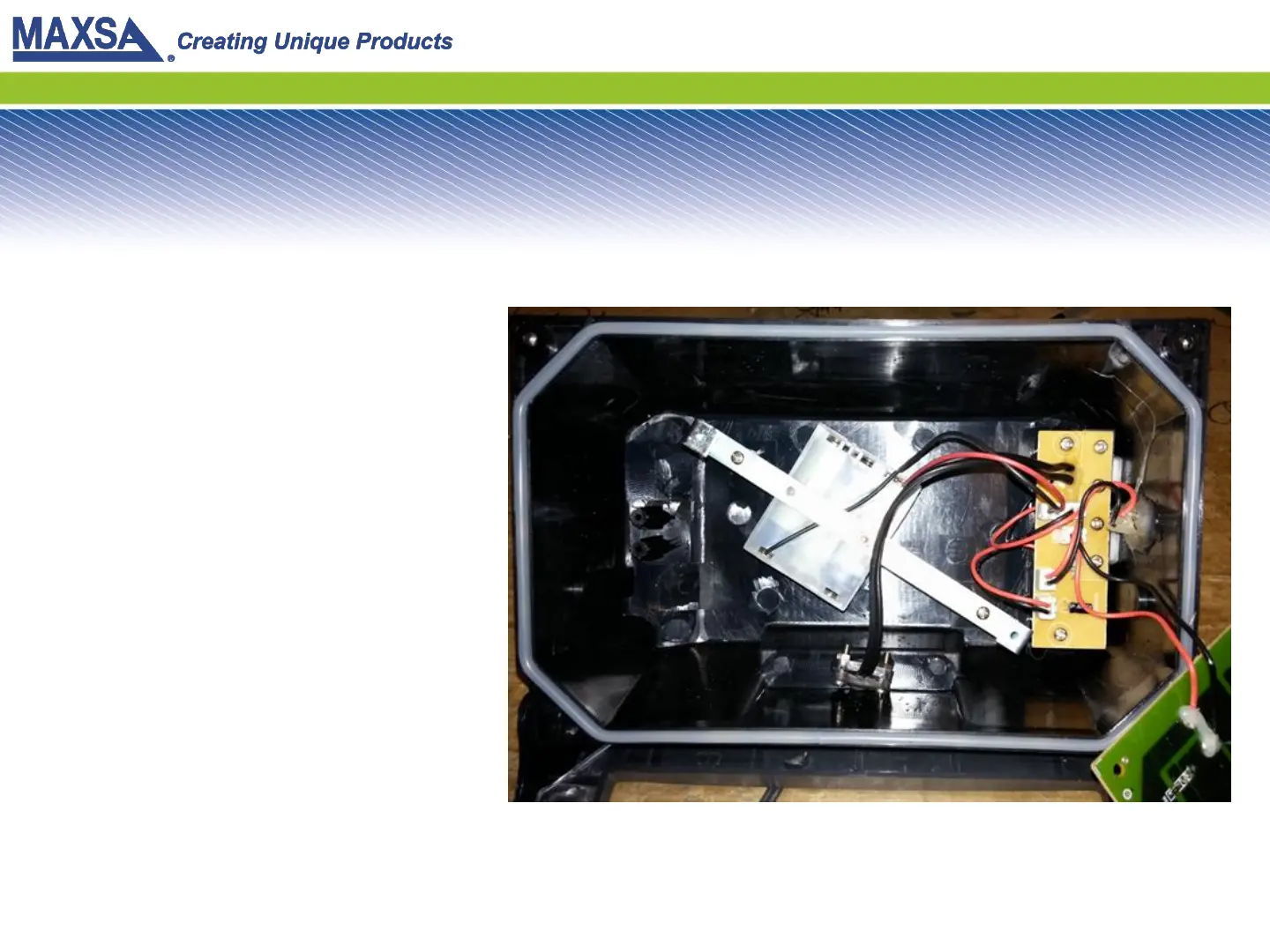
Step 11: Plug Tray into Control Board
Take the plug from the battery
tray and plug it into the same
socket on the control board
where the original battery pack
was attached. Be sure the
orientation is correct or it will
not fit.
Once plugged in, press the
ON/OFF button on the outside
of the light. If you installed it
correctly, the LEDs should
activate.
If it does not activate, please
call MAXSA innovations for
further troubleshooting. 703-
495-0661.


 To Next Page