10
After Sales Support
UK/N.IRELAND HELPLINE N
O
:
REP.IRELAND HELPLINE N
O
:
WEBSITE:
EMAIL:
01270 508538
1800 995 036
www.quesh.co.uk
enquiries@quesh.co.uk
Using The App
Transferring Files
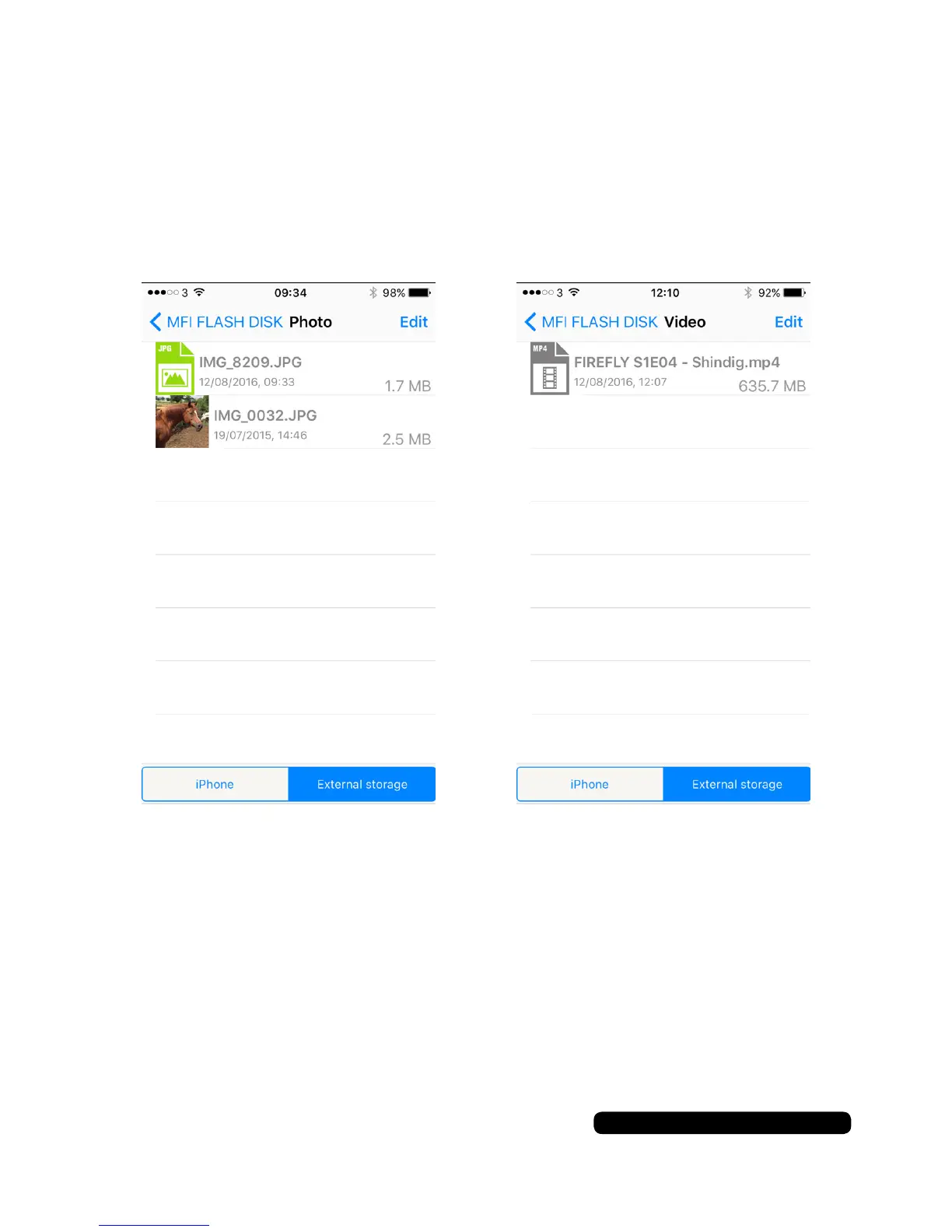
Once the folders have been created you can now transfer les over
to the ash drive. Touch ‘iPhone’ to show the available folders.
Touch ‘Edit’ to bring up the selection option. Touch the required
check boxes to select the les you want to transfer to the ash drive
and touch ‘Move’ at the bottom of the screen. Select ‘External’ to
transfer all the selected les to the ash drive.
If you want to transfer les from the ash drive to the iPhone/iPad
select ‘External’ instead of ‘‘iPhone’ when beginning this process.


 To Next Page