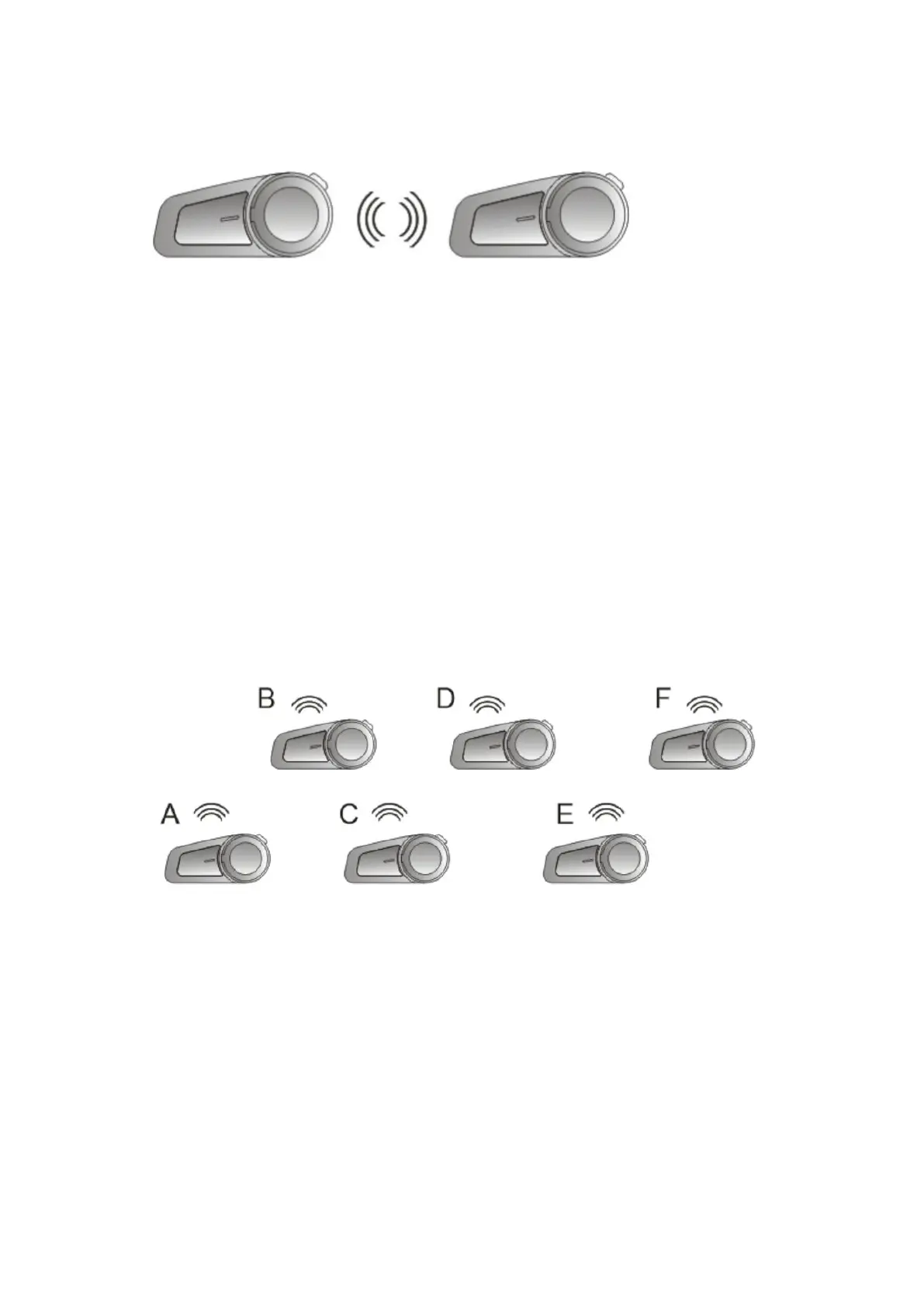
8.4 Pairing between two M2
Step 1 : Ensure both M2 are of f and within 1 meter visible
range of each other.
Step 2 : Follow step 8.1, both M2 are paired.
Step 3 : Quickly press the on/off button on either M2, then
it will search for the other M2 for pairing, the “intercom
connected” sound prompt means the connection is
successful.
8.5 Group Intercom Settings
Step 1 : Clear the matching record between A and F
Press and hold the on/off buttons of A and F for 5 seconds
until you hear sound prompt “power off ”, then hold them
for another 3 seconds.



 To Next Page