1 . APP connect T8
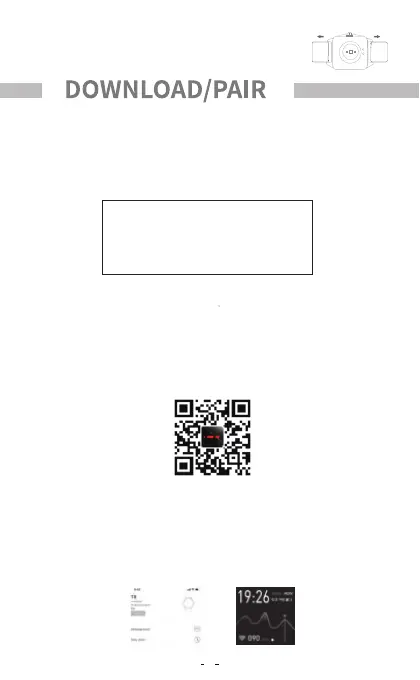
Turn on the bluetooth of the mobile phone, open the ''MAXTOP''App and select
the device to bound in add ''bracelet'' on the App. when connect T8, please
choose to allow access to location information , if there are multiple devices
nearby , please filter according to the MAC address of the watch . and the MAC
address can be viewed in About Devices in the watch settings function.
2.Watch and mobile phone binding connection
Scan the QR code . There may be problems opening the link with the
smartphones scanning tool . Please copy the link and open it through the
browser.
Step 3:Release the quick-release lever when the pins
on both ends are securely inserted into the notch.
Use MAXTOP App on ios or android smartphones(excluding tablets and
computers)as follows.
Note: The hardware and system of your smartphones should meet the following
requirements.
1.Ios users please search and download " MAXTOP " from APP Store;
2.Android users please search for " MAXTOP "then download and install it in
Google Play and 360 application markets , as well as the application markets
provided by Huawei , Xiaomi , OPPO and ViVO.
Setting
IOS 8.0 or above mobile Bluetooth 5.1
Compatible system: Android 4.4 or above
1.Search and download MAXTOP APP
3


 To Next Page