2 . Considerations when connecting :
①Bluetooth is turned on.
②The watch has sufficient electricity.
③When connect smartphones and watch , please keep it within 50cm
④If the smartphones cannot find the watch in the APP, please open all
permissions of MAXTOP software in the smartphones setting.
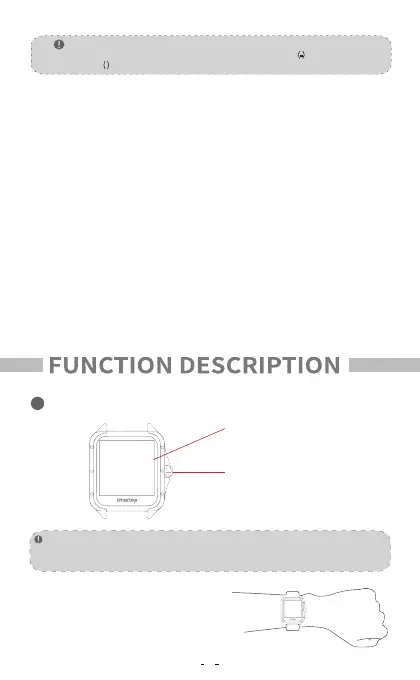
(Names of different parts)
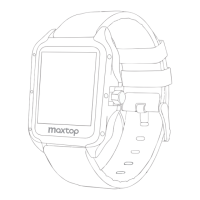
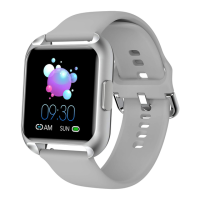
Appearance
To ensure the data is valid , please enter the real gender , height , weight and
skin color in APP'S personal data.
Note:
Side button /Home Key
Screen touch area
4
turn on the flip screen function on both
sides of app and watch.
Turn your wrist and light up the screen
Note:
After connected,the symbol in the upper left corner is displayed as : (-)
If you see the ( ) symbol ,it means not connection succeeded Please try again .
FAQ:
Could not find the device while connecting?
1.Make sure the Bluetooth of your smartphone turned on and the operating
system of your smartphone should be Android 4.4 and later,or IOS 8.0 and later.
2.Ensure that the distance between the smartphones and the device is less than
0.5 meters . After connection , the device should be kept within the effective
range ( usually less than 10 meters ).
3. Ensure that the device has sufficient power . If there are still problems after
charging , please feel free to contact us .
What should l do if the Bluetooth connection fails ?
1 . After the smartphones was restarted , the Bluetooth service was abnormal.
2 . Restart the smartphones or Bluetooth service to connect normally.
1


 To Next Page
 Loading...