2.Exit Sport Mode:
Slide the left screen and click the left icon to
confirm the end of the sport to exit Click the
right icon to pause or continue the sport.
3.Data preservation:
if the sport lasts less than 1 minute the user
will be reminded that the data was not saved
successfully.
The screen will automatically return to the main interface in 4 seconds , but the
sport mode will work in the background.
Note:
Press the side Key to enter the function selection
interface . slide up and down to select the required
function for operation , and press the side Key again
to return to the main interface.
8
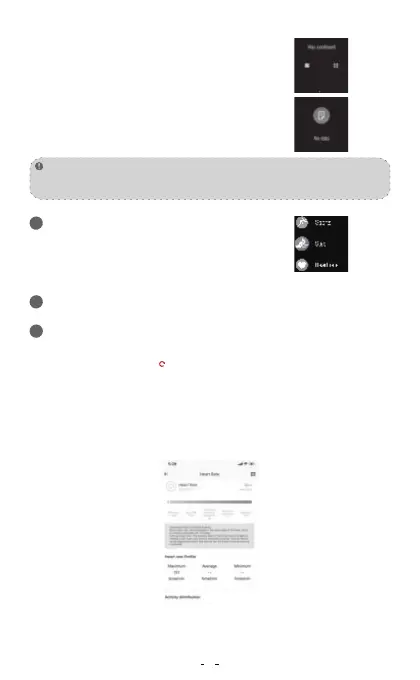
Slide the right screen on the main interface of the device to enter the heart rate
detection interface and click icon to start the detection.After the measured
results are obtained . the real-time heart rate value will be continuously
measured and displayed . No matter whether the results are measured or not ,
the device will automatically extinguish the screen and stand by after 60
seconds of cumulative testing . The heart rate measured on the device will not
be saved the result will exist in MAXTOP APP. and automatically monitor the
heart rate 24 hours a day , collect data every 10 minutes and display data every
30 minutes After synchronizing the data , the test results can be viewed on the
APP for details.
Heart Rate Panel
Function Interface
24
Setting goals(moving targets)
25
Manual detection and automatic monitoring of heart rate26


 To Next Page
 Loading...