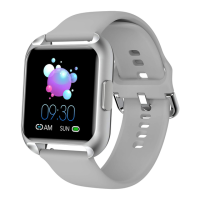
1.As long as you wear the smart watch, it will automatically detect your heart
rate, number of stecalories and synchronize to the APP.
2.The default is automatic heart rate monitoring function, which automatically
detects the heart rate every 30 minutes.
3.In order to monitor the heart rate more accurately, please make it tighter than
usual during exercise.
Enter the step counting interface to display the current step number ,target
progress , calories and distance of the day . The screen will close after 5 seconds
The acceleration sensor detects the step with a small error ( within 10 % ) within
a reasonable range.
9
Steps , Calories , and Miles27
Press the key on the watch shortly to select the timer function After setting the
time and pressing start , the countdown time will be displayed . It will vibrate
and remind at the end of the countdown . Slide the screen to the right to exit the
countdown.
After the APP successfully connects the watch , click the music option in the
function interface to play the music in the smartphones .
Music
29
Connect the watch and open the APP, click 'Remote camera control',shake your
wrist band,and the picture will appear in your phone,the you can use photo or
retake.
Remote Control of Smartphone Camera
30
Female Physiological Period
31
In APP , you can set the alarm clock and select the icon on the right .The
maximum number of alarm clocks is 5.
Alarm Clock32
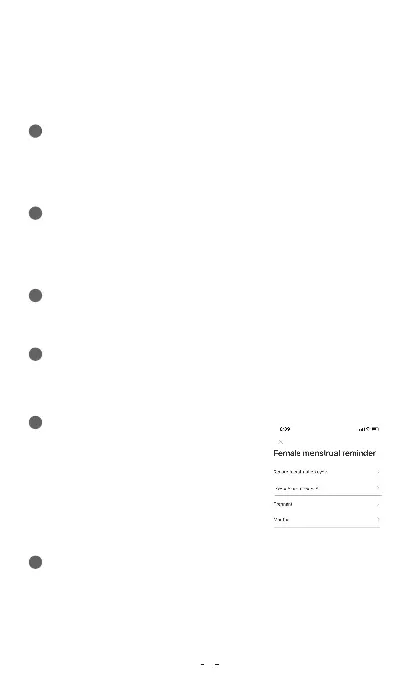
The female function is only used for female users
Only when the gender of APP users is set to
female will there be data records in the female
function options . Currently , it is supported to
record menstrual period , pregnancy preparation
period , pregnancy period and precious mother
period . You can select records according to your
specific situation and fill in your basic
information after clicking to enter.
Date Modification
Countdown28


 To Next Page
 Loading...