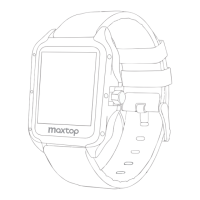
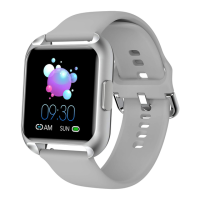
Slide the right screen on the main interface of the device to enter the blood
pressure detection interface and click the Start icon . The time required to
measure the result is normal due to the different physical conditions of the user
Please wait patiently . During the test , the value is shown to be --- /--- If xxx /xxx
is displayed when blood pressure can not be measured , please check that the
device sensors are completely attached to the skin , and test whether the
posture is correct . Please keep your body relaxed and still during the test . No
matter whether the result is measured or not , the device will automatically turn
off he screen and stand by for up to 70 seconds . the device will automatically
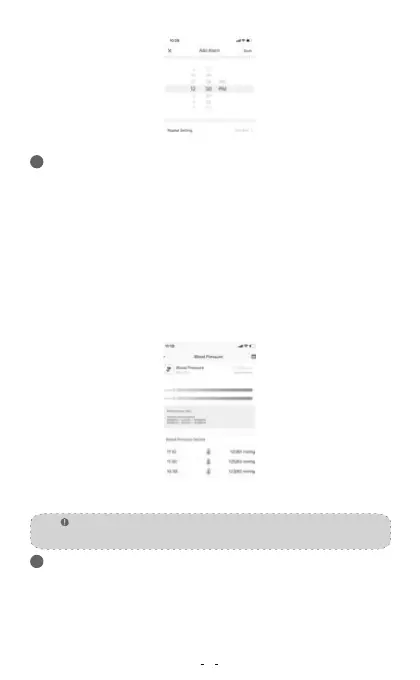
test the blood pressure every 10min .The blood pressure value automatically
measured by the device can be viewed in the blood pressure details page
interface of the APP after synchronizing the data.
Manual blood press detection automatic monitoring and private blood
pressure mode
33
Press the watch key shortly to select the stopwatch function , click the touch key
to start running for seconds once , then press Pause ,then press Continue , cycle
in turn , and slide the right screen to exitunning for seconds . Note : After
entering the stopwatch interface , the device will temporarily block all reminders
that need and push work need to occupy the screen . The maximum time value
of the stopwatch is 99 minutes and 59 seconds.
10
Note:
The data is only for reference, not for medical purposes
Alarm Clock Test
Stop watch34
Blood Pressure Details


 To Next Page
 Loading...