Remove System Cover 3
Remove System Cover
1.
Turn your computer off.
2.
Unplug your system from the electrical outlet.
3.
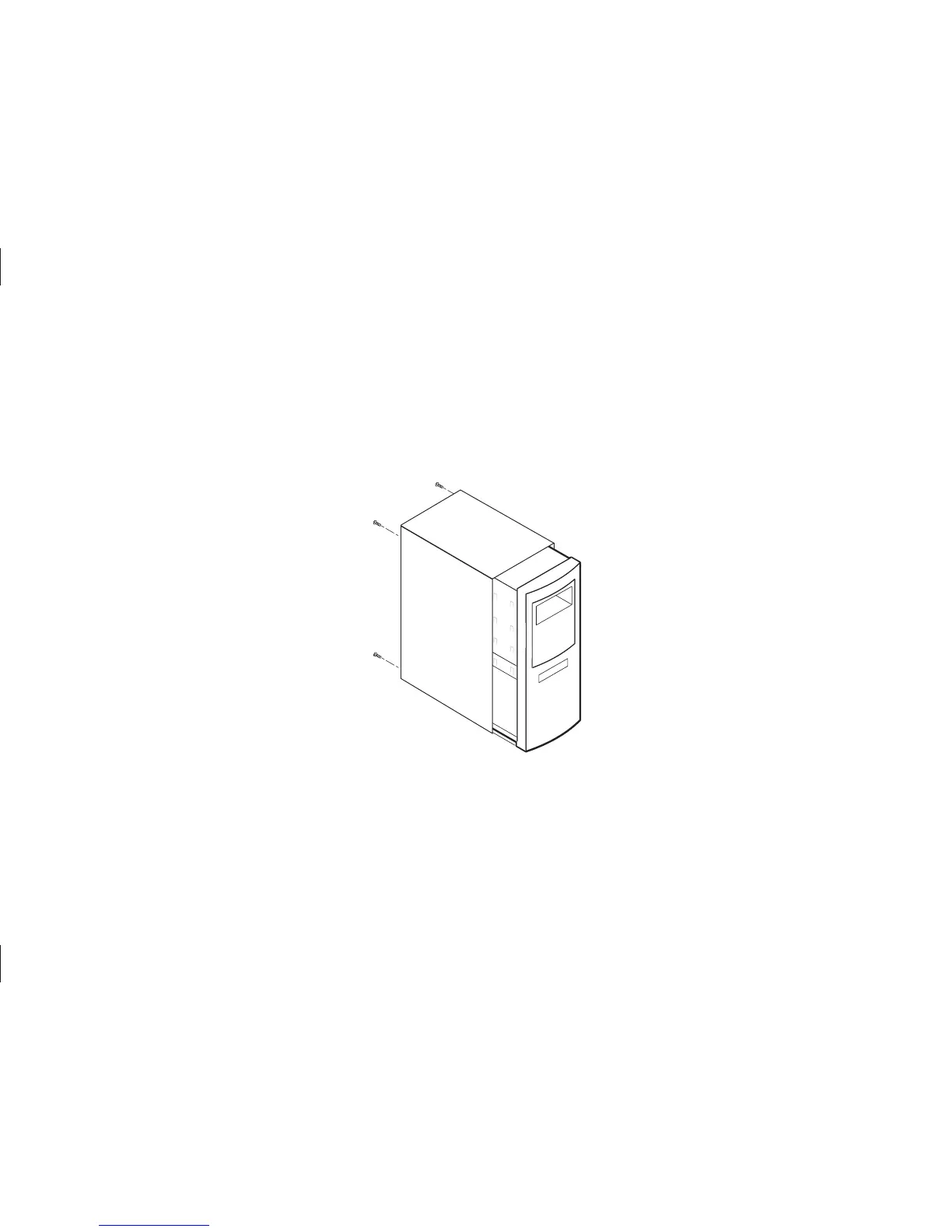
Remove the cover from your system case.
4.
Attach a grounding strap or touch a metal portion of your computer case. This will
ground you to minimize the risk of exposing the hard drive to electrostatic discharge.
Figure 3
Removing the System Cover
Refer to your system user
manual for instructions on
removing the cover, or
obtain the services of a
qualified installation
technician.



 To Next Page