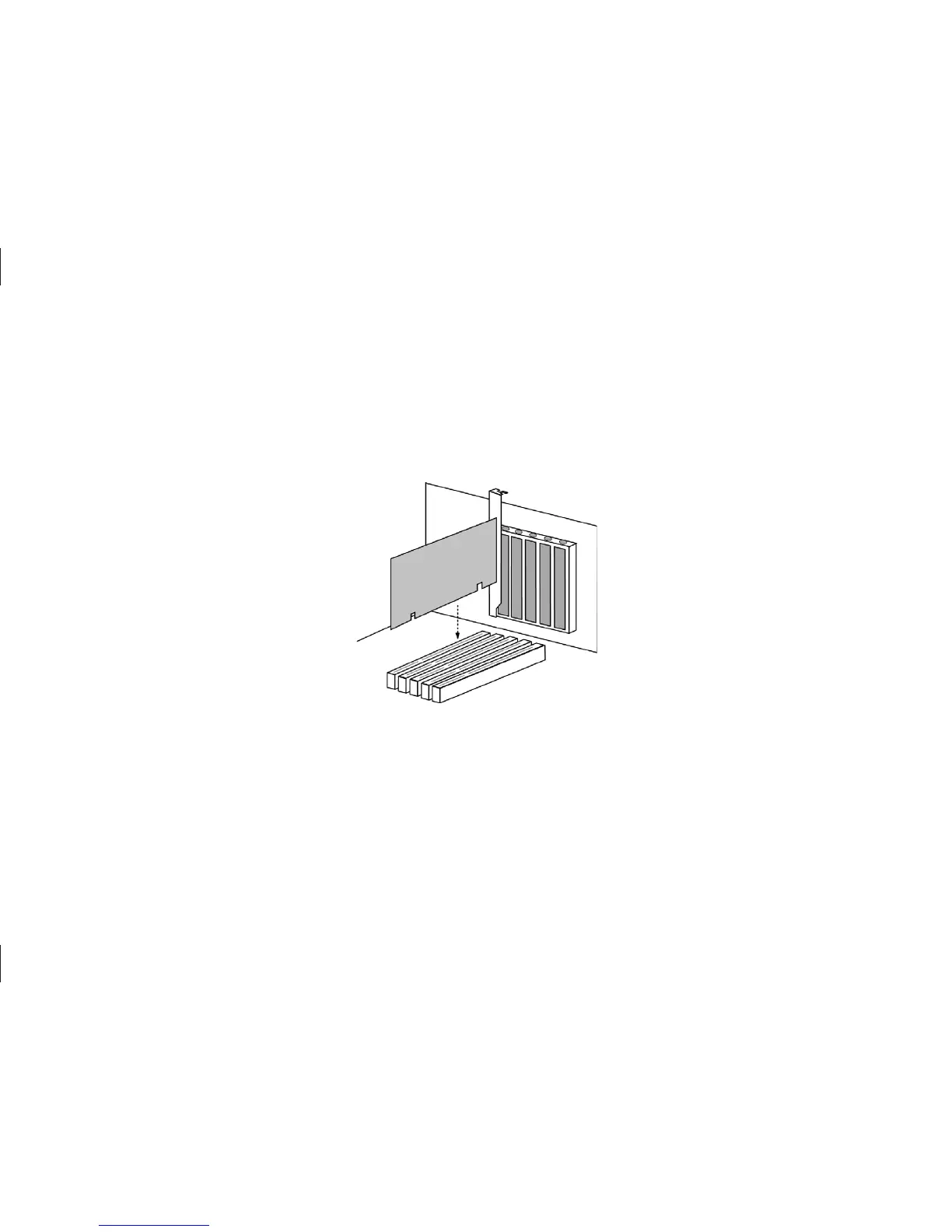
4 Install SATA/150 PCI Card
Install SATA/150 PCI Card
The SATA/150 PCI Card fits any available 32-bit PCI slot. It also fits the 32-bit portion of a 64-bit PCI slot.
1.
Unscrew and remove the slot cover of an available PCI slot on the motherboard.
2.
Install the SATA/150 PCI Card into the open slot. Secure the controller card bracket to the system’s frame.
3.
(optional) Attach your system case’s 2- or 4-pin LED cable to the LED connector on the SATA/150 PCI Card
(see Figure 5). Make sure that pin 1 on the connector is aligned with pin 1 of the cable. Consult your system
case manual for more details on the LED connections for your case.
Figure 4
Inserting the SATA/150 PCI Card



 To Next Page