Page 5
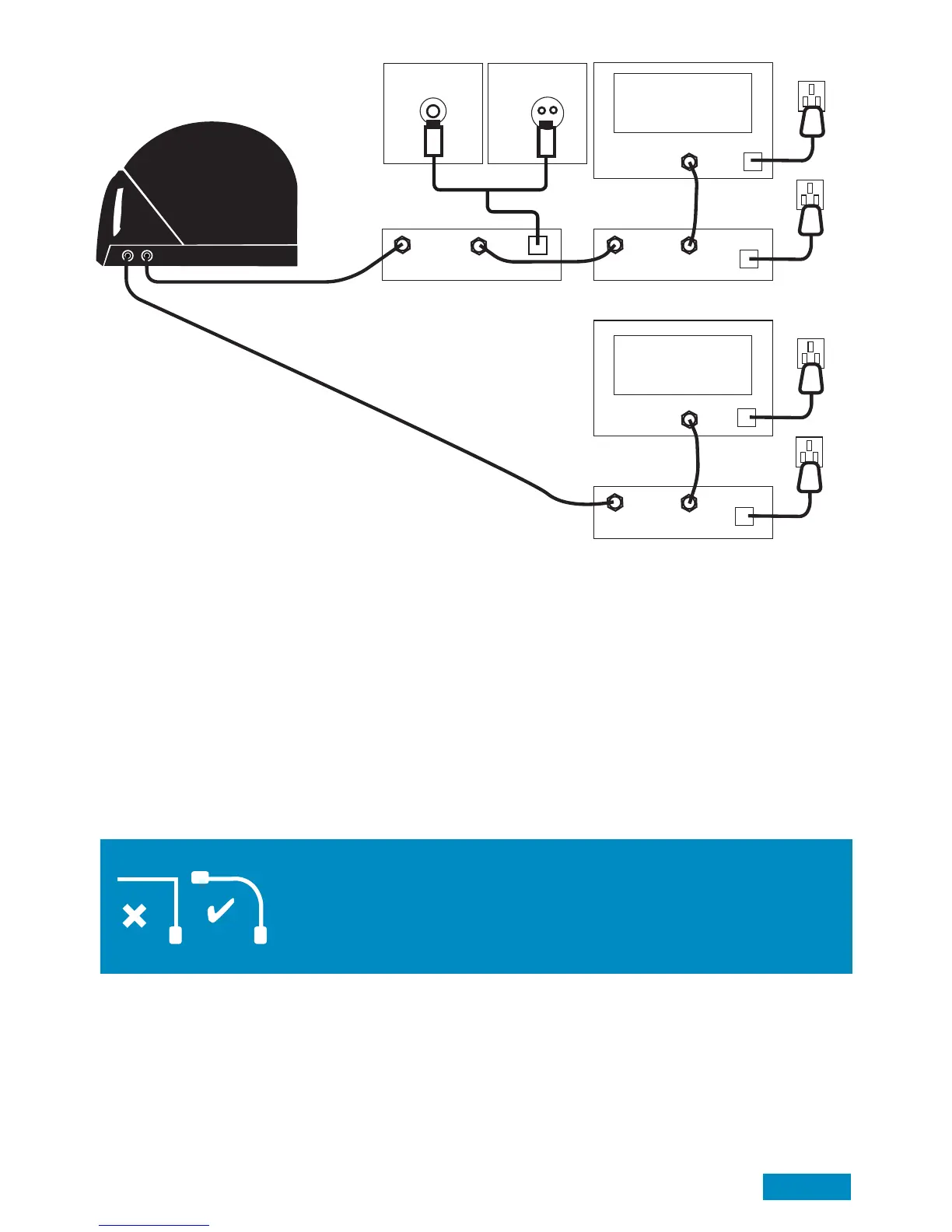
Set up diagram/Anschlussdiagram
Key:
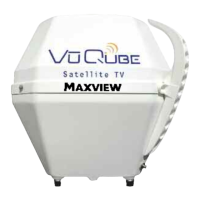
A. VuQube 2 System Outside vehicle
B. Supplied 0.5m ‘F’ to ‘F’ Cable
C. VuQube 2 Control Box
D. Satellite Receiver
E. Scart Lead OR HDMI Cable (HD or SD compatibility)
F. Cigarette Adapter 12V Power Supply
G. Wall Adaptor 12V Power Supply (EU only)*
H. Supplied 10m ‘F’ to ‘F’ Cable
* UK version supplied with a 12V Cigaratte Adaptor only
If you require a 12V PSU we recommend a switching PSU rated at minimum of 2 amps
B
A
AUX
ATTENTION!
Avoid sharp bends when routing cable
ACHTUNG!
Vermeiden Sie ein starkes knicken des Koax-Kabels
C
D
E
Main TV
Hauptfernsehgerät
ANT REC
SAT IN
PWR
PWR
D
E
SAT IN
PWR
12/24V
12/24V
2nd TV (optional)
2. Fernsehgerät
12V (UK & EU)
F
G
230V (EU Only
/Nur)
H
Optional
Twin Output
Erklärung:
A. VuQube – Auto außerhalb des Fahrzeugs
B. Mitgeliefertes Koax-Kabel mit F-Stecker
C. VuQube Auto Steuerbox
D. Satelliten Receiver ODER Sky Box
E. Scart-Kabel oder HDMI-Kabel (HD oder SD kompatibel)
F. 12 V Anschlusskabel
G. 230 V Netzteil
H. 1 x 10 Koax-Kabel


 To Next Page