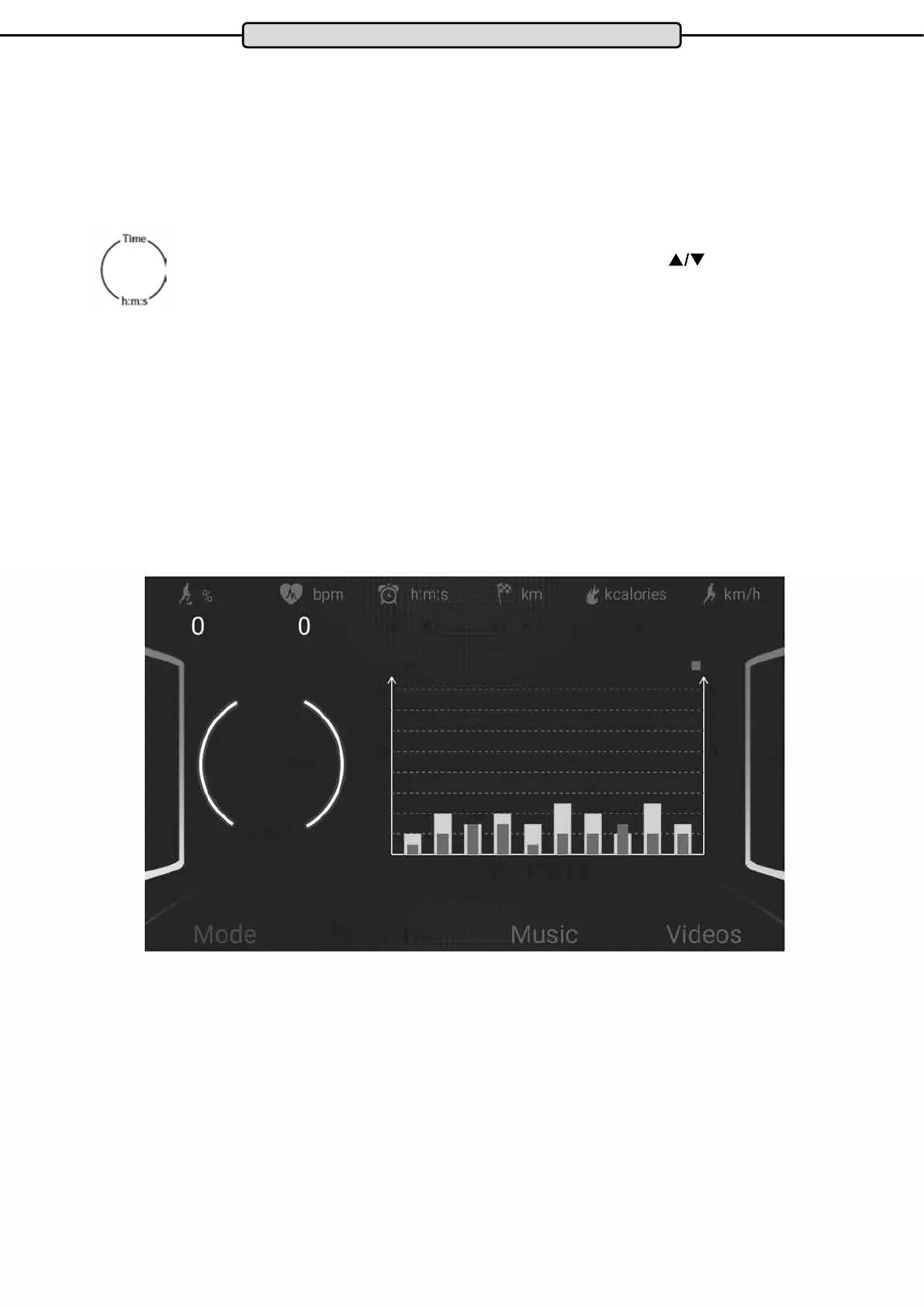
■ km/h
%
16
16
14
14
12
12
10:00
10 10
�
f
8 8
6
6
4 4
2 2
■ km/h
%
16
16
14
14
12
12
10:00
10 10
�
f
8 8
6
6
4 4
2 2
10:00
20
Training proles P01 - P24
With this type of training, the user has 24 preset, permanently installed training proles. Each prole consists of
10 segments. The total training time set by the user determines on the duration of the segments (training time:=
10 x time per segment).
Step 1: Program selection.
Turn on the treadmill and select the desired program by pressing the PROG button.
Step 2: Specication of the training time
The value “10:00” ashes in the display eld for “TIME”.
Enter the desired workout time from 05:00 to 139: 00 minutes by pressing the
buttons
for SPEED or INCLINE.
Step 3: Training start
After entering the exercise time, press the START button. The display shows a countdown. After completion of
the countdown the treadmill starts automatically.
The training ends automatically with the achievement of the given training time.
Note:
During exercise, you can change the default speed and incline for the current segment. At the beginning of the
next segment, however, these automatically change to the pre-programmed values for the currently selected
training prole.
Changing the speed and incline values for the entire prole is not possible.
Cockpit


 To Next Page