8
2)Adjust SQL Level
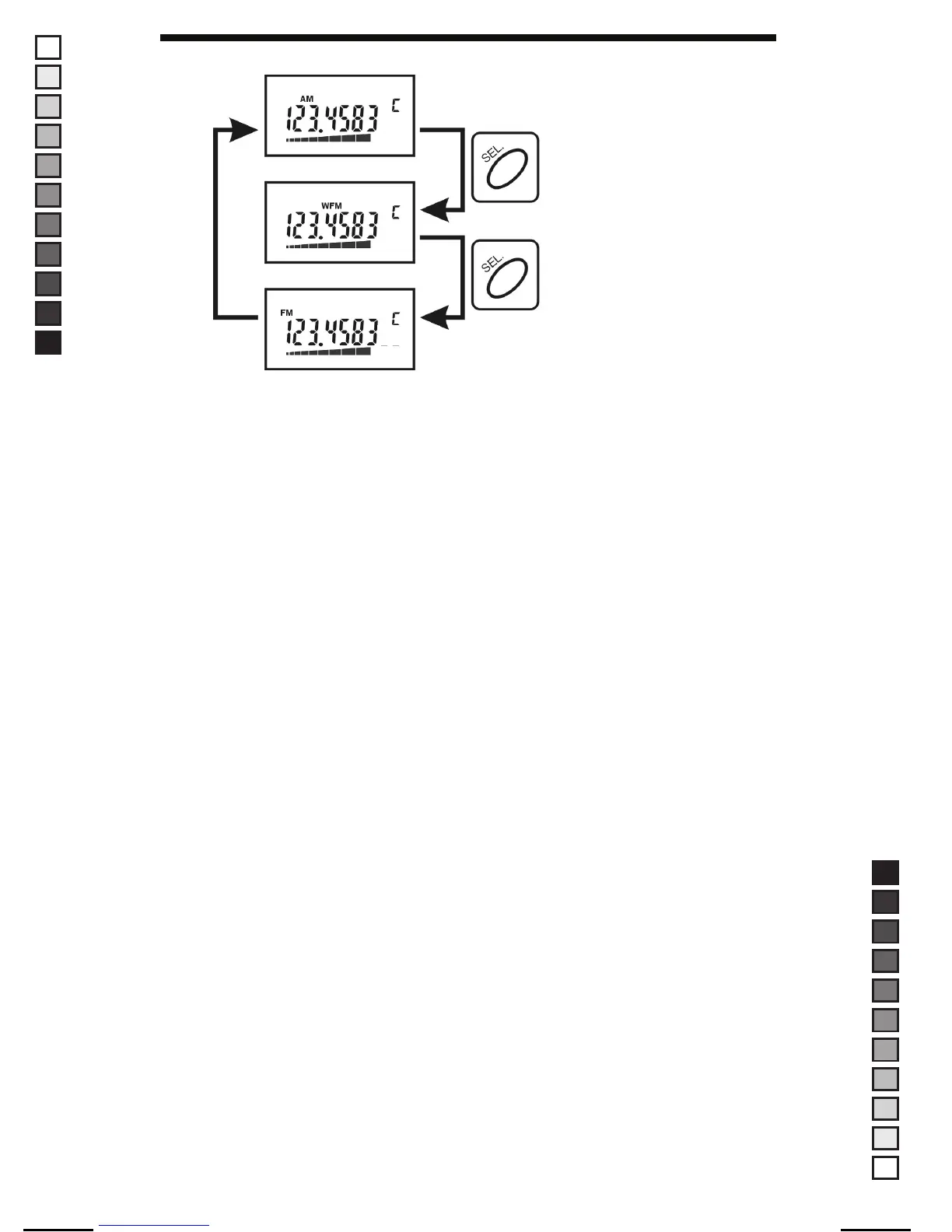
To adjust SQL level, press the “SEL” button for more than 2 seconds.
With Up/Down button, you can adjust SQL level according to your
Need.
SQL level will be displayed with S-RF level meter.
SQL level will be adjusted from S2 to S8.
3) Change of Frequency step
FR-100 has 5KHz,8.33KHz(Air), 10KHz,12.5KHz, 20KHz, 25KHz,
50KHz,100KHz, 200KHz and 1MHz frequency step.
To change the frequency step, press the “SEL” button longer than
2 seconds. With Up/Down button, you can select the frequency step
which you want. To fix the frequency step, press the “MO/SET” button.
If the “MO/SET” key will not be pressed over 4 seconds, current
frequency step will be fixed automatically.
Note : The changed frequency step is only available per related band
MANUAL SIZE: 110 X 190 mm / MATERIAL: ART PAPER(W/O COATING)
MANUAL-USER(FR-100) / ERP CODE: 2190014 / English / Maycom Export Version
[2008.09.08] 8, 9, 11, 12 page edit version


 To Next Page