8
Select a spin speed appropriate for
the load. This will determine how
much moisture is removed from
the load.
• “max extract”
• “high (flat dry)”
• “medium”
• “low (hang dry)”
See page 6 for descriptions of the
spin cycles.
Step 4
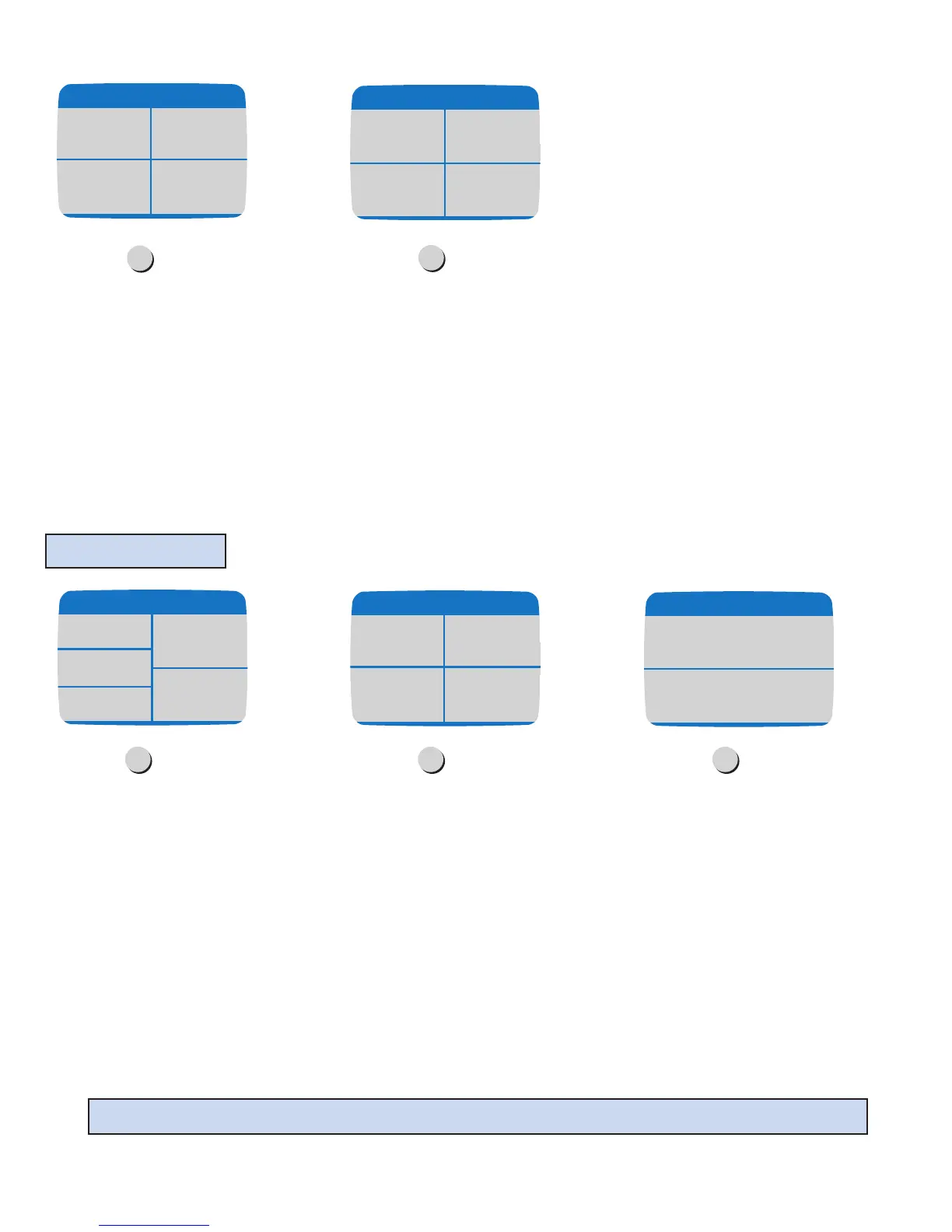
This screen reviews the selections for
“custom rinse & spin”.Press
Start/Pause to begin rinsing or press
a displayed choice to change a
selection.
Step 5
max
extract
Spin Speeds
medium
high
(flat dry)
low
(hang dry)
Press "Start/Pause" or
change selections below.
warm rinse
temperature
2 rinses
medium end of
cycle chime
max extract
spin
This screen reviews the selections for
a “custom spin”.Press Start/
Pause to begin spinning or press a
displayed choice to change a selection.
Step 3
Touch “custom spin” on the
More Cycles Screen.
Step 1
Select a spin speed appropriate for the
load. This will determine how much
moisture is removed from the load.
Step 2
CUSTOM SPIN
max
extract
Spin Speeds
medium
high
(flat dry)
low
(hang dry)
warm
rinse & spin
cold
rinse & spin
custom
rinse & spin
spin
custom
spin
More Cycles
Press "Start/Pause" or
change selections below.
medium end of
cycle chime
max extract
spin
Special Note: Press Back for previous touchscreen.





 To Next Page