EasyManua.ls Logo

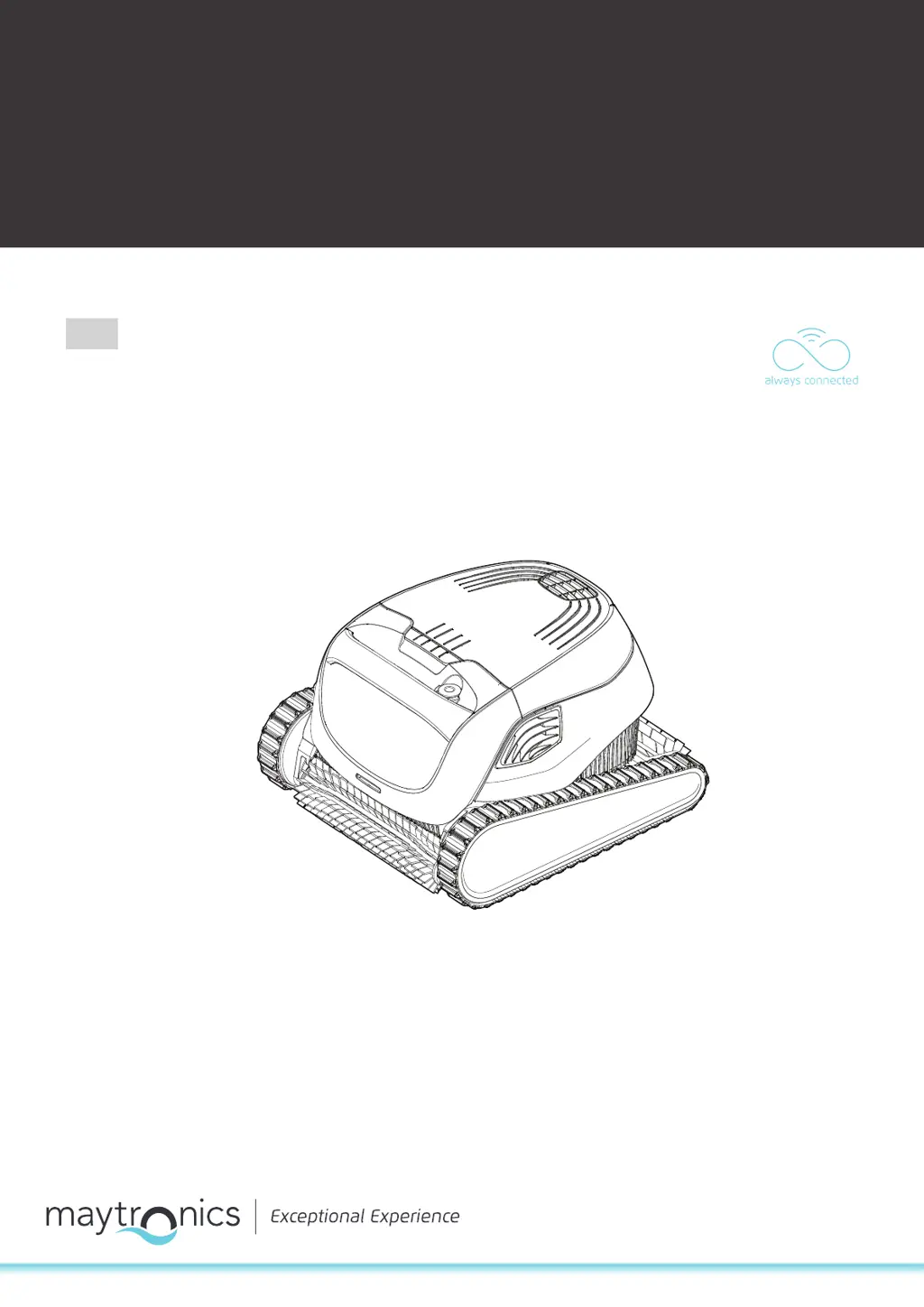
Maytronics Dolphin Explorer E30 - User Manual

Maytronics Dolphin Explorer E30
16 pages
Print Icon
To Next Page IconTo Next Page
Loading...
User Instructions
EN
8180031
Maytronics Dolphin robotic pool cleaner
CLASSIC 13 / CLASSIC 13+

Questions and Answers

  • H
    herreratracyJul 28, 2025
    How to troubleshoot a Maytronics Dolphin Explorer E30 Swimming Pool Vacuum with a power supply that is not working?
    • B
      Bradley VillaJul 28, 2025
      If the power supply or switch for your Maytronics Swimming Pool Vacuum isn't working, first ensure there's voltage in the wall socket. Then, check that the power supply is plugged in and switched ON. Verify the black power cable is fully connected to the power supply inlet. If these steps don't work, turn the power supply OFF, wait 30 seconds, and then turn it back ON.
  • M
    Mrs. Marilyn HintonAug 1, 2025
    Why is my Maytronics Dolphin Explorer E30 Swimming Pool Vacuum moving in circles?
    • P
      patelamyAug 1, 2025
      If your Maytronics Swimming Pool Vacuum is moving in circles, it could be due to several reasons. First, check and clean the filter basket, as a clogged basket can cause this issue. Also, inspect the impeller house and impeller cover for any stuck debris and remove it. Ensure the power supply is positioned correctly, allowing the cleaner to reach all areas of the pool freely. Finally, verify that the algae level and pool water conditions are within the recommended specifications.
  • K
    Kenneth RamseyAug 5, 2025
    Why does my Maytronics Dolphin Explorer E30 Swimming Pool Vacuum only clean part of the pool?
    • J
      Jared BurnsAug 6, 2025
      If your Maytronics Swimming Pool Vacuum only cleans part of the pool, make sure the power supply is positioned so the cleaner can freely reach the entire pool area. Also, check that enough of the blue floating cable is released, allowing the cleaner to reach all areas. Finally, try cleaning the filter basket.
  • S
    Sylvia MillerAug 10, 2025
    What to do if my Maytronics Dolphin Explorer E30 moves but does not clean the pool?
    • S
      Sarah CookAug 10, 2025
      If your Maytronics Swimming Pool Vacuum moves but doesn't clean the pool, the filter basket may be clogged, so try cleaning it. Also, check the impeller house and impeller cover for any debris and remove it.
  • M
    Michael WatersAug 14, 2025
    How to fix a Maytronics Swimming Pool Vacuum that does not climb the walls?
    • K
      Kyle YoderAug 14, 2025
      If the Maytronics Swimming Pool Vacuum does not climb the walls, start by cleaning the filter basket. Check the chemical levels in the water, as improper levels can cause algae growth, making the walls slippery. Adjust the chemical levels and scrub the walls as needed. Also, inspect the impeller house and impeller cover for any debris and remove it.
  • R
    Robert TuckerAug 18, 2025
    What to do if my Maytronics Swimming Pool Vacuum does not move and the power supply has a red light?
    • M
      mary57Aug 18, 2025
      If your Maytronics Swimming Pool Vacuum isn't moving and the power supply shows a red light, first check that the blue floating cable is securely connected to the power supply. Then, unplug the power supply and inspect the impeller for any obstructions. Finally, make sure the pool cleaner is fully submerged in water.
  • J
    Jim BarrettAug 23, 2025
    What causes a Maytronics Swimming Pool Vacuum to not turn or move in one direction only?
    • P
      Patricia HendersonAug 23, 2025
      If your Maytronics Swimming Pool Vacuum does not turn or only moves in one direction, check the impeller house and impeller cover for any debris and remove it.

Summary

Introduction

Specifications

Safety Warnings and Precautions

Electrical and Operational Warnings

Crucial warnings about electrical safety, water proximity, and safe operation.

Handling and Environmental Precautions

Precautions for handling the cleaner, positioning the power supply, and cord management.

Robotic Pool Cleaner Parts Identification

Main Unit and Accessories

Overview of the cleaner, power supply, filters, and caddy kit components.

Using the Pool Cleaner

Initial Setup and Connection

Step-by-step guide for setting up the pool cleaner and connecting the power supply.

Placing and Operating in Water

Instructions for placing the cleaner in the pool and starting its operation.

Robot Indicator Lights

Explanation of the LED indicator lights on the robot.

Removing from Water Safely

Detailed procedure for safely removing the pool cleaner from the water.

MyDolphin Plus Mobile App Usage

App Setup and Device Compatibility

Information on compatible devices and initial app setup.

Connecting the Cleaner to the App

Steps to prepare the pool cleaner and connect it to the mobile app.

Activating Cleaner via Smart Device

Guide to activating the pool cleaner using a mobile smart device.

Power Supply LED Indicators

Explanation of the LED light modes on the power supply.

Off-Season Storage

Filter Cleaning and Maintenance

Cleaning Filter Basket After Use

Procedure for removing and cleaning the dual filter basket after each use.

Periodic Filter Cleaning Procedure

Instructions for performing monthly periodic cleaning of the filter panels.

Impeller Debris Removal

Steps to clean any debris trapped in the robot's impeller.

General Troubleshooting

MyDolphin Plus Connectivity Troubleshooting

Motor Unit Replacement and Re-linking

Steps for replacing a motor unit and re-linking it with the robot and app.

Maytronics Dolphin Explorer E30 Specifications

General IconGeneral
TypeRobotic Pool Cleaner
Pool TypeIn-ground
Cleaning Cycle Time2 hours
Cable Length60 feet
Weight16.5 lbs
Warranty2 years
FiltrationFine and ultra-fine filters
Power Supply24V DC
Cleaning CoverageFloor, walls, and waterline
NavigationSmart Navigation
Pool SizeUp to 50 feet

Related product manuals