40
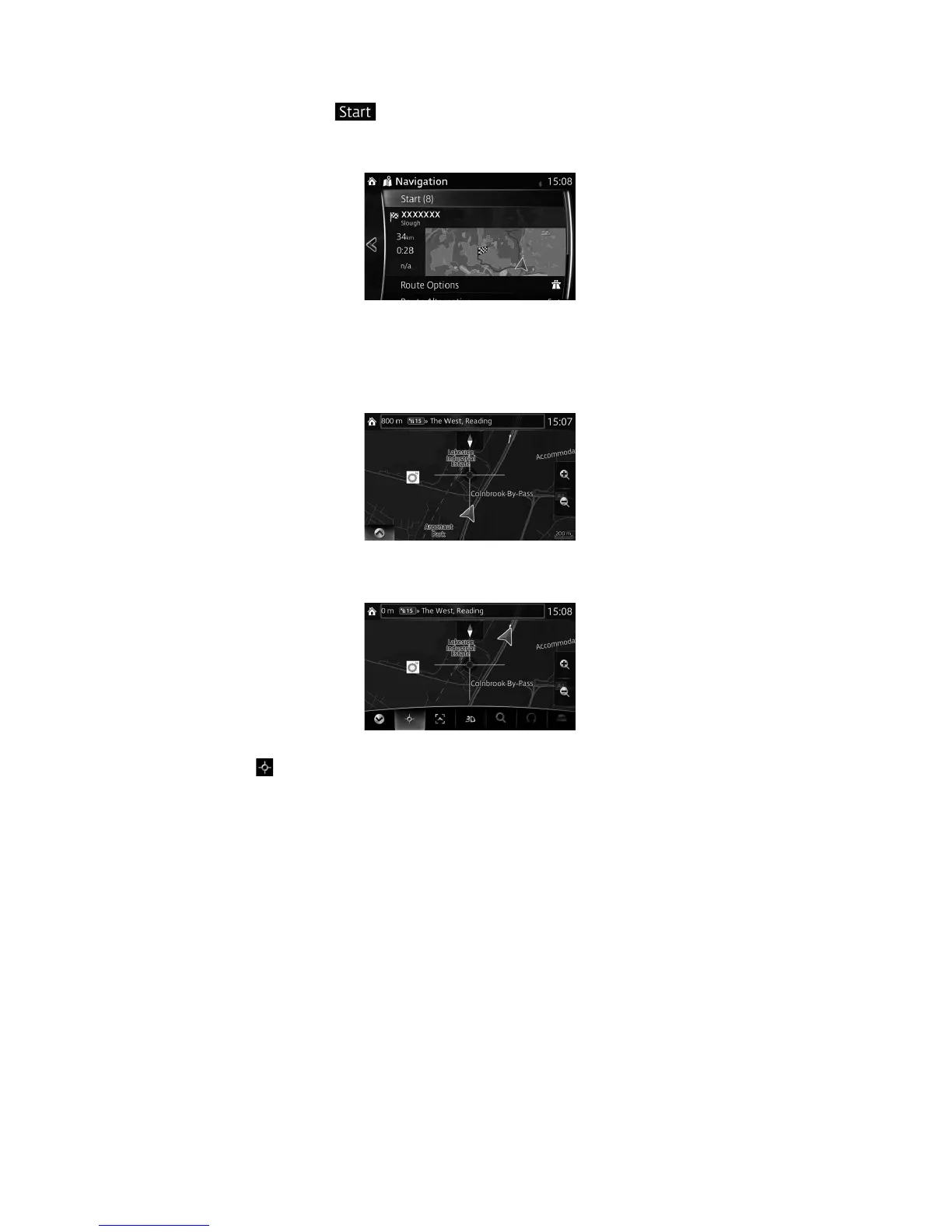
6. Navigation starts if
is selected, or after 10 seconds of no user interaction.
By touching the location displayed on the screen, you can verify the route. Additionally,
the route can be revised by selecting other options.
3.1.4 Selecting a map location as the destination
1. Touch anywhere on the map.
2. Drag the cursor and release it at the desired point.
3. Select .



 To Next Page