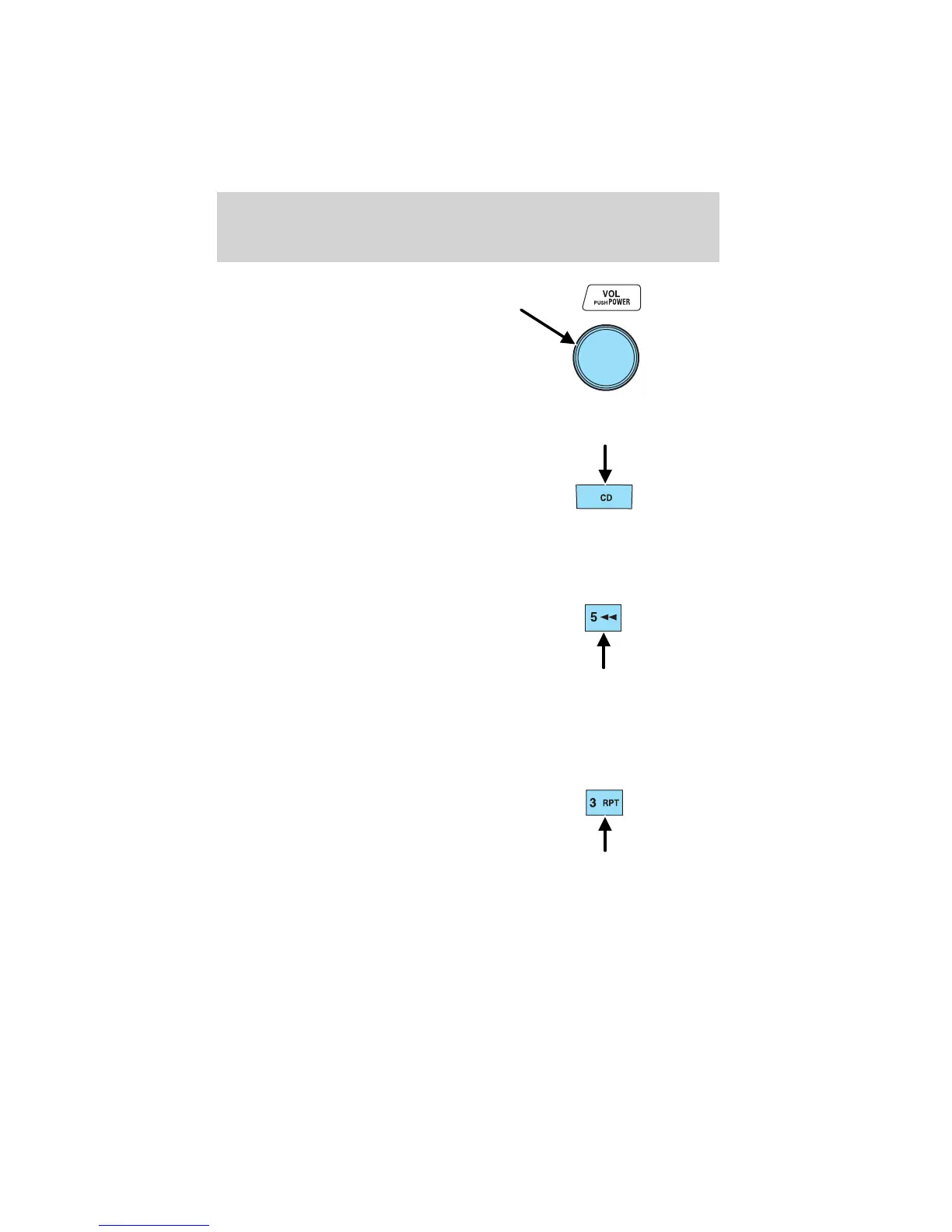
Press the VOL (Volume) control to
stop cassette play.
CD select
To begin CD play:
1. Insert a CD into the slot, label
side up. The system will
auto-load the CD and begin play
after a short pause. The disc
number and the track number will illuminate in the display.
Rewind
The rewind control works in CD mode.
In CD mode, press and hold the
rewind control to reverse through a
track at a high speed.
Repeat play
The repeat play feature works in CD mode and allows you to listen to a
selection repeatedly.
Repeat play in CD mode
Press the RPT control during play.
RPT will illuminate in the display.
The current selection will be
repeated.
To disengage repeat play, press the
RPT control again.
Entertainment Systems
24








 To Next Page