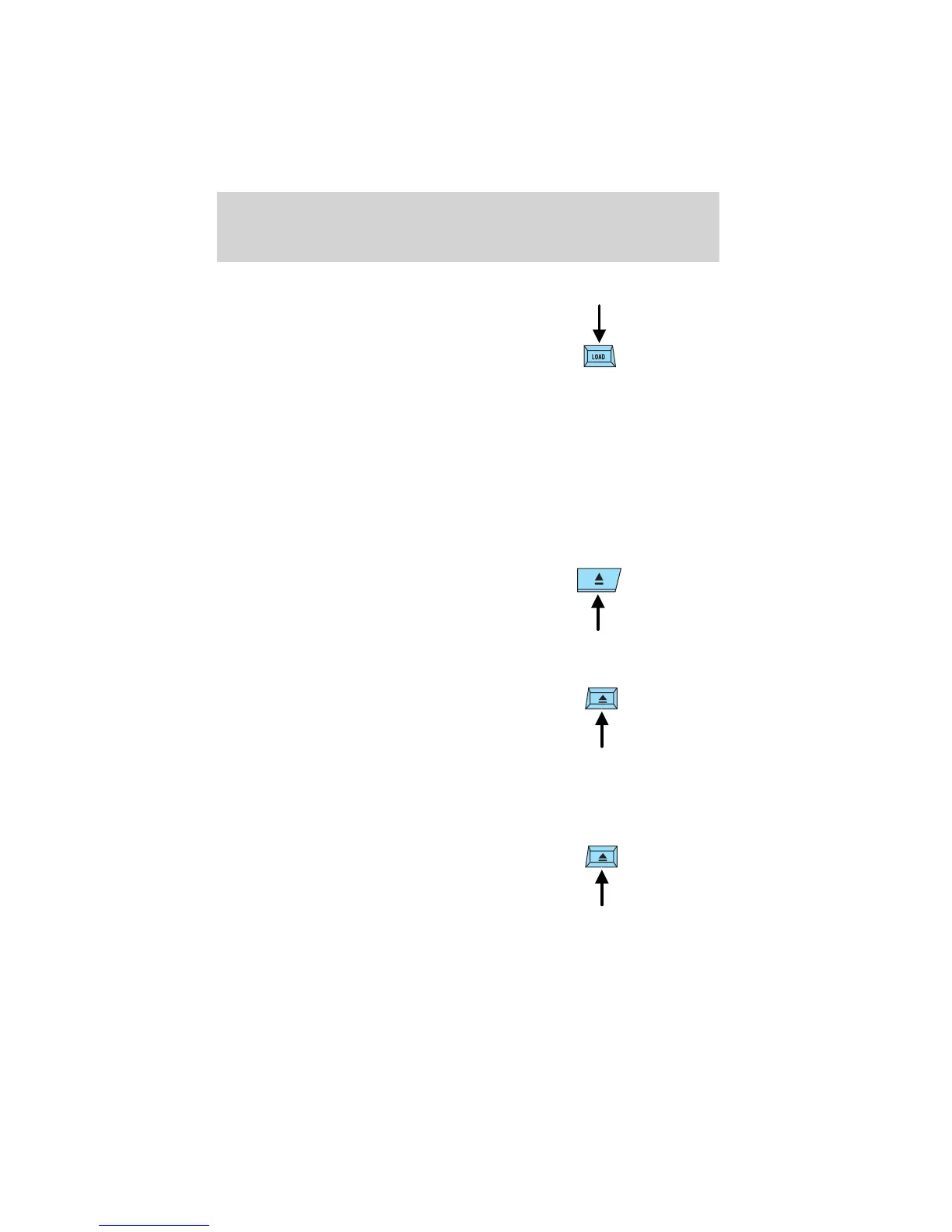
Inserting CDs into desired tray number
1. Press and hold the LOAD
control until a beep is heard.
2. Press the memory preset
control for the deisred CD tray
within 5 seconds after the beep
is heard.
3. When IN is displayed, insert the CD.
NOTE: The CD cannot be inserted to the desired tray number if the
number is already occupied.
Eject feature
The eject feature works in both tape and CD mode.
Ejecting a tape
Press the control to stop and eject a
tape.
NOTE: The cassette tape can be
ejected when the ignition switch is
in the OFF position.
Ejecting a CD
1. Press the control to stop and
eject a CD. The disc number
and OUT will appear in the
display.
2. Remove the CD.
NOTE: When a CD is ejected during play, the next CD will be played
automatically.
Ejecting CDs from a desired tray
1. Press and hold the CD eject
control for approximately 2
seconds until a beep is heard.
2. Press the memory preset
control of fhe desired CD within
5 seconds of the beep.
3. Remove the CD.
Entertainment Systems
38












 To Next Page