Black plate (205,1)
l
The CD revolves at high speed within
the unit. Defective (cracked or badly
bent) CDs should never be used.
l
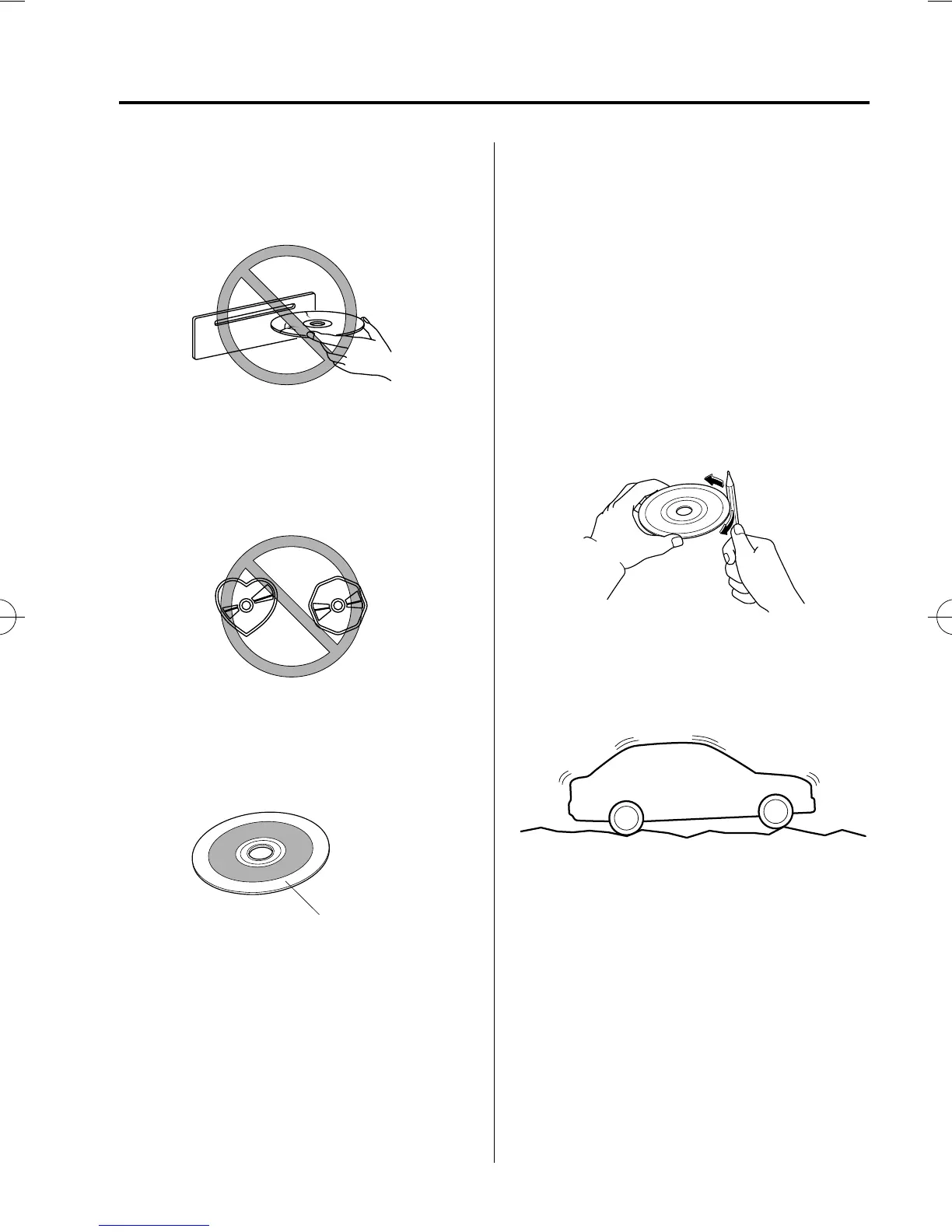
Do not use non-conventional discs
such as heart-shaped, octagonal discs,
etc. The disc may not eject resulting in
a malfunct ion.
l
If the memory portion of the CD is
transparent or translucent, do not use
the disc.
Transparent
l
A new CD may have rough edges on
its inner and outer perimeters. If a disc
with rough edges is used, proper
setting will not be possible and the CD
player/In-dash CD changer will not
play the CD. In addition, the disc may
not eject resulting in a malfunction.
Remove the rough edges in advance by
using a ball-point pen or pencil as
shown below. To remove the rough
edges, rub the side of the pen or pencil
against the inner and outer perimeter of
the CD.
l
When driving over uneven surfa ces,
the sound may jump.
l
The CD player/In-dash CD changer has
been desig ned to play CDs bearing the
identification logo as shown. No other
discs can be played .
l
Use discs that have been legitimately
produced. If illegally-copied discs such
as pirated discs are used, the system
may not operate properly.
Interior Comfort
Audio System
6-21
Mazda3_8V66-EA-06F_Edition3 Page205
Wednesday, August 23 2006 11:20 AM
Form No.8V66-EA-06F











 To Next Page