Black plate (309,1)
qInitial Setting Function
The settings set in the initial setting
function remain after the unit is turned off
or the disc is changed.
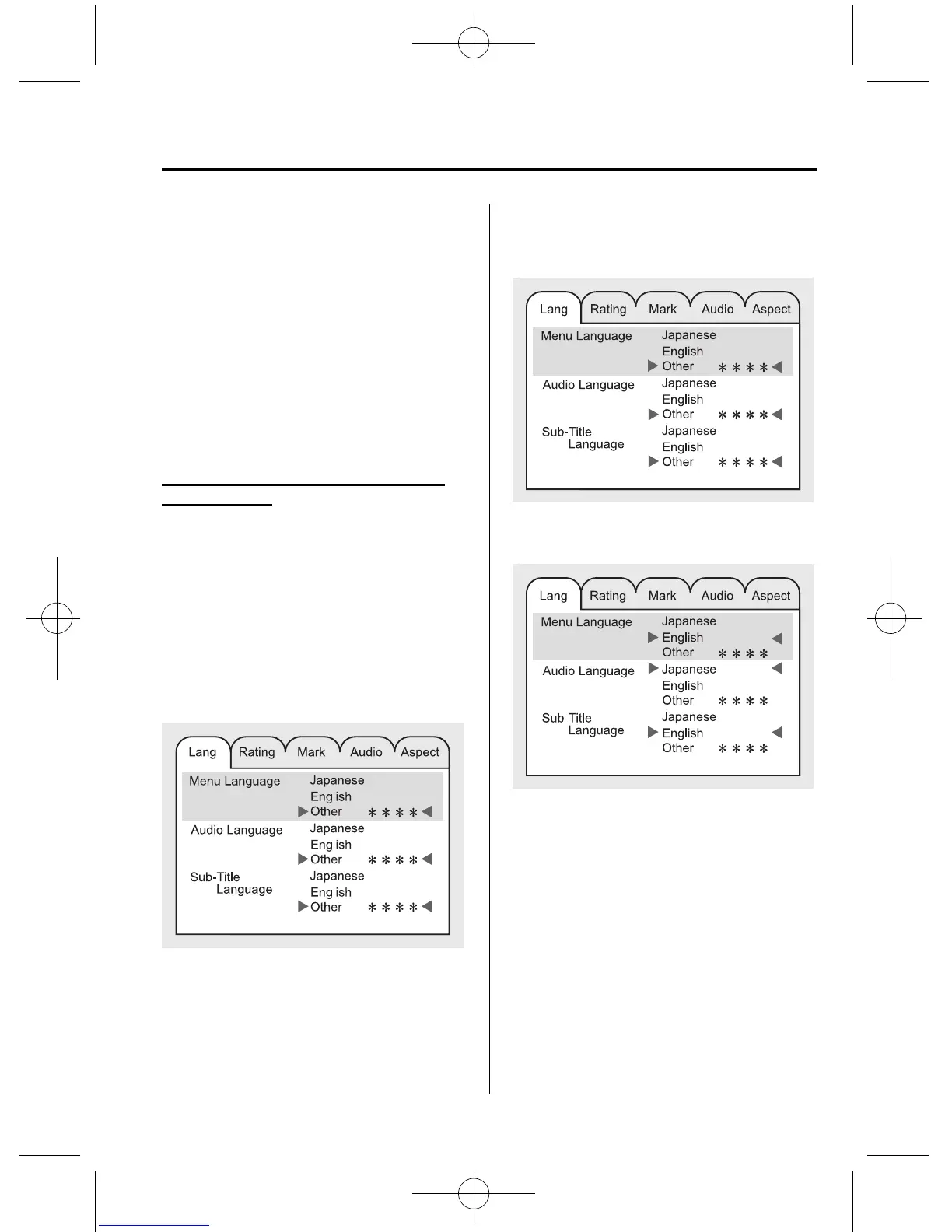
The following items can be set in the
initial setting.
Lang: Sound and subtitle setting
Rating: Parental lock setting
Mark: On-Screen Mark, Angl e Mark and
Mode Priority settings
Audio: Audio DRC setting
Aspect: Not available
Displaying/selecting the initial setting
function menu
1. Press the SET UP button while the disc
is not being played to display the initial
setting function menu on the monitor
screen.
NOTE
l
The initial setting can be performed with no
disc inserted.
l
After setting the initial setting, the playback
starts from the first chapter/track.
2. Move the cursor to the desired menu
by operating the select button up/down
or left/right.
3. Press the ENTER button. The selected
menu is highlighted to indicate that the
menu is selected.
4. Select the item to be set b y operating
the select button up or down.
Interior Comfort
Rear Entertainment System
6-83
CX-9_8V83-EA-06I_Edition3 Page309
Monday, February 26 2007 7:20 PM
Form No.8V83-EA-06I











 To Next Page