Black plate (194,1)
qOperating Tips for In-Dash CD
Changer
Condensation phenomenon
Immediately after turning on the heater
when the vehicle is cold, the CD or
optical components (prism and lens) in the
In-dash CD changer may become clouded
with condensation. At this time, the CD
will eject immediately when placed in the
unit. A clouded CD can be corrected
simply by wiping it with a soft cloth.
Clouded optical components will clear
naturally in about an hour. Wait for
normal operation to return before
attempting to use the unit.
Handling the In-dash CD changer
The following precautions should be
observed.
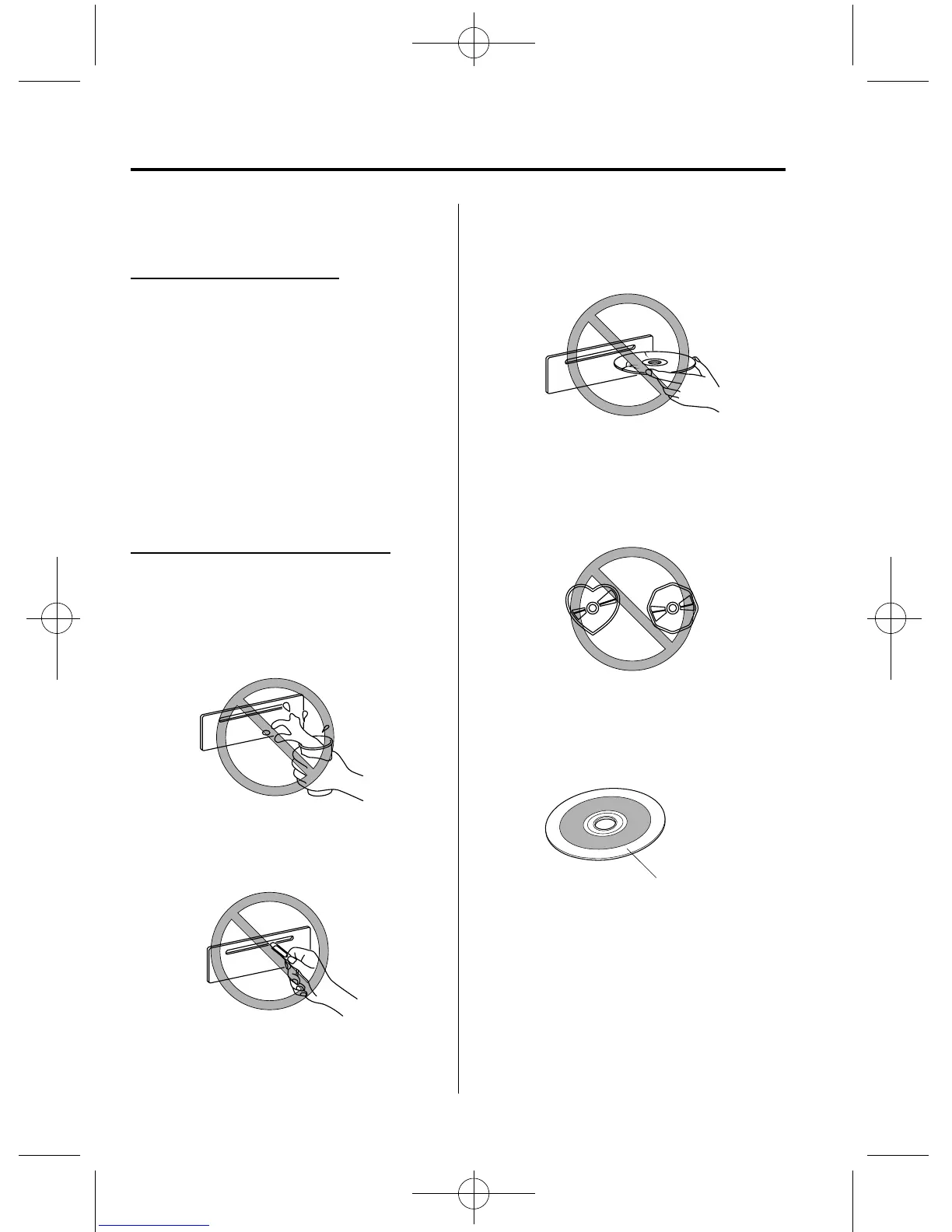
l
Do not spill any liquid on the audio
system.
l
Do not insert any objects, other than
CDs, into the slot.
l
The CD revolves at high speed within
the unit. Defective (cracked or badly
bent) CDs should never be used.
l
Do not use non-conventional discs
such as heart-shaped, octagonal discs,
etc. The disc may not eject resulting in
a malfunct ion.
l
If the memory portion of the CD is
transparent or translucent, do not use
the disc.
Transparent
6-14
Interior Comfort
Audio System
Mazdaspeed6_8V77-EA-06F_Edition1 Page194
Tuesday, May 9 2006 10:45 AM
Form No.8V77-EA-06F











 To Next Page