Black plate (361,1)
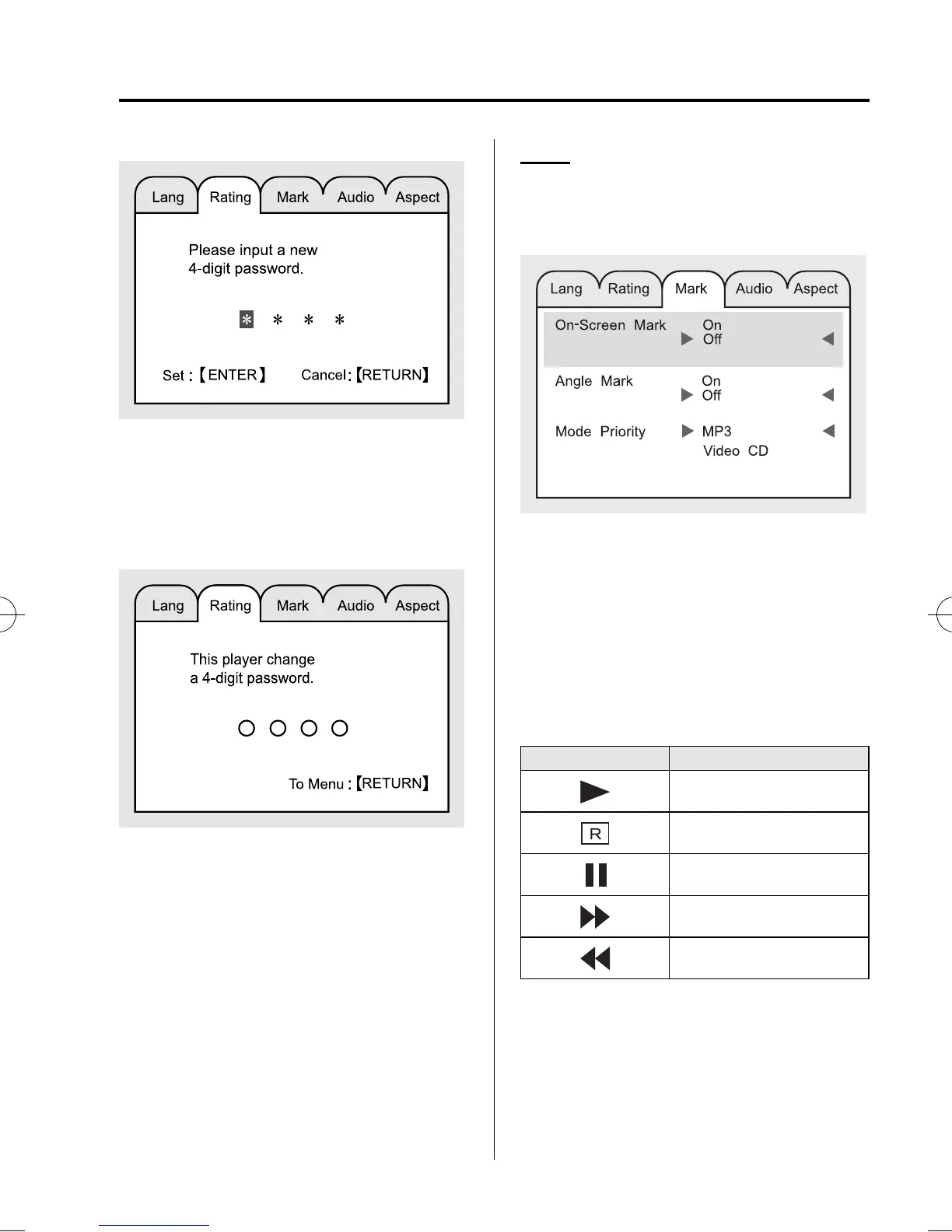
3. Enter the new password by press ing the
number keys (0 to 9) or operating the
select button up or down.
4. Press the ENTER button to set the new
password.
Mark
The DVD video playback status and angle
display on/off, and priority of the inserted
discs can be set.
On-Screen Mark
Select ON to display, OFF not to display
the DVD video playback status on the
upper right corner of the screen.
When the screen display is on, the
following marks are displayed on the
upper right corner of the screen (in Disc
mode).
Mark Condition
Playback
Stop (Resume standby)
Pause
Fast-forward
Reverse
Angle display
The camer a mark display when multi-
angle can be performed.
Interior Comfort
Rear Entertainment System
6-109
CX-9_8BH3-EC-10H_Edition1 Page361
Friday, July 30 2010 3:0 PM
Form No.8BH3-EC-10H



 To Next Page