Black plate (413,1)
(For example, “1234” must be read out
“one, two, three, four”, not “twelve, thirty
four”.)
l
Do not read out parentheses. “ (” and
hyphens “-” are used for separating
numbers in a phone number.
Ex.
“ (888) 555-1212” must be spoken “Eight, eight,
eight, five, five, five, one, two, one, two.”
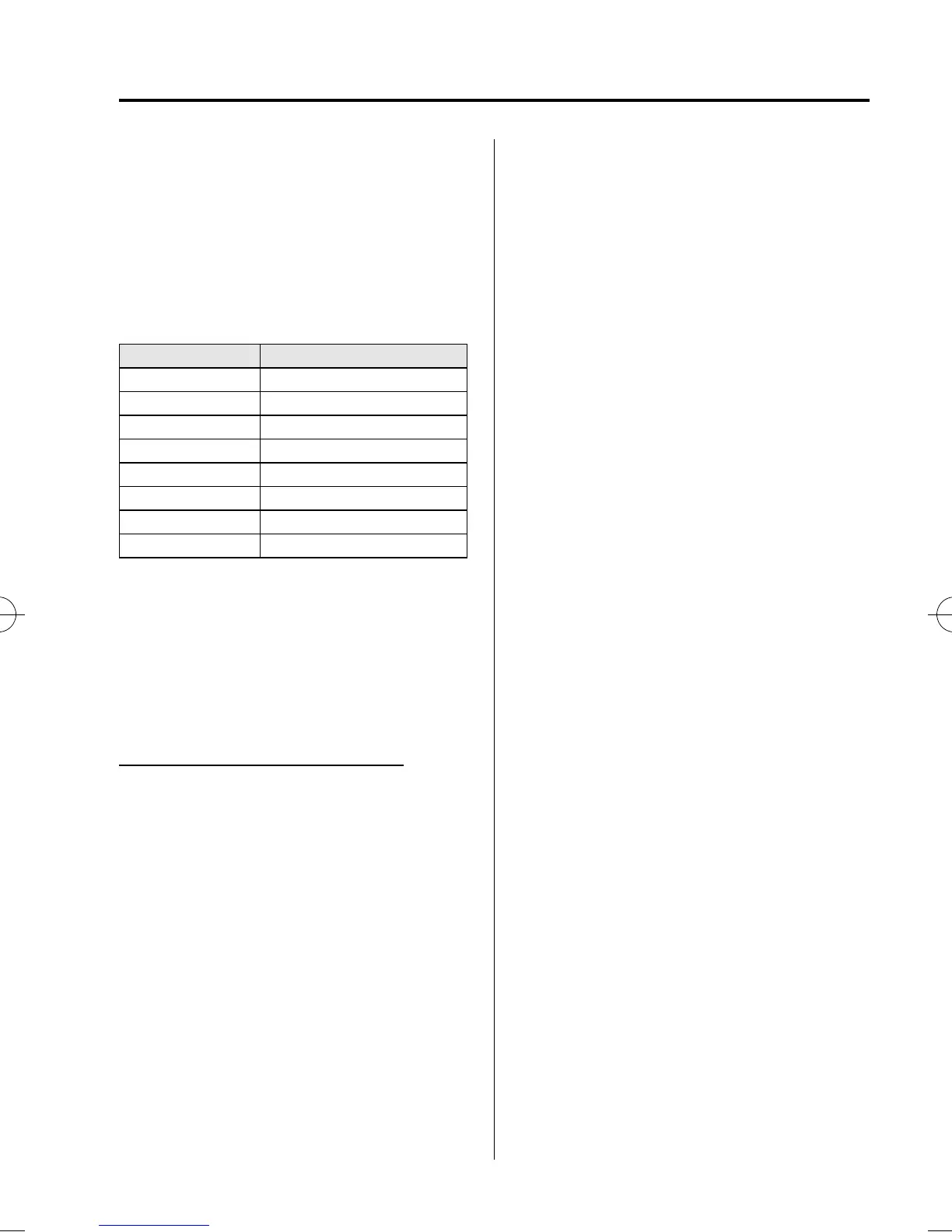
Phrase Command
1 0123456789
2 (888) 555-1212
3 Call
4 Dial
5 Setup
6 Cancel
7 Continue
8 Help
NOTE
l
The applicable phrase appears in the
display.
l
After user voice registration is completed,
voice guidance “Speaker enrollment is
complete, returning to main menu” is
announced.
Voice recognition learning on /off
1. Press the pick-up button (with/without
navigation system) or talk button with
a short press (without nav igation
system) or a long press (with
navigation system).
NOTE
For vehicles with the navigation system, you
can also press the talk button with a short
press and say: [Beep] “Telephone” or
“Phone”.
2. Say: [Beep] “Voice training”
3. Prompt: “Enrollment is enabled/
disabled. Would you like to disable/
enable or retrain?”
4. Say: [Beep] “Disable” or “Enable”
5. When “Disable” is spoken, the voice
recognition learning is turned off.
When “Enable” is spoken, the voice
recognition learning is turned on.
6. Prompt: “Speaker Enrollment is
disabled/enable d, returning to main
menu.”
Interior Comfort
Bluetooth Hands-Free (Voice Recognition)
6-161
CX-9_8BH3-EC-10H_Edition1 Page413
Friday, July 30 2010 3:1 PM
Form No.8BH3-EC-10H



 To Next Page