Black plate (443,1)
qClock
NOTE
Without navigation system (Type A)
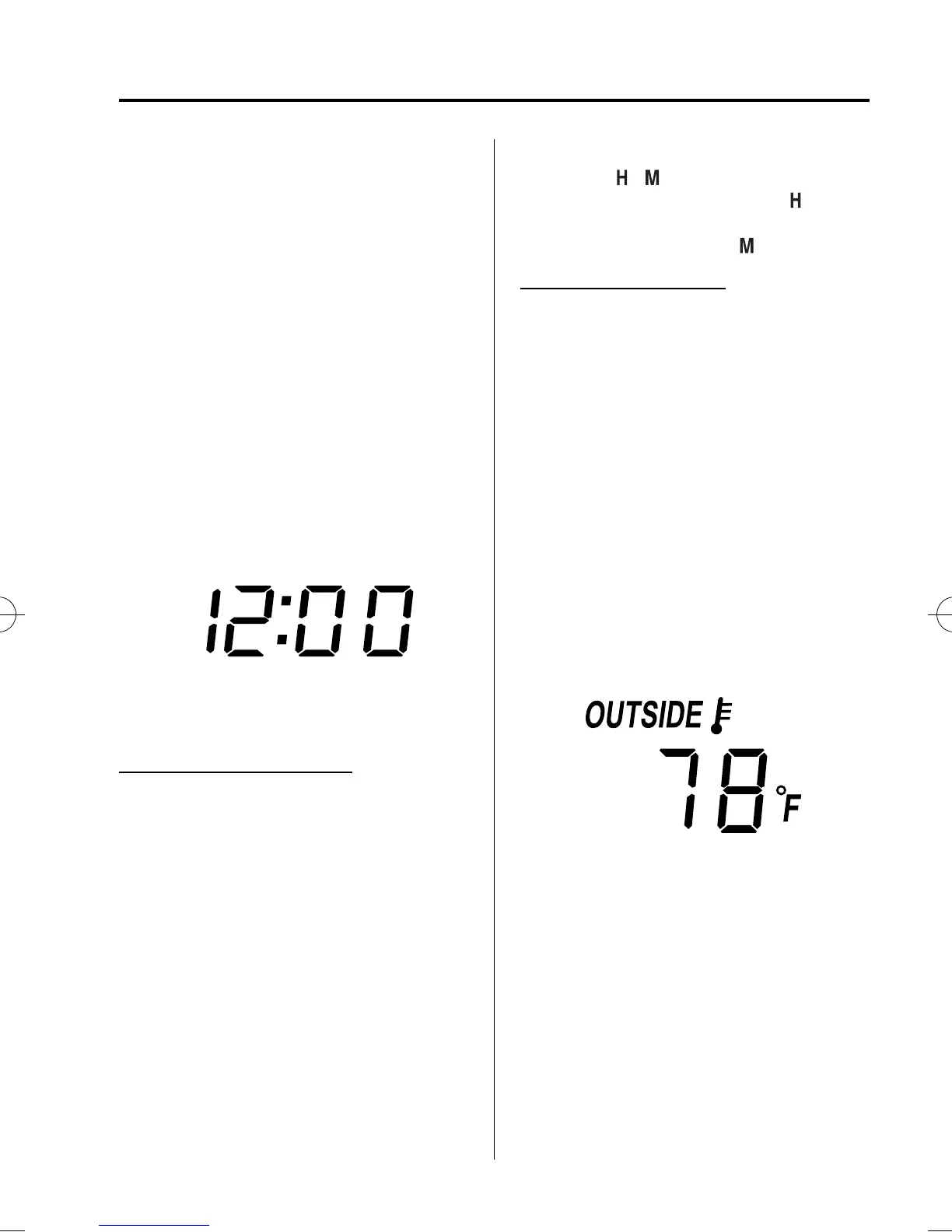
When the trip computer is displayed, press the
CLOCK button to change the display to the
time.
With navigation system, Without navigation
system (Type B)
When the trip computer is displayed, press the
INFO button consecutively until the time is
displayed.
When the ignition is switch ed to ACC or
ON, the time is displayed.
Without navigation system
Time setting (Type A)
1. Press the CLOCK button until the beep
sounds and the displayed time flashes.
2. Press the H button to set the hour.
3. Press the M button to set the minutes,
then press the CLOCK button.
Time setting (Type B)
1. Switch the ignition to ACC or ON.
2. Adjust the time using the time setting
buttons (
, ). The hours advance
while the time setting button (
)is
pressed. The minutes advance while
the time setting button (
) is pressed.
With navigation system
Refer to the separate manual
“NAVIGATION SYSTEM”.
NOTE
Minutes and seconds are adjusted by the GPS,
however, it is necessary to adjust hours under
the following conditions:
l
Driving across different time zones
l
Daylight saving time start and end
qAmbient Temperature Display
When the ignition is switch ed ON, press
the OUTSIDE switch (page 6-6) to
display the ambient temperature.
Interior Comfort
Interior Equipment
6-191
CX-9_8BH3-EC-10H_Edition1 Page443
Friday, July 30 2010 3:1 PM
Form No.8BH3-EC-10H



 To Next Page