Black plate (201,1)
l
The CD revolves at high speed within
the unit. Defective (cracked or badly
bent) CDs should never be used.
l
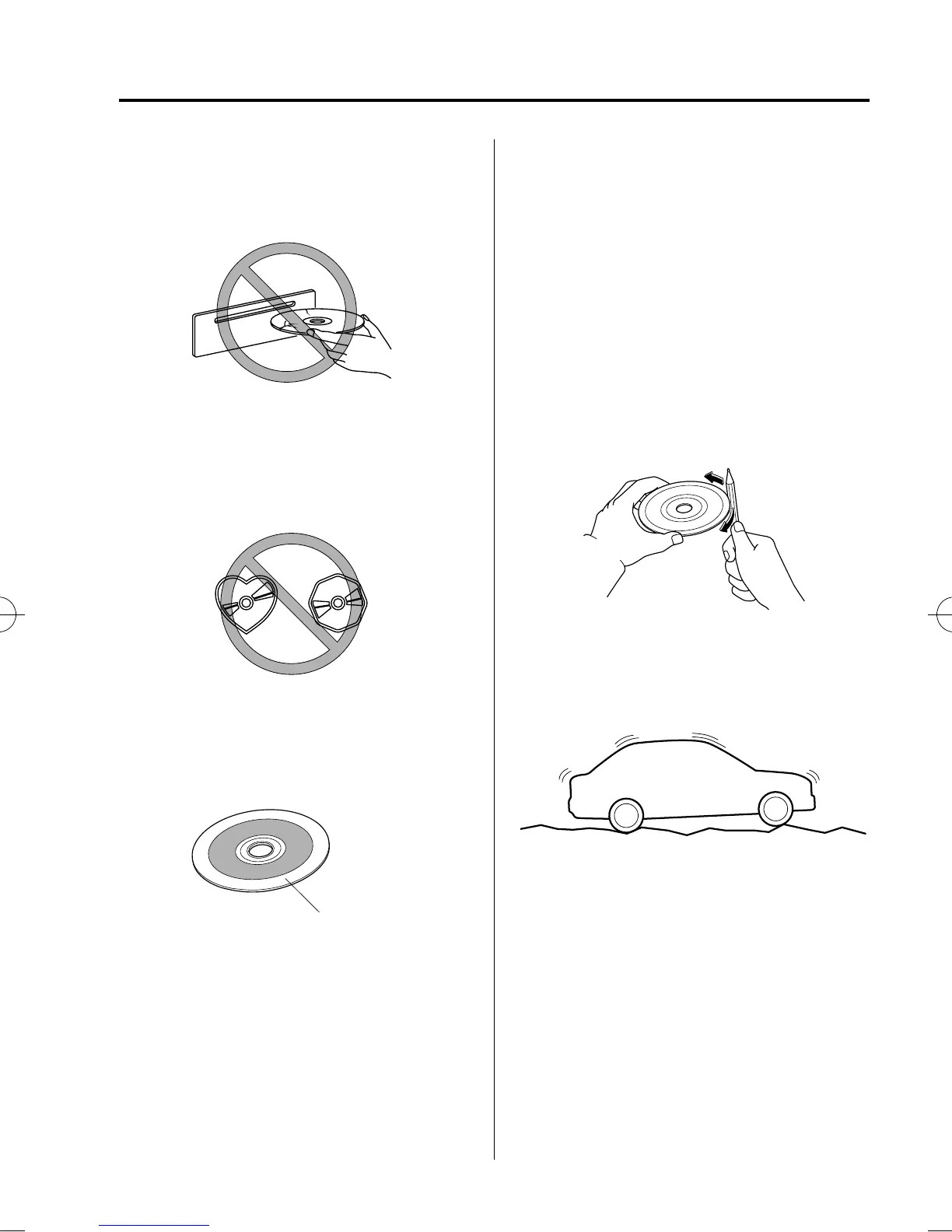
Do not use non-con ventional discs
such as heart-shaped, octagonal discs,
etc. The disc may not eject resulting in
a malfunction.
l
If the memory portion of the CD is
transparent or translucent, do not use
the disc.
Transparent
l
A new CD may have rough edges on
its inner and outer perim eters. If a disc
with rough edges is used, proper
setting will not be possible and the CD
player/In-dash CD changer will not
play the CD. In addition, the disc may
not eject resulting in a malfunction.
Remove the rough edges in advance by
using a ball-point pen or pencil as
shown below. To remove the rough
edges, rub the side of the pen or pencil
against the inner and outer perimeter of
the CD.
l
When driving over uneven surfaces,
the sound may jump.
Interior Comfort
Audio System
6-15
Mazda5_8BS1-EC-10J_Edition3 Page201
Monday, April 11 2011 3:41 PM
Form No.8BS1-EC-10J



 To Next Page