Black plate (250,1)
NOTE
Some Bluetooth audio devices need a certain
amount of time before the “
” symbol is
displayed.
3. Press the AUX button ( ) to switch
to the Bluetooth audio mode and start
playback.
If the current device version is lower
than AVRCP Ver. 1.3:
“BT Audio” is displayed.
If the current device is AVRCP Ver.
1.3:
The playback time is displayed.
NOTE
l
If the Bluetooth audio device does not begin
playback, press the Play/Pause button
(
).
l
If the mode is switched from Bluetooth
audio mode to another mode (radio mode),
audio playback from the Bluetooth audio
device stops.
l
If a call is received on a hands-free mobile
phone during playback from the Bluetooth
audio device, the playback is stopped.
Playback from the Bluetooth audio device
resumes after the call ends.
Playback
1. To lis ten to a Bluetooth audio device
over the vehicle's speaker system,
switch the mode to Bluetooth audio
mode. (Refer to
“Switching to Bluetooth audio mode”)
2. To stop playback, press the Play/Pause
button (
).
3. Press the button again to resume
playback.
Selecting a file (track)
Short-press the track down button (
)or
turn the file dial counterclockwise: Selects
the beginning of the current file (track).
Short-press the track up button (
)or
turn the file dial clockwi se: Selects the
next file (track).
Fast-forward/Reverse (only AVRCP
Ver. 1.3)
Fast-forward
Press and hold the track up button (
).
Reverse
Press and hold the track down button
(
).
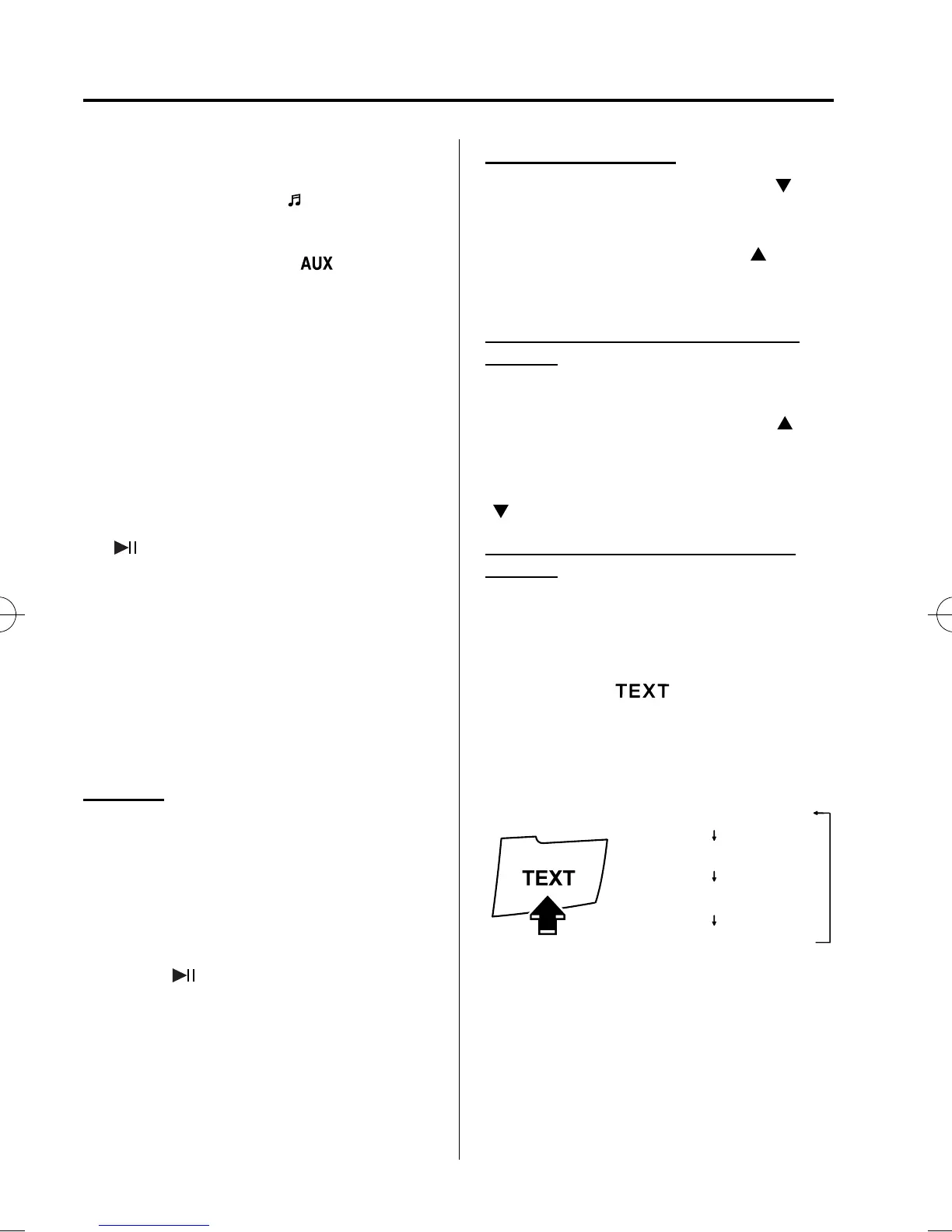
Switching the display (only AVRCP
Ver. 1.3)
For files with a song title and other
information that have been input, the
display switches between display of the
song title and other information each time
the text button (
) is pressed during
playback.
Album title
Song title
Artist name
File number/ Playback time
NOTE
l
If title information is not available,
“NO TITLE” is displayed.
l
If there are any undisplayable characters in
the title, “--------” is displayed.
6-64
Interior Comfort
Bluetooth Audio
Mazda5_8BS1-EC-10J_Edition3 Page250
Monday, April 11 2011 3:41 PM
Form No.8BS1-EC-10J



 To Next Page