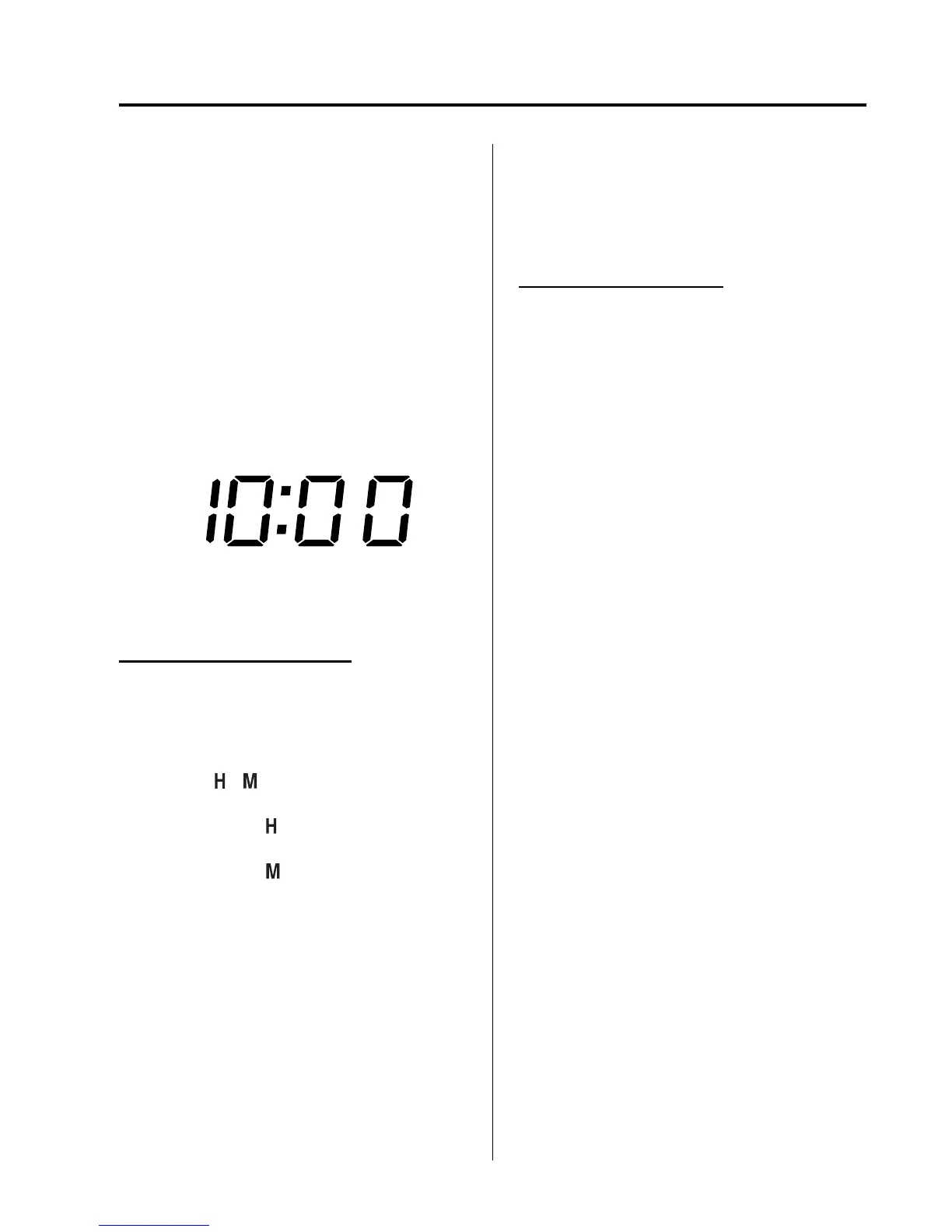
qClock
NOTE
(With CLOCK button)
When the trip computer is being displayed,
press the CLOCK button to change the display
to the time.
When the ignition is switched to ACC or
ON, the time is displayed.
Without navigation system
Time setting
1. Switch the ignition to ACC or ON.
2. Adjust the time using the time setting
buttons (
, ).
The hours advance while the time
setting button (
) is pressed.
The minutes advance while the time
setting button (
) is pressed.
Time resetting (With :00 button)
1. Switch the ignition to ACC or ON.
2. Press and hold the :00 button for 1.5
seconds or more. The displayed time
flashes.
3. When the button is released, the time
will be reset as follows:
(Example)
12:01―12:29→12:00
12:30―12:59→1:00
NOTE
When the button is released, the seconds will
start at “00”.
With navigation system
Refer to the separate manual
“NAVIGATION SYSTEM”.
NOTE
Minutes and seconds are adjusted by the GPS,
however, it is necessary to adjust hours under
the following conditions:
l
Driving across different time zones
l
Daylight saving time start and end
qClimate Control Display (Fully
Automatic Type)
The climate control system statu s is
displayed. To operate the climate control
system, refer to “Climate Control System”
(page 6-2).
qAudio Display
The audio system status is displayed. To
operate the audio system, refer to
“Audio System” (page 6-16).
qTrip Computer
í
The trip computer can display the
following:
l
The current fuel economy.
l
The average fuel economy.
l
The approximate distance you can
travel on the available fuel.
l
The average vehicle speed.
Switch the ignition ON.
Press the INFO switch to change the
display mode.
Interior Comfort
Interior Equipment
6-145
í
Some models.
Mazda6_8CD2-EC-11D_Edition1 Page369
Friday, April 15 2011 1:7 PM
Form No.8CD2-EC-11D


 To Next Page
 Loading...









