5
–
83
Interior Features
Bluetooth
®
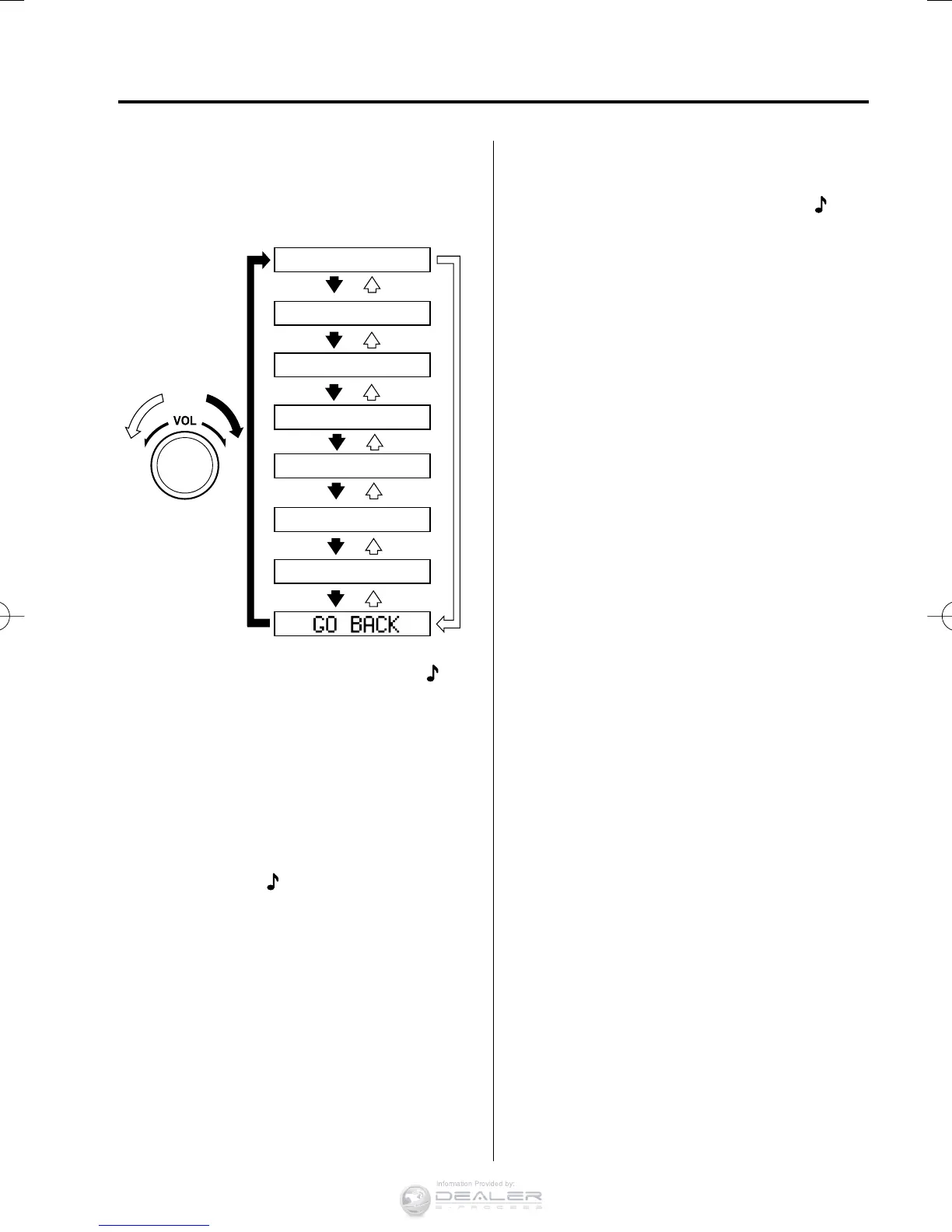
4. Turn the audio control dial to select the
name of the device you would like to
link.
Device name 1
Device name 2
Device name 3
Device name 4
Device name 5
Device name 6
Device name 7
5. Press the audio control dial to select the
device you would like to link. The
symbol disappears, and “ PAIRING ”
fl ashes in the audio display.
NOTE
When “ GO BACK ” is selected and the
audio control dial is pressed, the display
returns to “ LINK CHANGE ”.
6. If the link to the desired device is
successful, the
symbol is displayed
again, together with “ LINK
CHANGED ”. “ LINK CHANGED ” is
displayed for three seconds, then it
returns to the normal display.
NOTE
y
Some Bluetooth
®
audio devices need a
certain amount of time before the
symbol is displayed.
y
If a hands-free type mobile phone has
been the most recently paired device,
the Bluetooth
®
unit links this device.
If you would like to use a Bluetooth
®
audio type device which has been
previously paired to the Bluetooth
®
unit,
the link must be changed to this device.
y
If an error occurs while trying to link
a device, “ Err ” fl ashes in the audio
display for three seconds, and the
display returns to “ LINK CHANGE ”.
If this occurs, check the pairing status
of the Bluetooth
®
audio device and the
location of the device in the vehicle
(not in the luggage compartment or a
metal-type box), and then try the link
operation again.
y
Device selection can also be done using
voice recognition.
How to confi rm the device currently
linked
Switch to the link-change mode. (Refer to
“Changing the link to a Bluetooth
®
audio
device”)
The device name displayed fi rst is the
device which is currently linked.
Deleting a device
1. Using the audio control dial, select the
pairing delete mode “ PAIR DELETE ”
in the “ BT SETUP ”mode. (Refer to
“Bluetooth
®
audio device set-up” for
details.)
2. Press the audio control dial to
determine the mode.
3. The name of the fi rst device among the
paired devices is displayed.
CX-38EH2-EA-15BEdition1.indb83CX-38EH2-EA-15BEdition1.indb83 2014/12/0910:51:452014/12/0910:51:45



 To Next Page