5
–
126
Interior Features
Bluetooth
®
Icon Function
Goes to the next station.
Displays sound settings to adjust audio quality level.
Refer to Volume/Display/Sound Controls on page 5-40 .
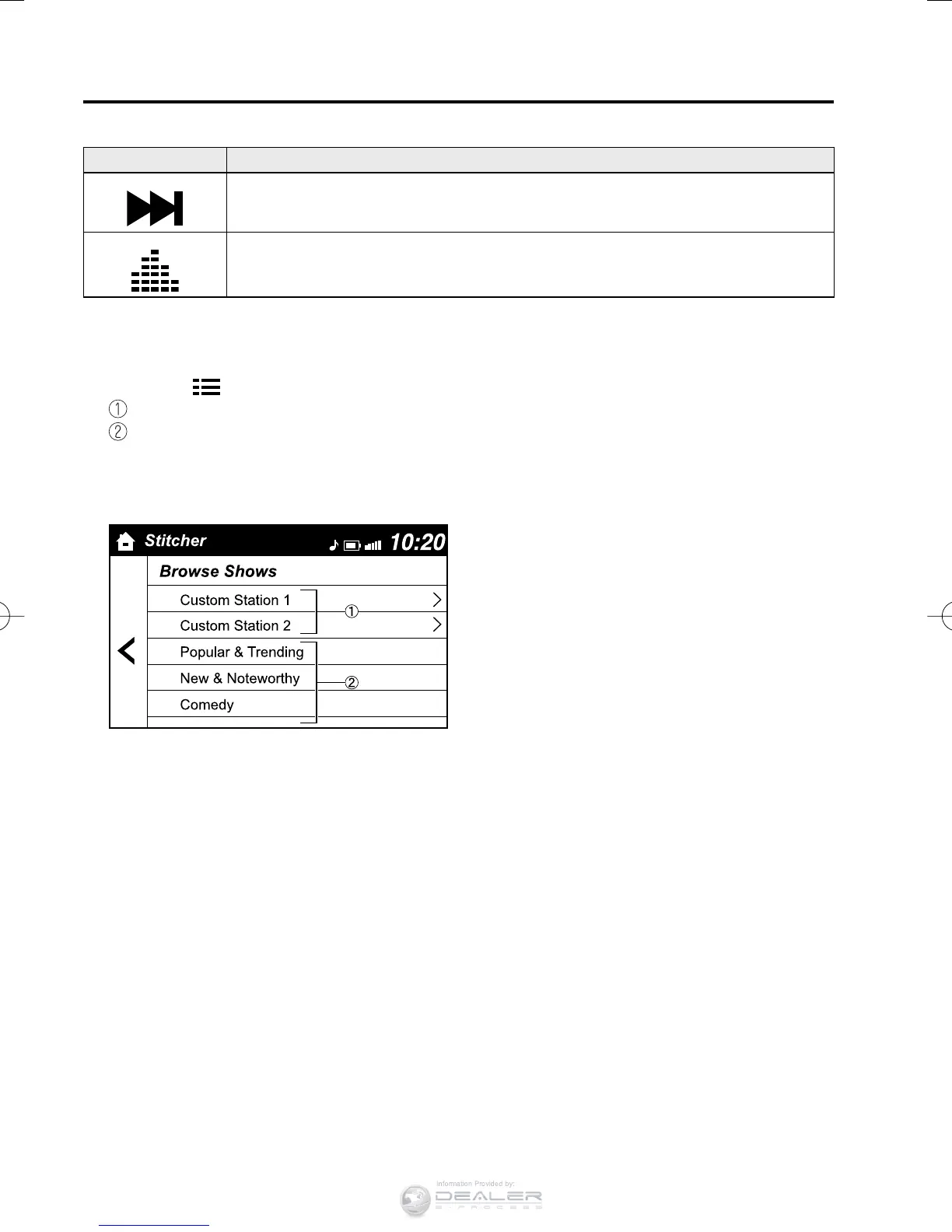
Station list
1. Select the
icon and display the station list.
Favorites station name: Select to display the program registered to your favorites.
Category name: A recommended category selected from your favorites by Stitcher™
is displayed.
Select it to display the category program.
2. Select the program name to play it.
CX-38EH2-EA-15BEdition1.indb126CX-38EH2-EA-15BEdition1.indb126 2014/12/0910:52:062014/12/0910:52:06



 To Next Page