R099/13
Page 7 of 19
Once the filename has been changed, click ‘Save’ to download the file to the memory stick
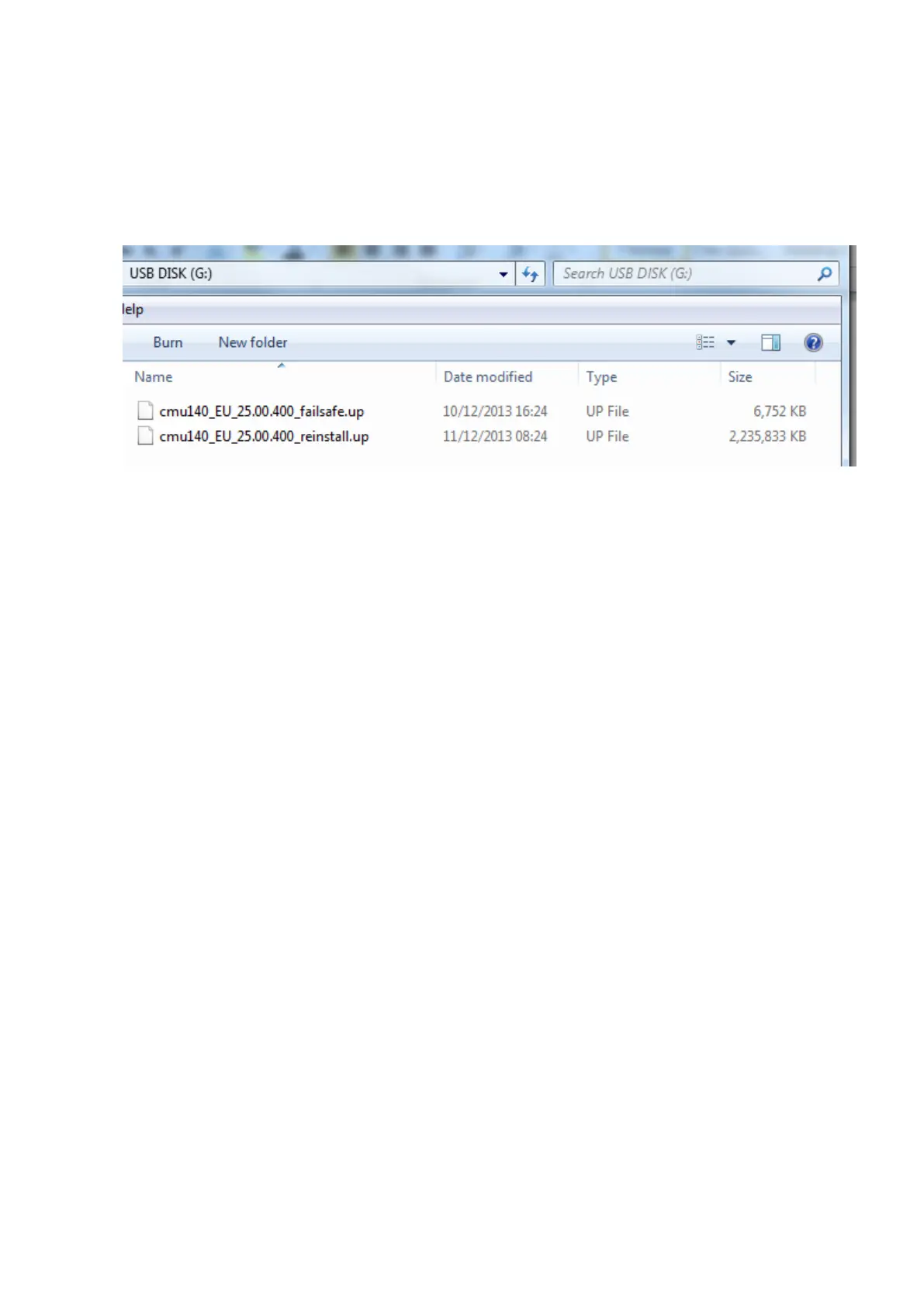
Your file should look like the image below once saved – If the file has saved as a .zip file, you will need
to delete the file you have downloaded and repeat, ensuring that you follow the information above.
Reflash Procedure:
NOTE: When the system is updated, all factory defaults are restored and personal settings
(such as display and sound adjustments) are lost, including favorites information and
phones paired with the system. Before starting the reflash procedure, obtain the
customer’s acceptance for this reversal.
1. Record the customer’s radio favorites (AM/FM).
2. Turn the ignition switch to OFF.
NOTE: All electrical loads should be turned off during the reflashing process,
especially the air conditioner (blower), rear defogger, and room lamps.
3. Remove the Navi-SD card from slot, if any.
Note: Nothing should be inserted in the Navi-SD slot during the reflashing process.
4. Install the ROOM FUSE and AUDIO FUSE to the fuse block in engine room (if not
installed).
5. Connect battery charger (charge current to be maintained within 4A – 5A) to the vehicle
to stabilize voltage fluctuation.
6. Press the START/STOP ENGINE push button 1 time without depressing the clutch pedal
(manual transaxle) or the brake pedal (automatic transaxle), to switch the ignition
position to ACC.
NOTE: The engine starts by pressing the push button start while depressing the clutch
pedal (manual transaxle) or the brake pedal (automatic transaxle). To switch the
ignition position without starting the engine, press the START/STOP ENGINE push
button without depressing the pedal.
NOTE: If the ignition is left in the ACC position it will automatically switch off after 25
minutes. Pressing and releasing the clutch pedal (Manual Transaxle) or the
brake pedal (Automatic Transaxle) before 25 minutes resets the timer to
ensure the vehicle does not switch off during the reflash process.



 To Next Page