R099/13
Page 8 of 19
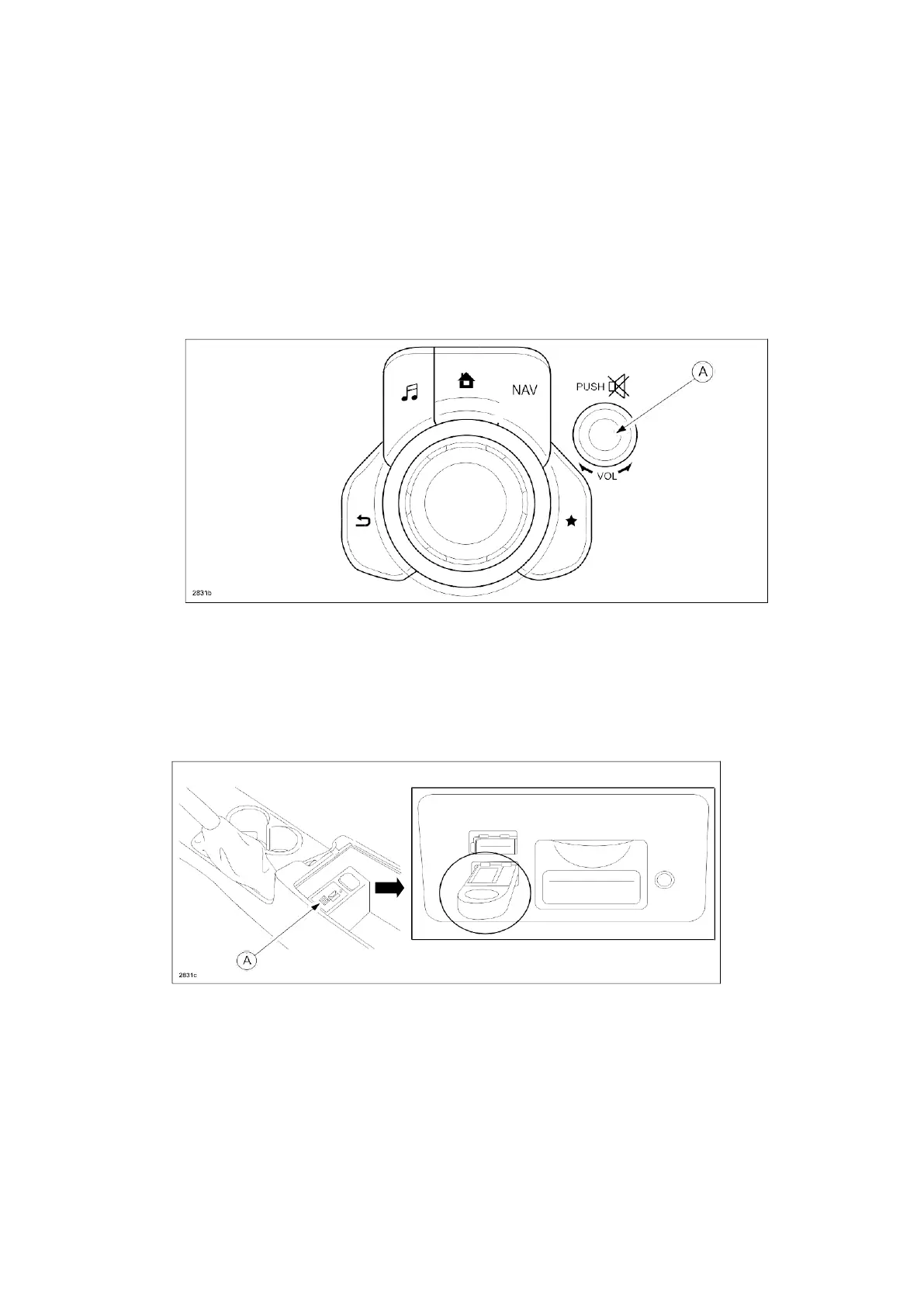
7. Verify that there is a sound coming from the speakers. If sound cannot be heard, turn the
volume dial (A) to turn the volume up, or make sure that MUTE is not on.
NOTE: When sound is heard from the speakers, the system is in stand-by condition.
8. Connect the prepared USB memory stick to the either one of the two USB port (A)
(depending on vehicle equipment).
NOTE: Only the prepared USB memory stick should be inserted in one of the USB
ports. Nothing
should be inserted in the other USB port and SD slot during the
re-flashing process.



 To Next Page