Black plate (206,1)
(CD random)
1. Press the random button (
) during
playback, and then press the button
again within 3 seconds to play the
tracks in the CD randomly. “RDM” is
displayed.
2. Press the button again to cancel the
random play.
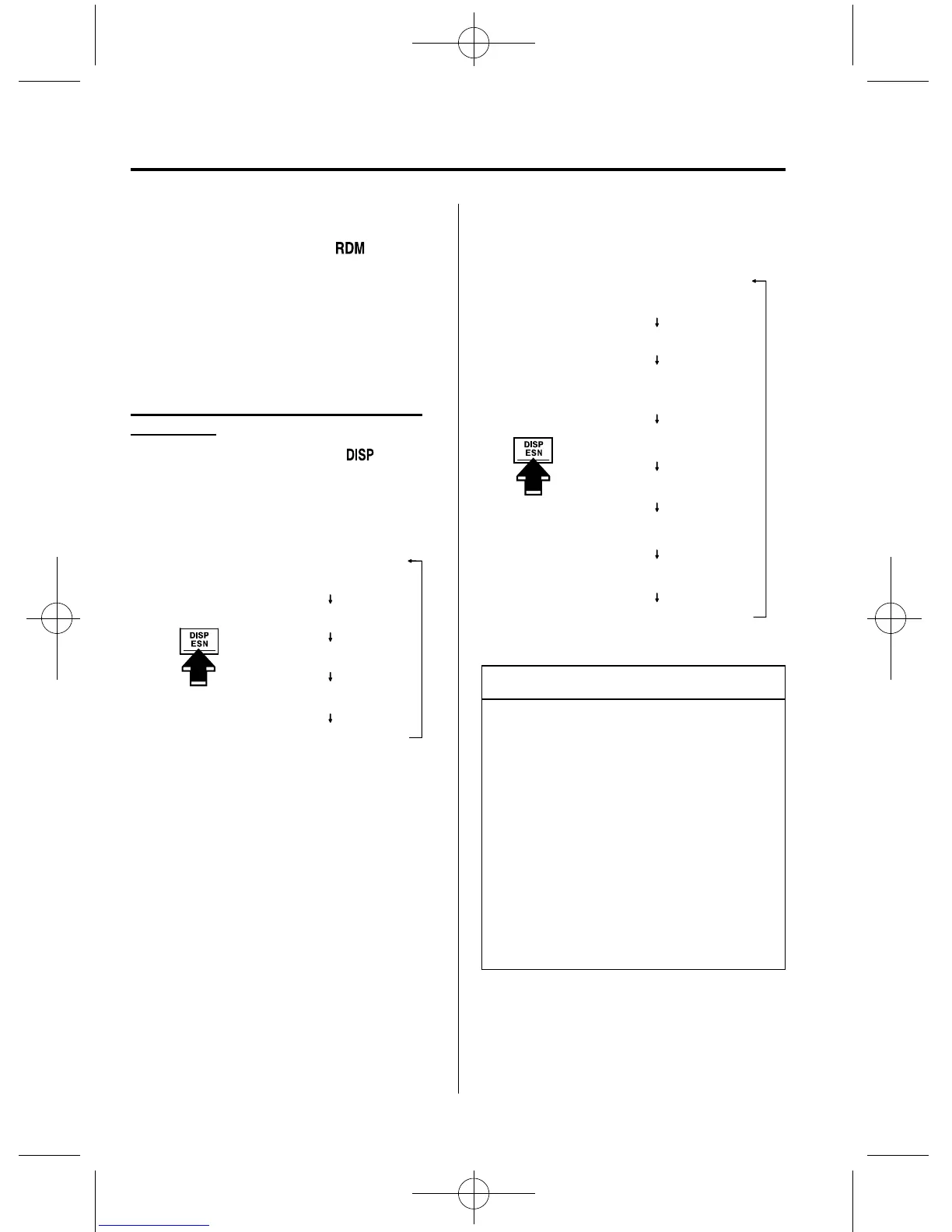
Switching the display (Music CD/MP3
CD player)
Each time the display button (
)is
pressed during playback, the display will
switch in the following order.
Music CD
Track number/Elapsed
time display
Disc tray number
File name display
Album name display
Artist name display
MP3 CD
Folder number/Track
number
Disc number/File
number/Elapsed
time display
Disc tray number
File name
Folder name
Album name (ID3 Tag)
Song name (ID3 Tag)
Artist name (ID3 Tag)
NOTE
(MP3 CD)
l
“NO TITLE” will be displayed when
the display is switched for a file
without a file, track or other name
input.
l
This unit can only read English
(including numerals) one-byte
characters. If any other character is
included, “ NO TITLE” will be
displayed. Depending on the CD
writing software used, proper display
may not be possible.
6-42
Interior Comfort
Audio System
Mazda5_8V88-EA-06G_Edition1 Page206
Monday, May 15 2006 9:27 AM
Form No.8V88-EA-06G







 To Next Page