40
Before
Use
Getting
started
Routing
Address
Book
Voi ce
Recognition
Navigation Set Up
Volume Adjustment
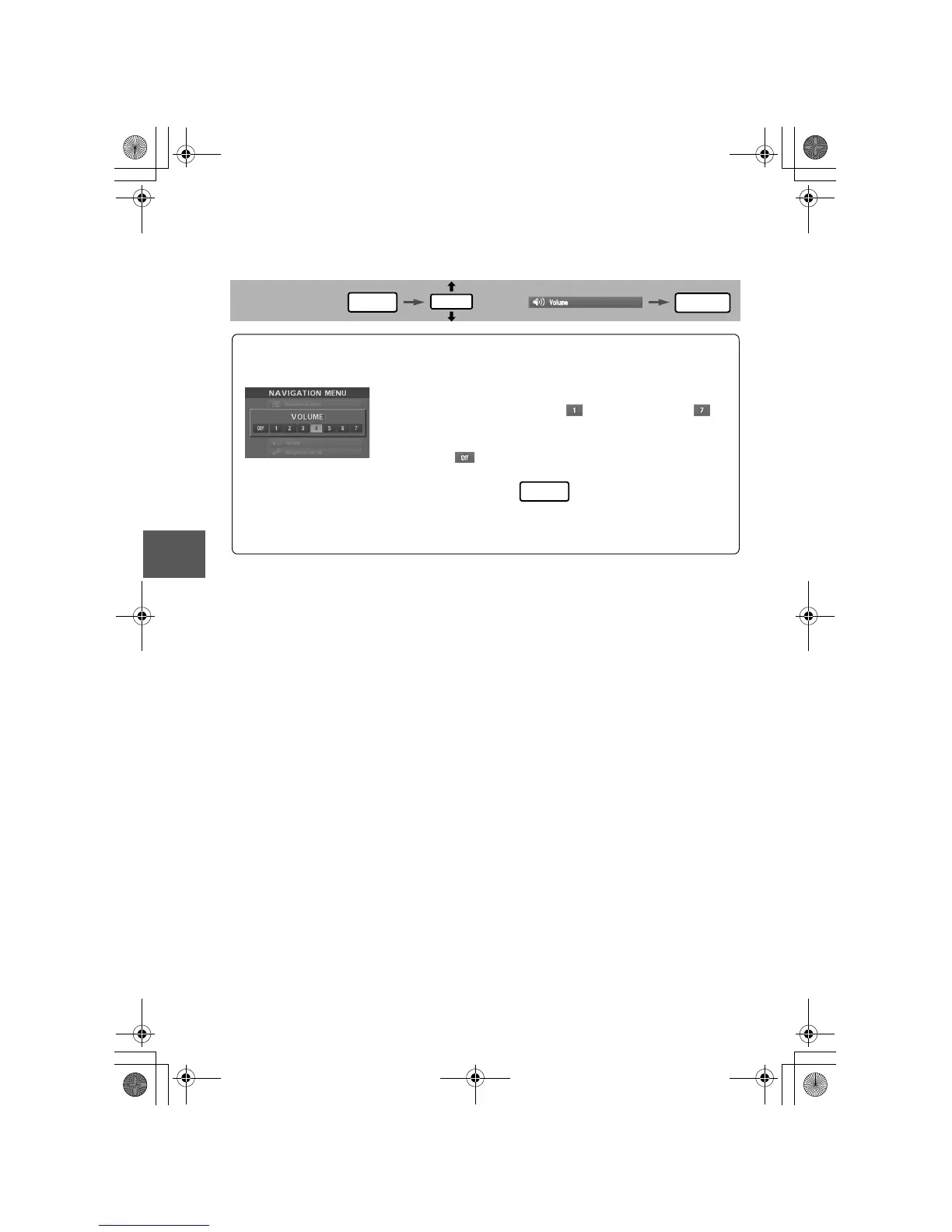
You can adjust the volume control for the voice guidance.
Before Steps
select
MENU
ENTER
ENTER
Open the [VOLUME] screen
1
Select the appropriate button to set the
volume between (minimum) and
(maximum).
:Sound output will be muted.
2
Press the button to return to the
current vehicle position screen.
POS
/#<&#A0#8+A'#DQQM2CIG/QPFC[/C[2/






 To Next Page