Black plate (261,1)
Changing the link to a Bluetooth
®
audio device
If several devices have been programmed,
the Bluetooth
®
unit links the device last
programmed. If you would like to link a
different programmed device, it is
necessary to change the link . The order of
device priority after the link has been
changed is maintained even when the
ignition is switched off.
1. Using the audio control dial, select the
link chan ge mode “LINK CHANGE”
in the “BT SETUP” mode. (Refer to
“Bluetooth
®
audio device set-up” for
details.)
2. Press the audio control dial to
determine the mode.
3. The name of the currently linked
Bluetooth
®
audio device is displayed.
If no Bluetooth
®
audio device is
currently linked, the name of the first
device among the programmed devices
is displayed.
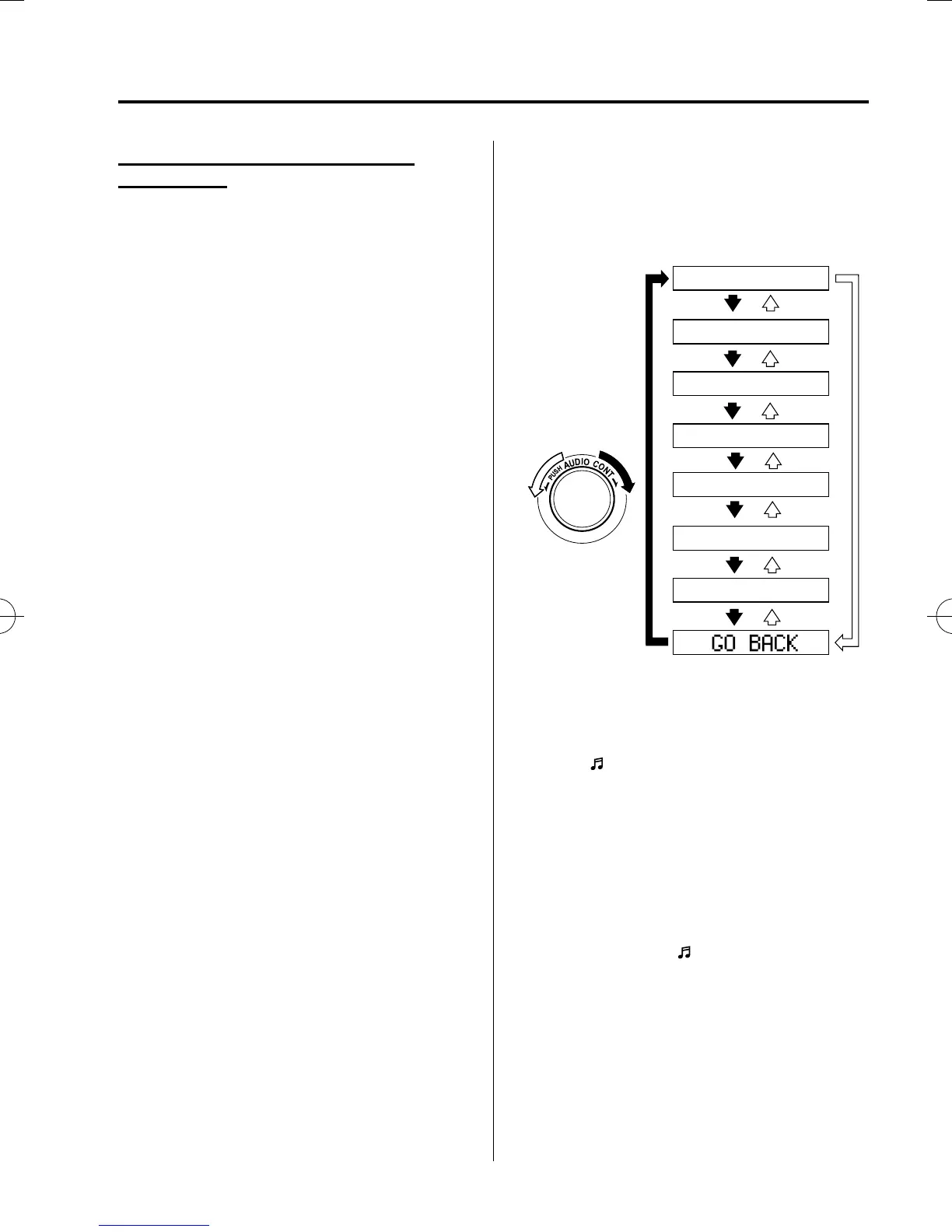
4. Turn the audio control dial to select the
name of the device you would like to
link.
Device name 1
Device name 2
Device name 3
Device name 4
Device name 5
Device name 6
Device name 7
5. Press the audio control dial to select the
device you would like to link.
The “
” symbol disappears, and
“PAIRING” flashes in the display.
NOTE
When “GO BACK” is selected and the audio
control dial is pressed, the display returns to
“LINK CHANGE”.
6. If the link to the desired device is
successful, the “
” symbol is
displayed again, toget her with
“LINK CHANGED”.
“LINK CHANGED” is displayed for
three seconds, then it returns to the
normal display.
Interior Comfort
Bluetooth® Audio
6-65
Mazda5_8FA7-EA-15G_Edition3 Page261
Friday, December 4 2015 8:27 AM
Form No.8FA7-EA-15G







 To Next Page