Black plate (120,1)
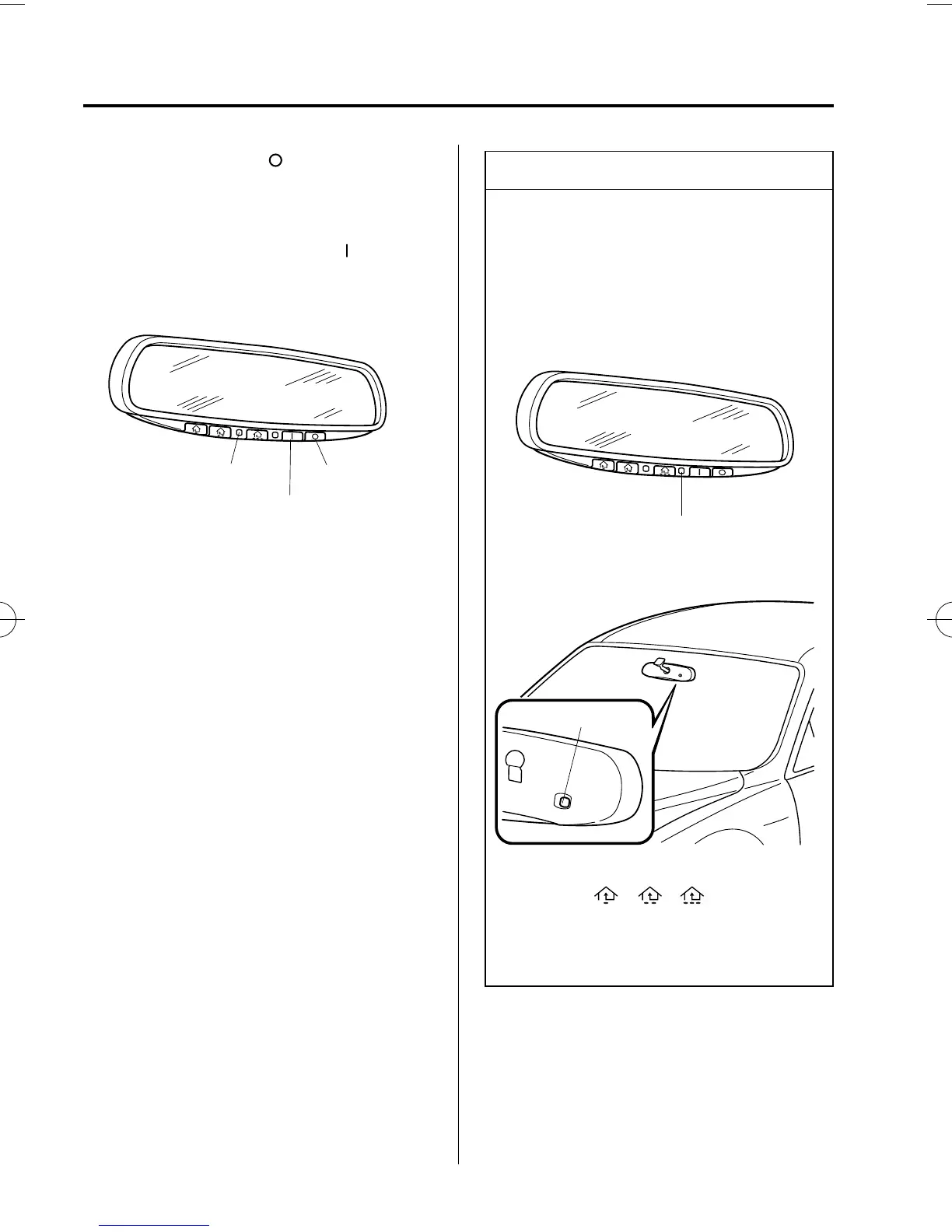
Press the OFF button ( ) to cancel the
automatic dimming function. The
indicator light will go off.
To reactivate the automatic dimming
function, press the ON button (
). The
indicator light will illuminate.
Indicator light
OFF button
ON button
NOTE
l
Do not use glass cleaner or suspend
objects on or around the light sensor.
Otherwise, light sensor sensitivity
will be affected and may not operate
normally.
Light sensor
Light sensor
l
For information regarding the 3
buttons (
, , ) on the auto-
dimming mirror, refer to HomeLink
Wireless Control System (page
5-47).
3-42
Knowing Your Mazda
Steering Wheel and Mirrors
Mazda6_8W89-EA-06K_Edition1 Page120
Tuesday, November 14 2006 1:23 PM
Form No.8W89-EA-06K



 To Next Page