10
1-2. What You Can Do With Connected Service (Continued)
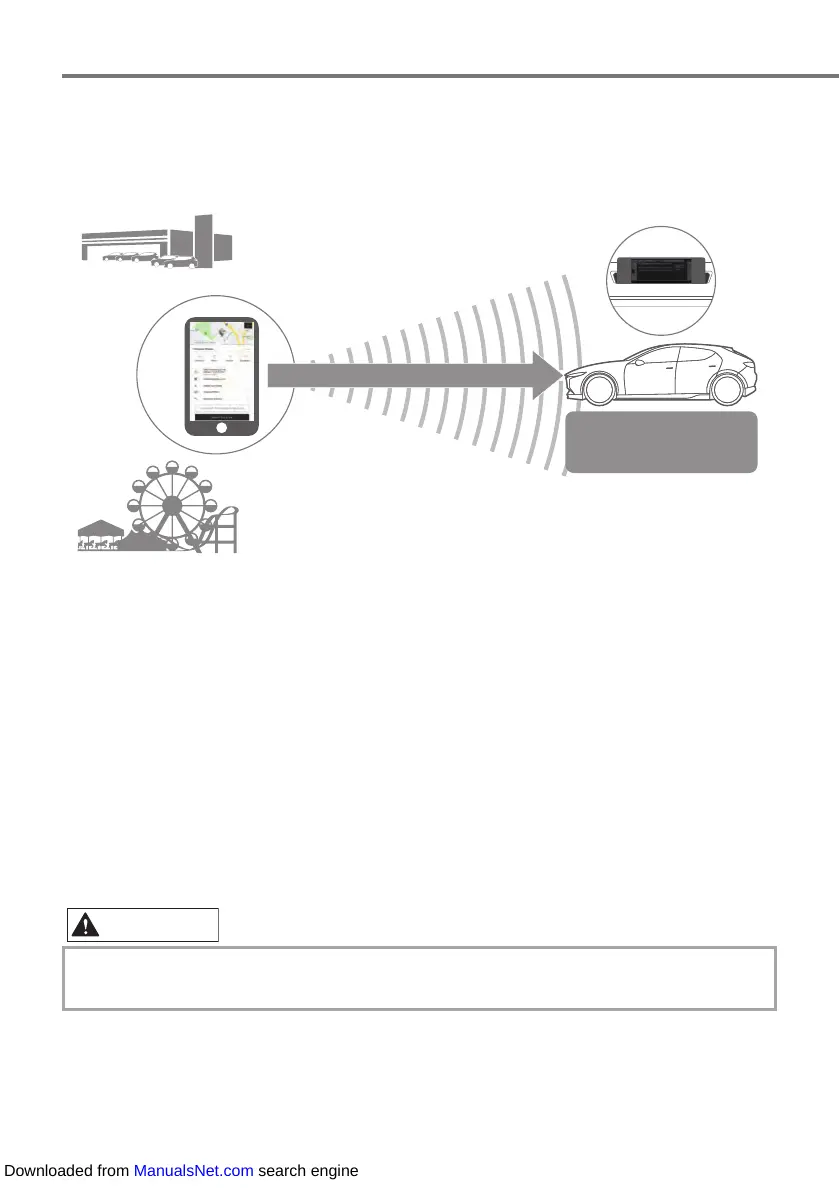
Send to Car
$PXVHPHQWSDUN
'HDOHU
6HQGSRLQWLQIRUPDWLRQ
6HWWKHRUGHUDQGURXWH
RIWKHGHVWLQDWLRQ
RQWKHFHQWHUGLVSOD\
Before getting into the vehicle, a search for information can be carried out on a destination
where navigation guidance is required using the MyMazda APP. This can then be sent to the
vehicle as a destination.
Multiple destinations can be sent and the destination and places along the route can be sent all
at once.
When the driver gets into the vehicle and starts the engine, the destination information is sent
to the vehicle and the trip can begin immediately by setting the route on the center display.
3-5. Using Send to Car
To use the navigation system, the SD card containing the map information needs to be
inserted in the SD card slot.
Downloaded from ManualsNet.com search engine



 To Next Page