▼
System Operation
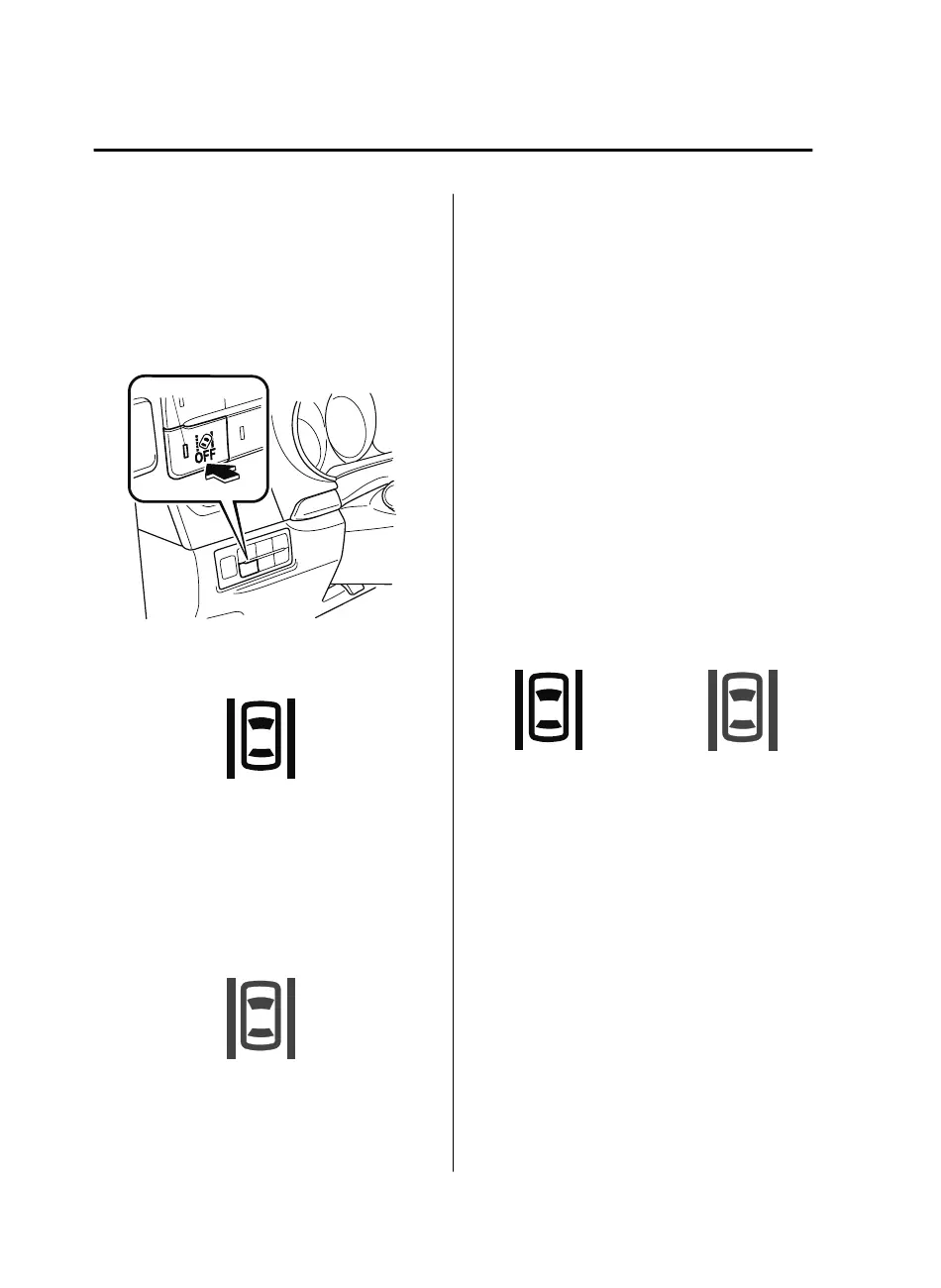
Make sure that the LAS&LDWS OFF
switch indicator light is turned off. When
the LAS&LDWS OFF switch indicator
light is turned on, press the switch and
make sure that the switch indicator light
turns off.
Indicator light
The LAS&LDWS indication (white) is
displayed in the multi-information display,
and the system goes on stand-by.
(White)
Drive the vehicle in the center of the
vehicle lane while the system is on
standby. When all of the following
conditions are met, the LAS&LDWS
indication (green) is displayed in the
multi-information display, and the system
becomes operational.
(Green)
•
The engine is running.
•
The vehicle speed is about 60 km/h (37
mph) or faster.
•
The system detects white (yellow) lane
lines on both the right and left sides.
•
The driver is operating the steering
wheel.
•
The driving lane is neither narrow nor
wide.
NOTE
The LAS&LDWS indication is white when
the system detects only a white (yellow)
line on either the left or right, and the
indication changes to green when the
system detects white (yellow) lines on both
the left and right sides.
Detection only on
either left or right
Detects on both
left and right sides
(White) (Green)
When Driving
i-ACTIVSENSE
4-126
CX-9_8GC3-EA-17G_Edition1 2017-5-29 10:13:38



 To Next Page