▼
Playback
Select the icon on the home screen to display the Entertainment screen. When is
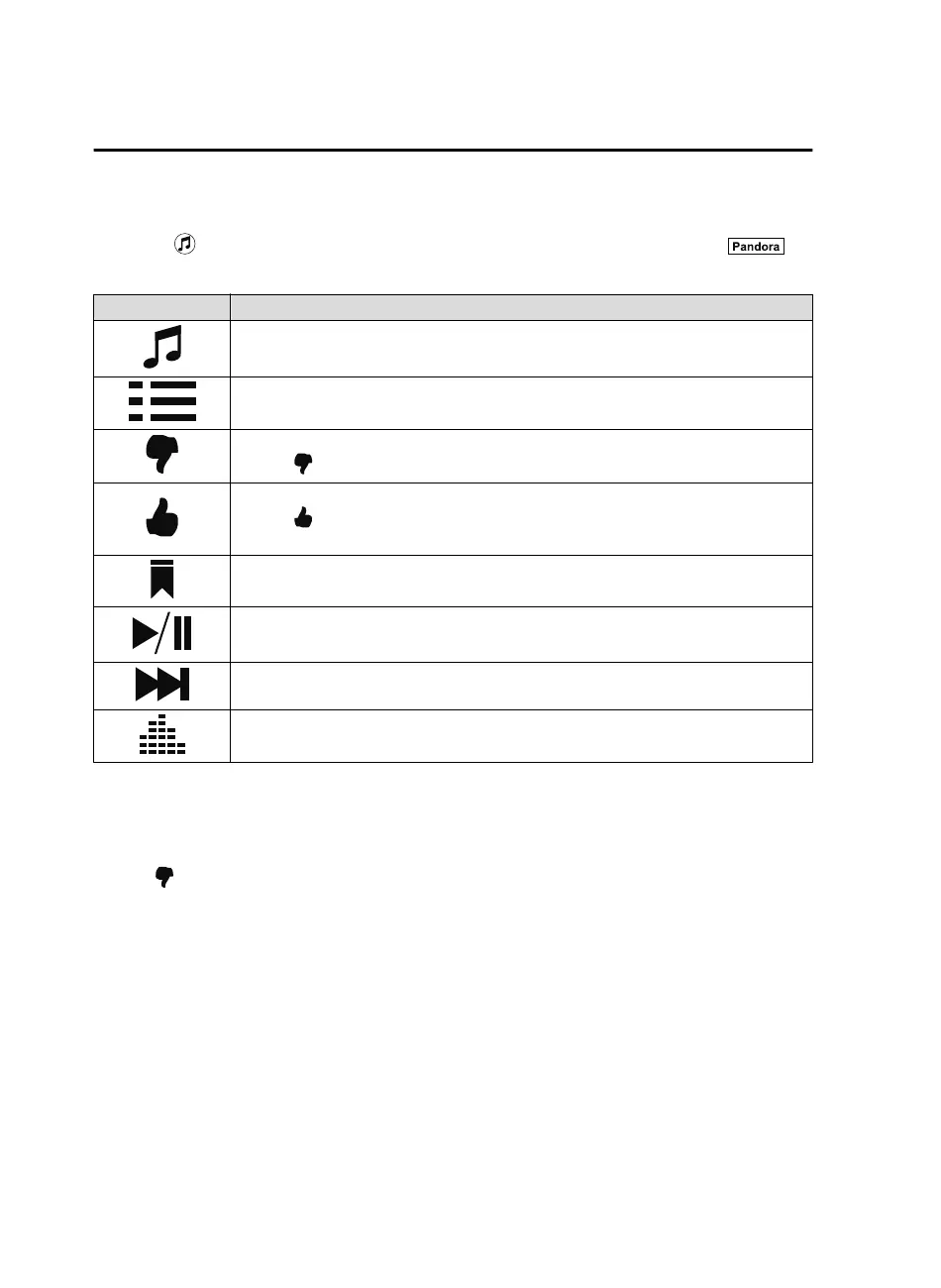
selected, the following icons are indicated in the bottom part of the center display.
Icon Function
Displays the Entertainment menu. Use to switch to a different audio source.
Displays the station list.
Use to switch to other stations.
Thumbs-Down
Press the
icon to tell Pandora
®
not to play this track.
Thumbs-Up
Press the
icon to tell Pandora
®
“you like this track” and it helps to bring in more tracks
like it to your station.
Bookmarking
Bookmarks the song or artist currently being played.
Plays the track. When selected again, playback is temporarily stopped.
Goes to the next song.
Displays sound settings to adjust audio quality level.
Refer to Volume/Display/Sound Controls on page 5-26.
NOTE
•
The skip function may not be available depending on the device.
•
The number of skips is limited by Pandora
®
.
•
If the icon is selected when the skip song function is running, the next song is skipped.
Interior Features
Audio Set
5-54
CX-9_8GC3-EA-17G_Edition1 2017-5-29 10:13:38



 To Next Page