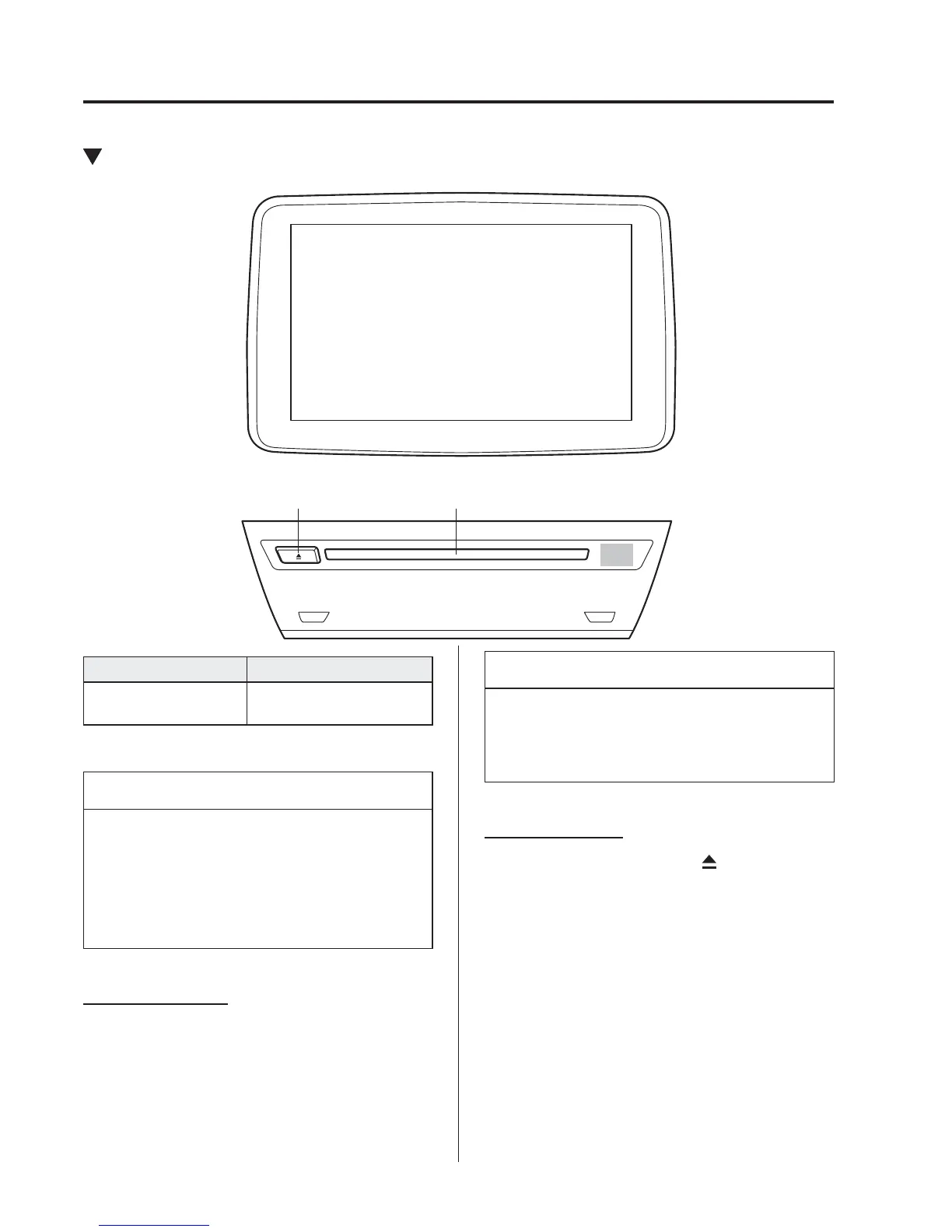
*Some models.
5
–
64
Interior Features
Audio System
Operating the Compact Disc (CD) Player
*
CD slotCD eject button
Type Playable data
Music/MP3/WMA/
AAC CD player
Music data (CD-DA)
MP3/WMA/AAC fi le
NOTE
If a disc has both music data (CD-
DA) and MP3/WMA/AAC fi les,
playback of the two or three fi le types
differs depending on how the disc was
recorded.
Inserting the CD
Insert the CD into the slot, label-side up.
The auto-loading mechanism will set the
CD and begin play.
NOTE
There will be a short lapse before play
begins while the player reads the digital
signals on the CD.
Ejecting the CD
Press the CD eject button (
) to eject the
CD.




 To Next Page