5
–
66
Interior Features
Audio System
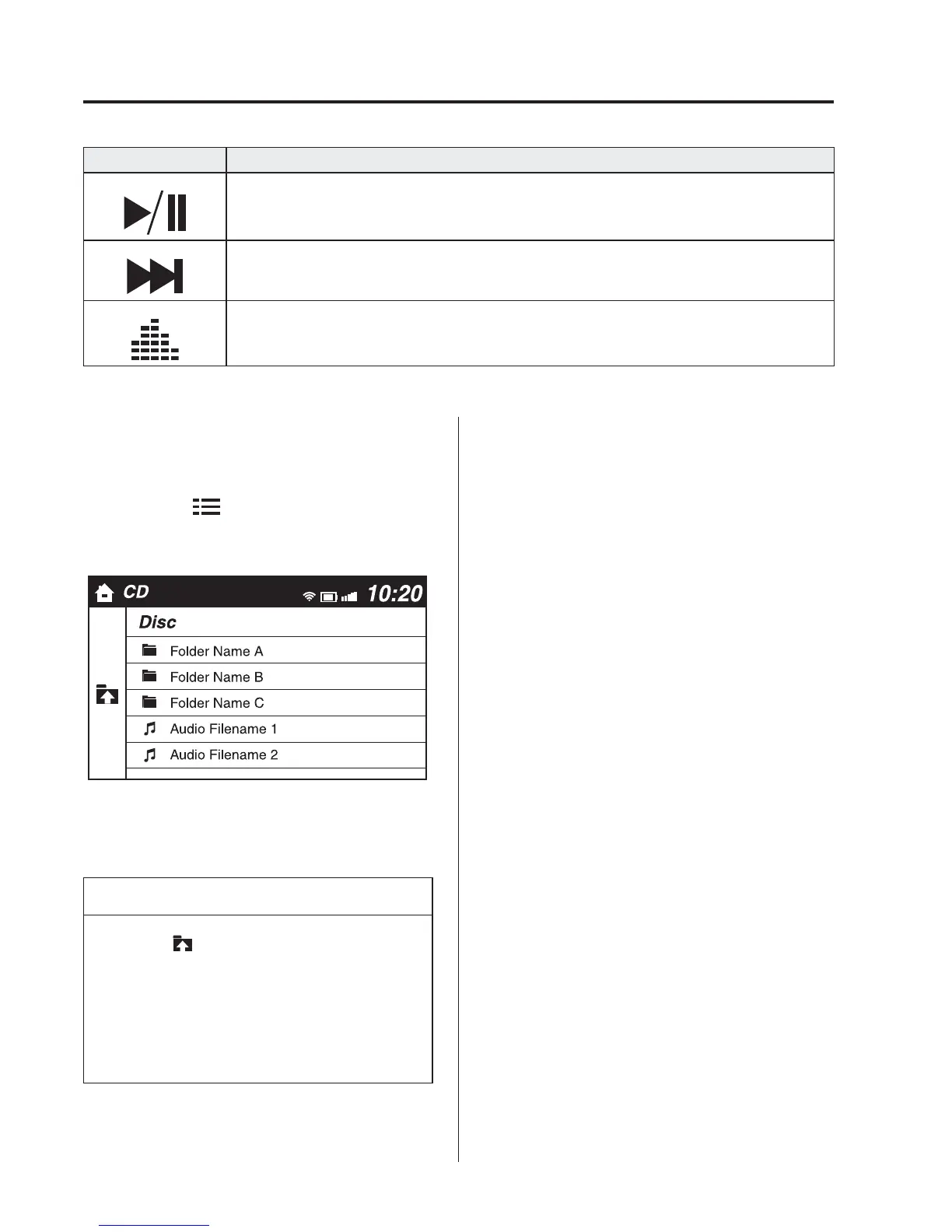
Icon Function
Plays a CD. When selected again, playback is temporarily stopped.
Advances to the beginning of the next song.
Long-press to fast forward. It stops when you remove your hand from the icon or the
commander knob.
Displays sound settings to adjust audio quality level.
Refer to Volume/Display/Sound Controls on page 5-54 .
Example of use (When searching for
a song from the top level of an MP3/
WMA/AAC CD)
1. Select the
icon and display the
folder/fi le list at the top level.
2. When the folder is selected, folders/fi le
lists in the folder are displayed.
3. Select the desired song.
NOTE
Select to move to a folder one
level higher.
The appearance of the repeat and
shuffl e icons changes depending on
the type of operation in which the
function is used.












 To Next Page