Multi-information Display
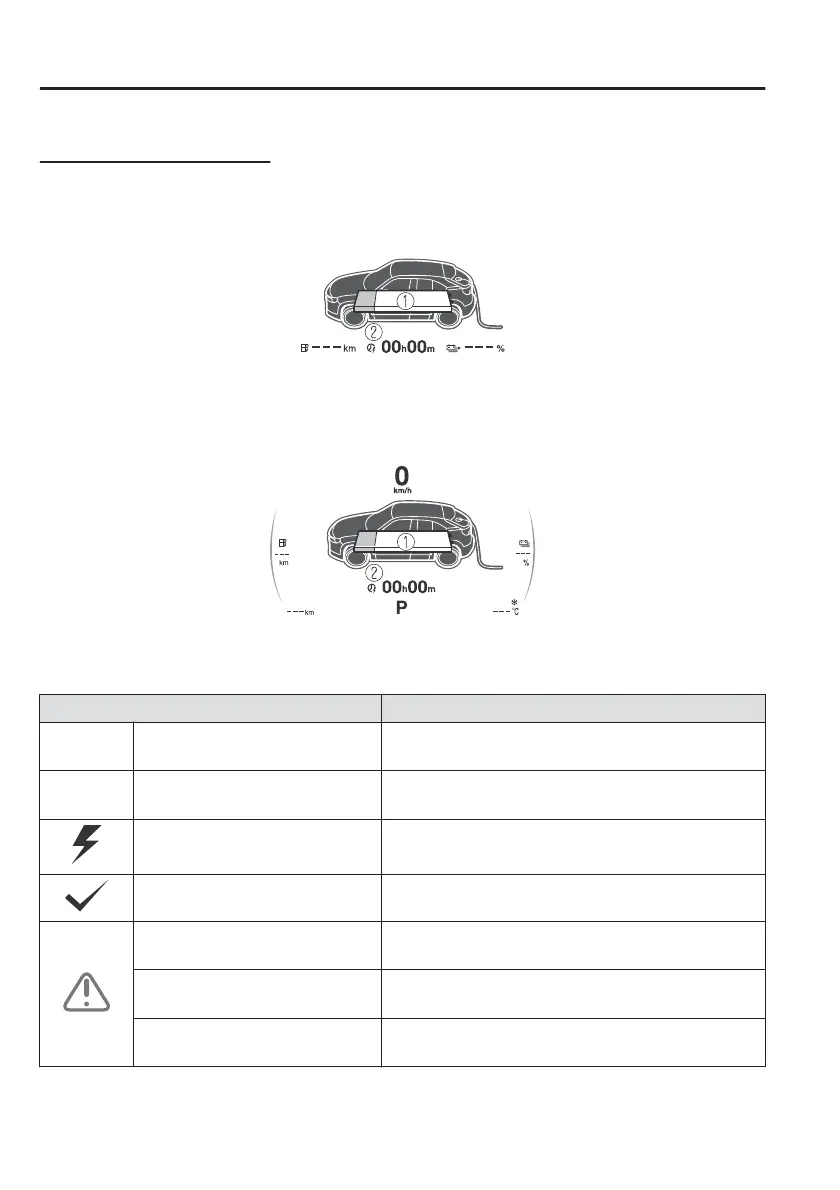
When the driver's door is opened with the charge connector connected, the
charging status is displayed on the multi-information display.
Power switch OFF
1. High voltage battery indication
2. Charging completion time
Power switch ON
1. High voltage battery indication
2. Charging completion time
Indication Content
— Preparing to Charge
Displays while the charging timer is being cancelled
and when the charging connector is connected.
— Charging Scheduled
Displays while in charging timer mode and when the
charging connector is connected.
Charging Displays during charging.
Charging Complete Displays when charging is completed.
Charging Error. Shift Selector Lev-
er Not in Park
Displays when charging is started with the selector
lever in a position other than P.
Charging Interrupted. See Own-
er's Manual for Details
Displays when charging is interrupted.
Charging Error. Have the Vehicle
Inspected
Displays when charging is not possible due to a
charging system problem.
Before Driving
Electric Vehicles
3-24



 To Next Page