Cruise Control
▼
Cruise Control
With cruise control, you can set and
automatically maintain any speed of
more than about 30 km/h (19 mph).
WARNING
Do not use the cruise control under
the following conditions:
Using the cruise control under the
following conditions is dangerous and
could result in loss of vehicle control.
¾Hilly terrain
¾Steep inclines
¾Heavy or unsteady trac
¾Slippery or winding roads
¾Similar restrictions that require
inconsistent speed
¾The vehicle speed may exceed the
set speed during sudden acceleration
or on steep down slopes.
In this case, depress the brake pedal
to adjust the vehicle speed.
▼
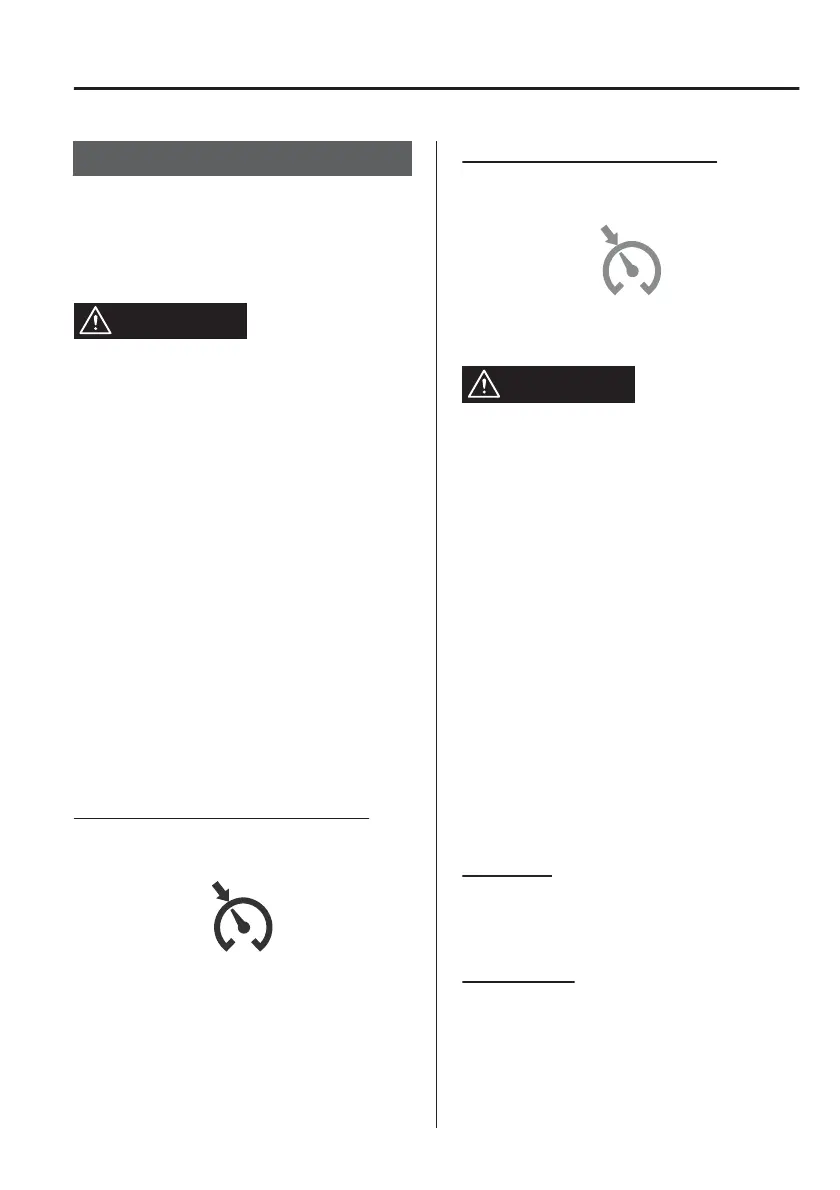
Cruise Standby Indication
(White)/Cruise Set Indication
(Green)
Cruise standby Indication (White)
The indication turns on (white) when
the cruise control system is activated.
Cruise Set Indication (Green)
The indication turns on (green) when a
cruising speed has been set.
▼
Activation/Deactivation
WARNING
Always turn o the cruise control
system when it is not in use:
Leaving the cruise control system in an
activation-ready state while the cruise
control is not in use is dangerous as the
cruise control could unexpectedly
activate if the activation button is
accidentally pressed, and result in loss
of vehicle control and an accident.
If the headway control function is
disabled using a Mazda Connect
setting, the system switches to cruise
control.
NOTE
If the power switch is switched OFF
with the headway control function
disabled, the headway control function
is enabled when the power switch is
switched ON the next time.
Activation
To activate the system, press the cruise
switch. The cruise standby indication
(white) turns on.
Deactivation
To deactivate the system, press the
cruise switch again.
The cruise standby indication (white)
turns o.
When Driving
Cruise Control
4-191



 To Next Page