When your vehicle is driven at less
than about 10 km/h (6 mph).
The selector lever is in the D
position.
When a vehicle approaches from the
front side of your vehicle at a vehicle
speed of about 5 km/h (3 mph) or
faster.
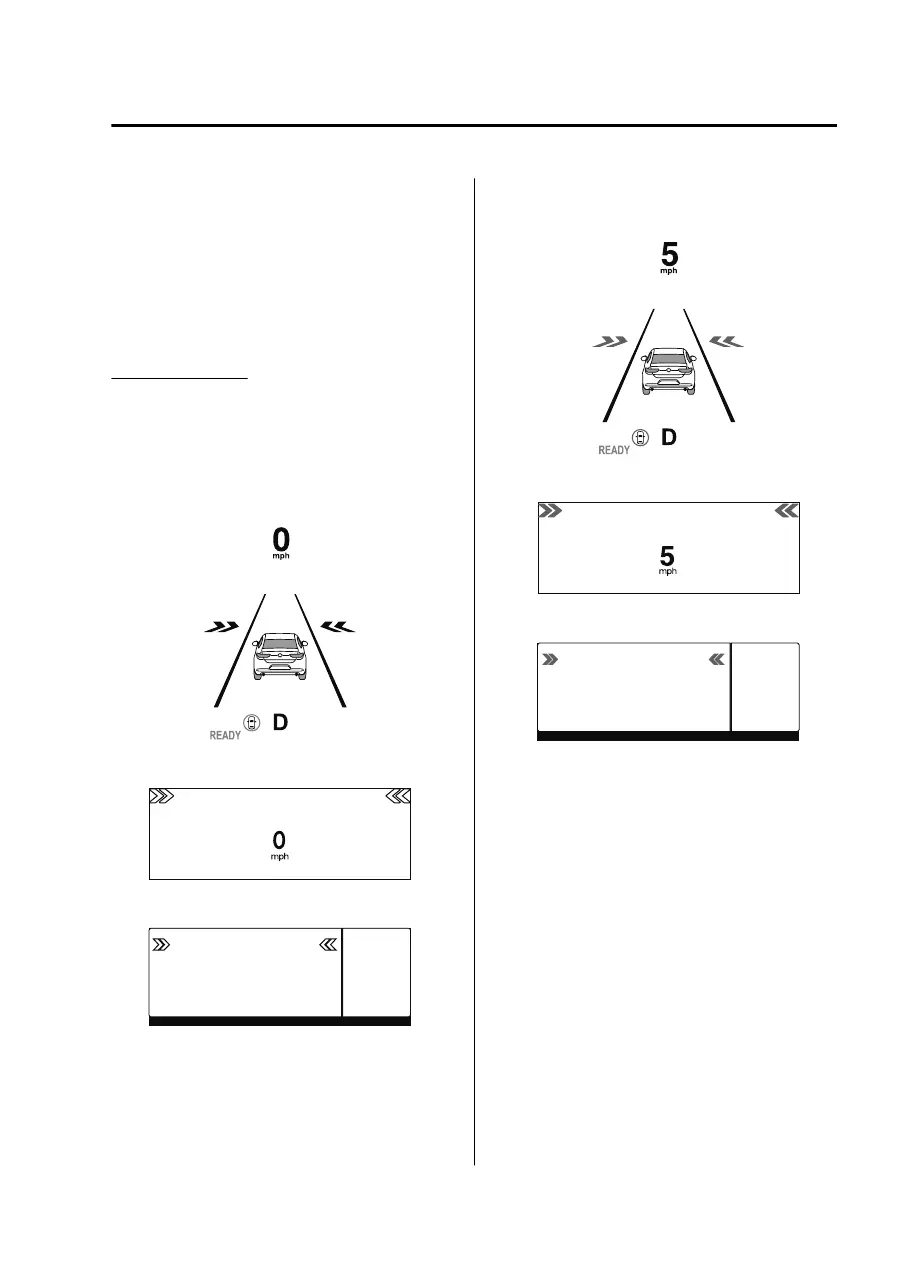
FCTA operation
When your vehicle is stopped
When a vehicle is approaching, the
system notifies the driver that a vehicle
is approaching on the following display
(white arrow).
Multi-information display
Active driving display (vehicles with
active driving display)
360°view monitor (vehicles with
360°view monitor)
When your vehicle is being driven
If there is a possibility of a collision
with an approaching vehicle, a warning
indication is displayed on the following
display (amber arrow) and the warning
sound is activated at the same time.
Multi-information display
Active driving display (vehicles with
active driving display)
360°view monitor (vehicles with
360°view monitor)
NOTE
The system may operate under the
following conditions even if a vehicle
is not approaching.
An object that reflects the radio
waves of the radar such as a
parked vehicle, guardrail, or wall is
directly next to your vehicle.
Vehicles are stopped in the area
around your vehicle such as during
heavy trac.
A vehicle approaching from the
front or side of your vehicle slows
down.
A vehicle approaching from the
front or left side of your vehicle
makes a right or left turn directly in
front of your vehicle.
When Driving
i-ACTIVSENSE
4-105
MX30_8JD4-EA21G_Edition4_new 2021-8-5 15:25:29



 To Next Page