▼
How to use SiriusXM Travel Link
®
SiriusXM Travel Link
®
Properly equipped Mazda vehicles will also get the following SiriusXM infotainment
services : Traffic, Weather, Sports Scores, Fuel Prices, and more. For a list of available
features in your vehicle, visit SiriusXM.com/infotainment and get the most out of your
driving experience.
Switching to SiriusXM Travel Link
®
1. Select on the home screen to display the Applications screen.
2. Select
.
3. Select the item you want to display.
NOTE
Some items cannot be selected while you are driving the vehicle.
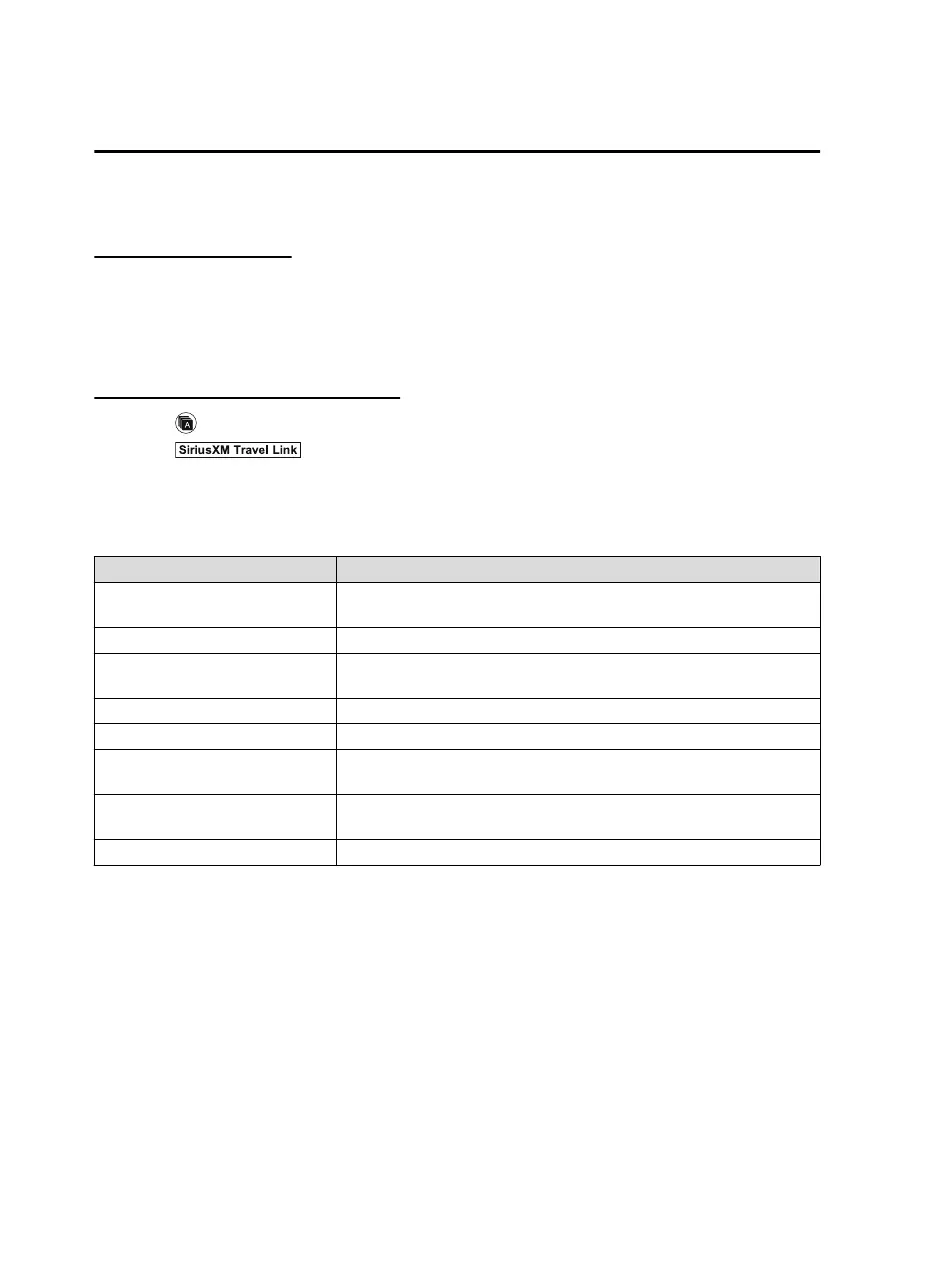
Item Function
Traffic Plus
*1
Displays continuously updated traffic information on the navigation
screen in real time.
Weather Forecast Displays the weather forecast.
Weather Radar
*1
Displays items such as weather radar, severe storms, and hurricane/tropi‐
cal storm information on the navigation screen.
Weather Alerts Displays weather information, warnings, and security alerts.
Fuel Prices Displays information for fuel stations near your vehicle's current position.
Parking
Displays information for parking areas near your vehicle's current posi‐
tion.
Sports
Displays a list of each genre list and the game schedules and match results
for teams selected from the list.
Subscription Information Displays the subscription status for the above items.
*
1 With Car navigation system
Interior Features
Audio Set
5-32
MX-5_8JA4-EA-19K_Edition1_old 2019-8-29 16:18:06












 To Next Page