Settings
NOTE
Depending on the grade and specification, the screen display may differ.
Select the
icon on the home screen and display the Settings screen.
Switch the tab and select the setting item you want to change.
You can customize settings in the setup display as follows:
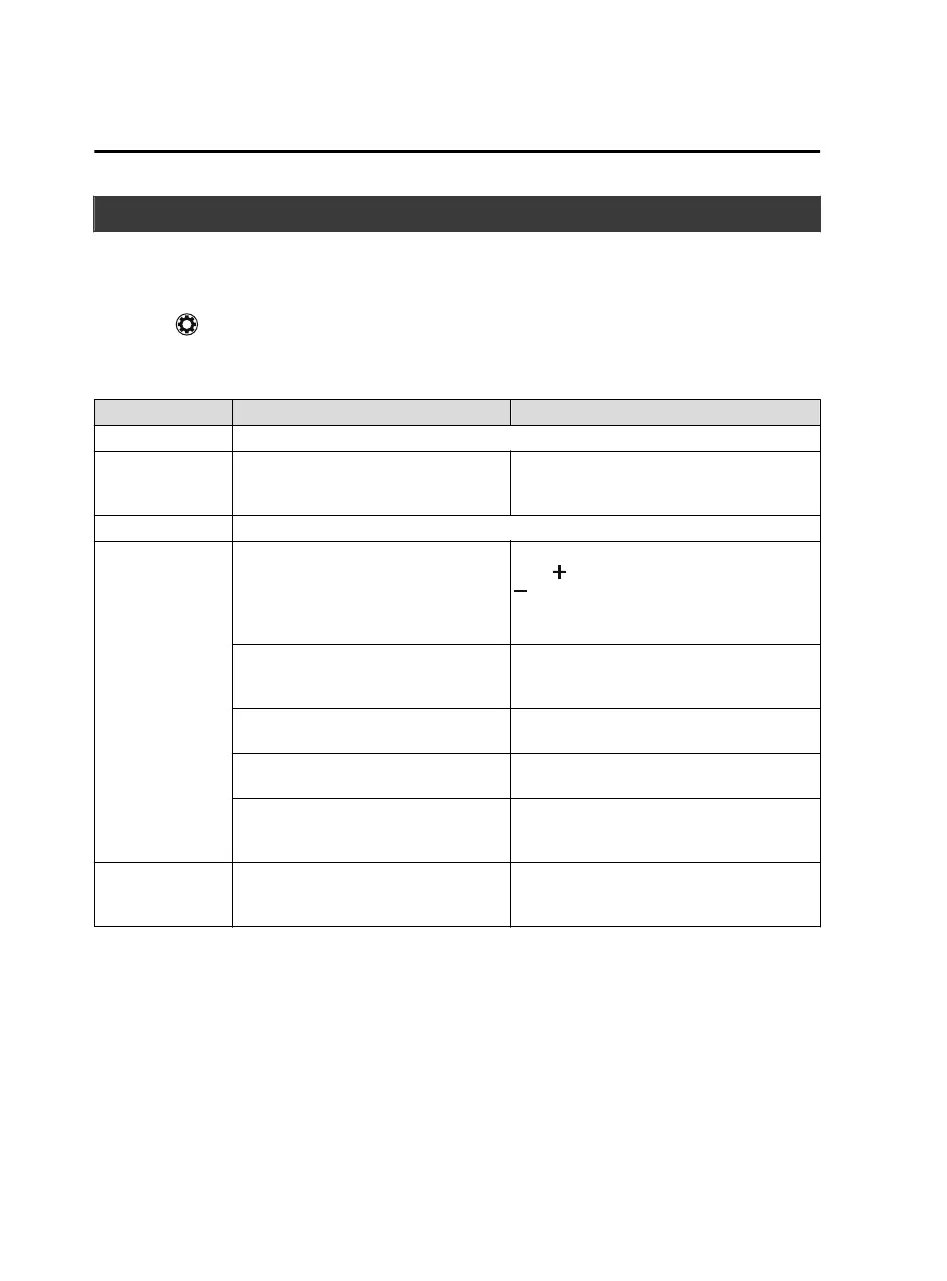
Tab Item Function
Display Refer to Volume/Display/Sound Controls on page 5-23.
Safety
Smart City Brake Support
Blind Spot Monitoring System
Other
Refer to Personalization Features on page
9-9.
Sound Refer to Volume/Display/Sound Controls on page 5-23.
Clock
Adjust Time
Displays the currently set time is displayed.
Press
to advance the hour/minute, and select
to move the hour/minute back.
AM/PM can only be selected with the 12-hour
clock display.
GPS Sync
Synchronizes with GPS when turned on.
When turned off, the time can be changed
from “Adjust Time”.
Time Format
Changes the display between 12 and 24-hour
clock time.
Time Zone Select
When it's not synchronized with GPS, select
the region you want to specify.
Daylight Savings Time
Turns the daylight saving time setting on/off.
When ON, the time advances 1 hour. When
OFF, it returns to normal time.
Vehicle
Rain Sensing Wiper
Door Locks
Other
Refer to Personalization Features on page
9-9.
Interior Features
Audio Set
5-76
MX-5_8JA4-EA-19K_Edition1_old 2019-8-29 16:18:06












 To Next Page