Switch the tab and select the station category.
Tab Function
Presets
Displays the preset station list set on the device.
Select the preset station name to play the station content.
Nearby
Select the desired station.
Guidance is provided to the searched destination near the vehicle's posi‐
tion.
You can designate desired categories previously set using the filter setting
on your device.
NOTE
The available Location Based Services may differ because the services depend on the
content provided by Aha™.
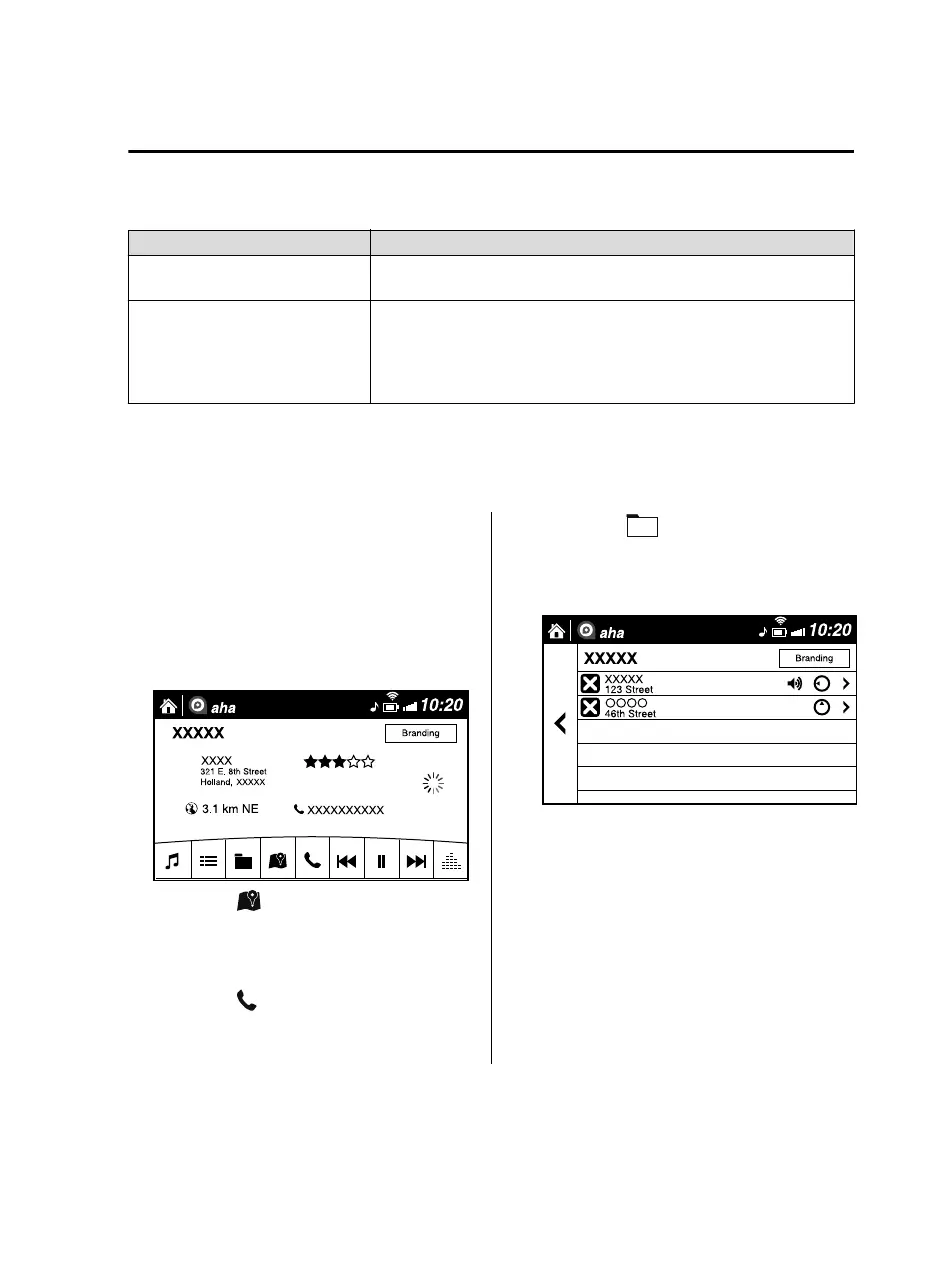
Example of use (Location Based
Services)
1. Select the desired station from the
“Nearby” tab on the main menu.
The destination name or address
playback starts in the order of the
destination name list.
2. When the icon is selected, the
currently displayed destination is
displayed on the navigation system
(vehicles with navigation system).
3. When the
icon is selected, a phone
call is placed to the currently displayed
destination.
4. Select the icon to display the
content list.
Selection of other destinations from
the list can be made.
Interior Features
Audio Set
5-61
MX-5_8JA4-EA-19K_Edition1_old 2019-8-29 16:18:06












 To Next Page