25
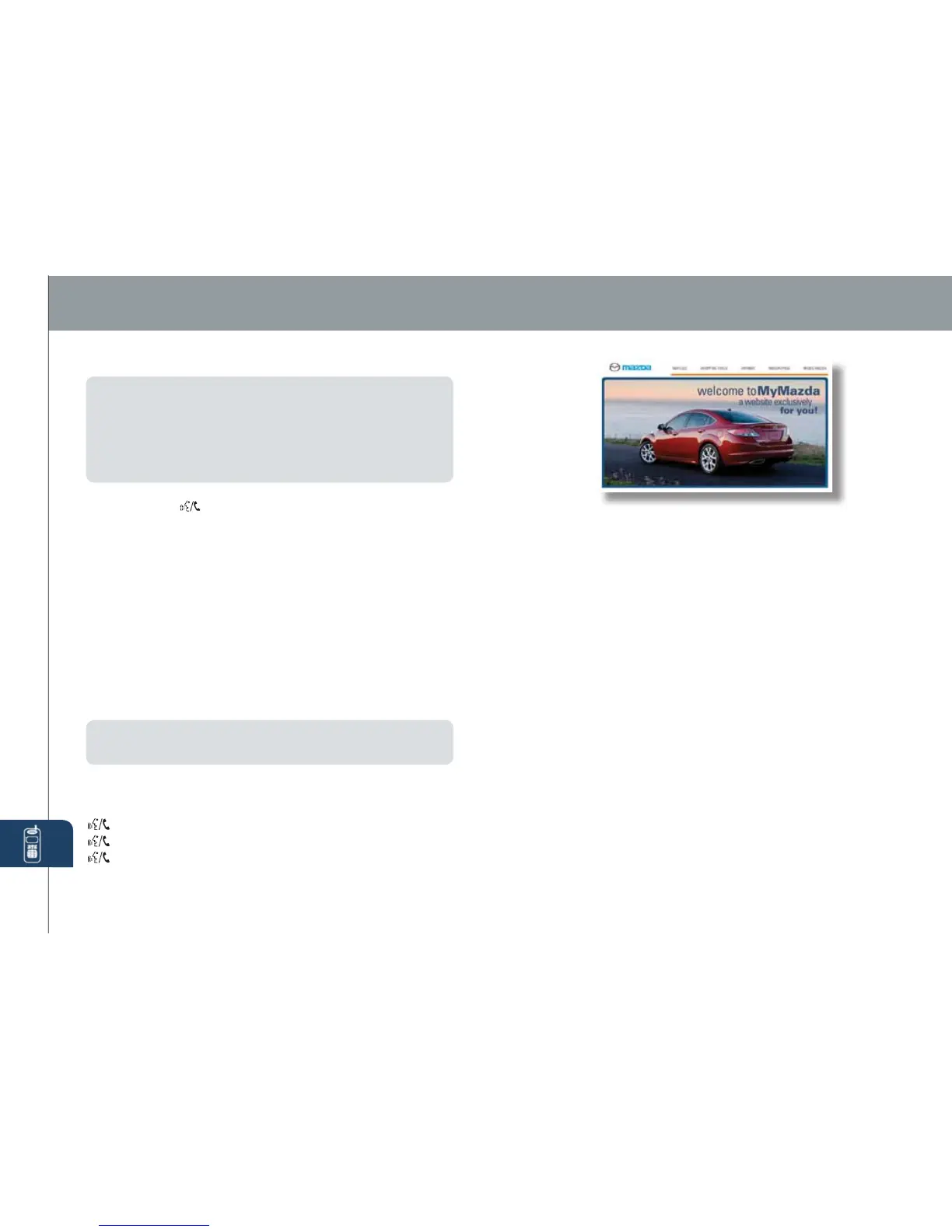
MyMazda.com—The Official
Site for Mazda Owners
Register today on MyMazda.com—the ultimate
destination for Mazda Owners. Once registered,
you’ll be able to take advantage of benets
exclusively for Mazda Owners:
•
Insider access to exclusive events and promotions
• Personalized maintenance schedules
• Zoom-Zoom Owner Magazine
•
Warranty information and on-line Owner’s Manuals
• Wallpaper, videos and other fun stuff
• Accessories specically designed for your vehicle
• Car Care Discount Coupons available from your
Mazda Dealer
Visit and register at MyMazda.com today!
Roadside assistance is available 24 hours a day,
365 days a year. Using the toll free phone number
or iPhone APP (which uses GPS-enabled
technology to determine your exact location), will
put you in touch with a roadside assistance agent.
Phone # 1-800-866-1998
The APP can be downloaded, free of charge, by
logging onto http://mazda.crosscountry-auto.com/
After downloading APP, customer name, email,
iPhone number and VIN are required.
Bluetooth
®
PAIRING YOUR BLUETOOTH
®
PHONE
NOTE:
• For safety reasons, you cannot pair a phone while driving.
• Before pairing your cell phone it is recommended that you refer to its manual
for steps to turn on Bluetooth
®
and perform pairing.
• For toll-free Bluetooth
®
Hands-Free customer service and device compatibility
call 800-430-0153 or go to www.MazdaUSA.com/bluetooth for assistance.
• IMPORTANT: Set the volume level on your cell phone to the highest level
before distortion starts, then adjust the volume on the audio system.
1 Activate the Bluetooth
®
application of the mobile telephone.
2 Push button
located on steering wheel.
3 After the beep say, “Setup”.
4 After the beep, say, “Pairing options”.
5 After the beep, say, “Pair a Phone”.
6 After the beep, say any 4-digit code.
7 The prompt will repeat the number and ask if it is correct. After the
beep, say, “Yes” or “No”. If no, the system will repeat the process.
8 Use your phone’s manual for instructions on how to proceed.
9 Input the 4-digit code.
10 Name your phone, like, “Heather’s Phone”.
11 The prompt will conrm the name. After the beep say, “Yes” or “No”.
12 After the beep say a priority number between 1 and 7. 1 being the
phone used most often.
13 The prompt will conrm the priority number. After the beep say, “Yes”
or “No”.
14 Pairing is complete.
NOTE:
Please refer to your Owner’s Manual for complete details on how to “pair”
up to 7 Bluetooth
®
phones, and how to use the built-in tutorial and other important
safety information.
TO MAKE OR RECEIVE A HANDS-FREE CALL
Basic Operation:
button: To make/receive/swap a call.
button: To end/reject a call.
button: To skip voice guidance (for speeding up operation).
www.MazdaUSA.com
280338_11a_Mazda_MX5_SSG_061510.indd 26-27 6/15/10 11:15 AM



 To Next Page