13 14
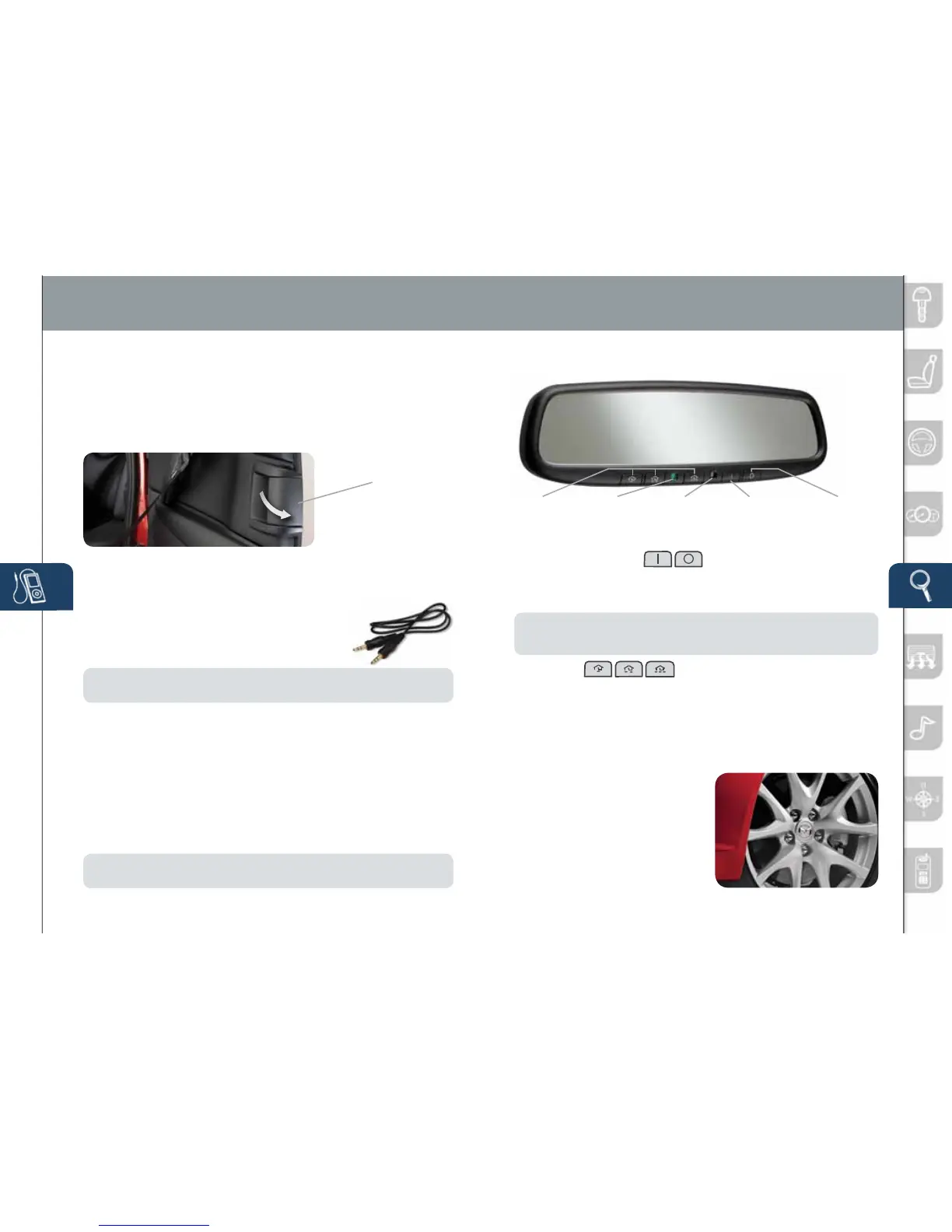
Youraluminumwheelshaveaprotective
coatingonthem.Onlyuseamildsoap
orneutraldetergentwithaspongeor
softclothtocleanthem.Usingawire
brush,polishingcompound,solvent,
oranytypeofabrasivecleanermay
damagetheprotectivecoating.
ALUMINUM WHEEL CARE
Feature Highlights
FREESTYLE DOORS
• Openthefreestyledoorbyopeningthefrontdoorrstandthenpulling
thereardoorhandle.
• Toallowforeasierentry/exitoftherearseats,see“RearSeat
OccupantExiting”.
• Closethefreestyledoorrst,andthenclosethefrontdoor.
Freestyle Door
Handle
Auto-Dimming Mirror
• Auto-Dimmingwillautomaticallydarkenyourrearviewmirrortoreduce
headlightglarefromvehiclesbehindyou.
• Auto-Dimmingisactivatedeverytimethevehicleisstarted.
NOTE:
Inadditiontotheauto-dimmingmirror’srearlightsensor,thereisalsoa
frontlightsensor(notshown).Donotplaceorhanganyobjectsoverthefrontorrear
mirrorlightsensors;otherwise,theauto-dimmingmirrorswillnotoperateproperly.
HomeLink
®
• Thisfeatureprovidesaconvenientwaytoreplaceuptothree
transmitterssuchasgaragedooropeners,homelightingremotes
andotherradiofrequencydevices.
• RefertoyourOwner’sManualforcompleteprogrammingdetails.
AUTO-DIMMING MIRROR AND HOMELINK
®
Auto-Dimming
Indicator Light
Auto-Dimming
On
HomeLink
Rear
Light
Sensor
Auto-Dimming
Off
On Off
www.MazdaUSA.com
PORTABLE
AUDIO
PLAYER
INTEGRATION
USING
THE
AUX
JACK
YourvehicleisequippedwithanAUXorauxiliary
jackthatwillallowyoutoplayyourportableaudio
playerthroughthevehicle’saudiosystem.Learnthe
systemwhenparkedanddonotletitdistractyou
whiledriving.
NOTE:
AvailableatyourMazdadealeristheGenuineMazdaAccessory3.5mm
audiocablewhichcanbeusedtoconnectyourportableaudioplayerintotheauxjack.
1 LocatetheAUXjackinsidethecenterconsole.
2 Plug3.5mmaudiocableintotheportableaudioplayerandintothe
AUXjack.Turnportableaudioplayeron.
3 Turnthevehicleaudiosystemon.
4 • Without Navigation System:PushMEDIAbuttononaudiosystem
ORpushMODEbuttononsteeringwheelcontrolsuntil“AUX”
isdisplayed.
• With Navigation System:PushSourcebuttononaudiosystem,
thenpressAUX1onscreenORpushMODEbuttononsteeringwheel
controlsuntil“AUX1”isdisplayed.
5 Usetheportableaudioplayercontrolstoplaymusic.
IMPORTANT:
Setthevolumelevelonyourportableaudioplayertothehighest
levelbeforedistortionstarts,thenadjustthevolumeontheaudiosystem.
280340_11a_RX-8_SSG_081010.indd 14-15 8/10/10 3:10 PM



 To Next Page